

Paper clutter on a desk is rarely a failure of willpower; it is a failure of physical systems. When incoming mail, invoices, and notes lack a designated physical pathway, they settle on the nearest flat surface, creating chaotic piles that increase retrieval time and cognitive load.
The Mechanics of Paper Accumulation
To prevent a desk from being overwhelmed, one must understand how paper moves. Unsorted paper accumulates due to decision friction. When a document arrives, deciding its final destination requires cognitive effort. If there is no immediate, low-friction container available, the default action is to lay the paper flat on the desk. This creates horizontal stacking, where newer documents bury older ones, obscuring deadlines and critical information.
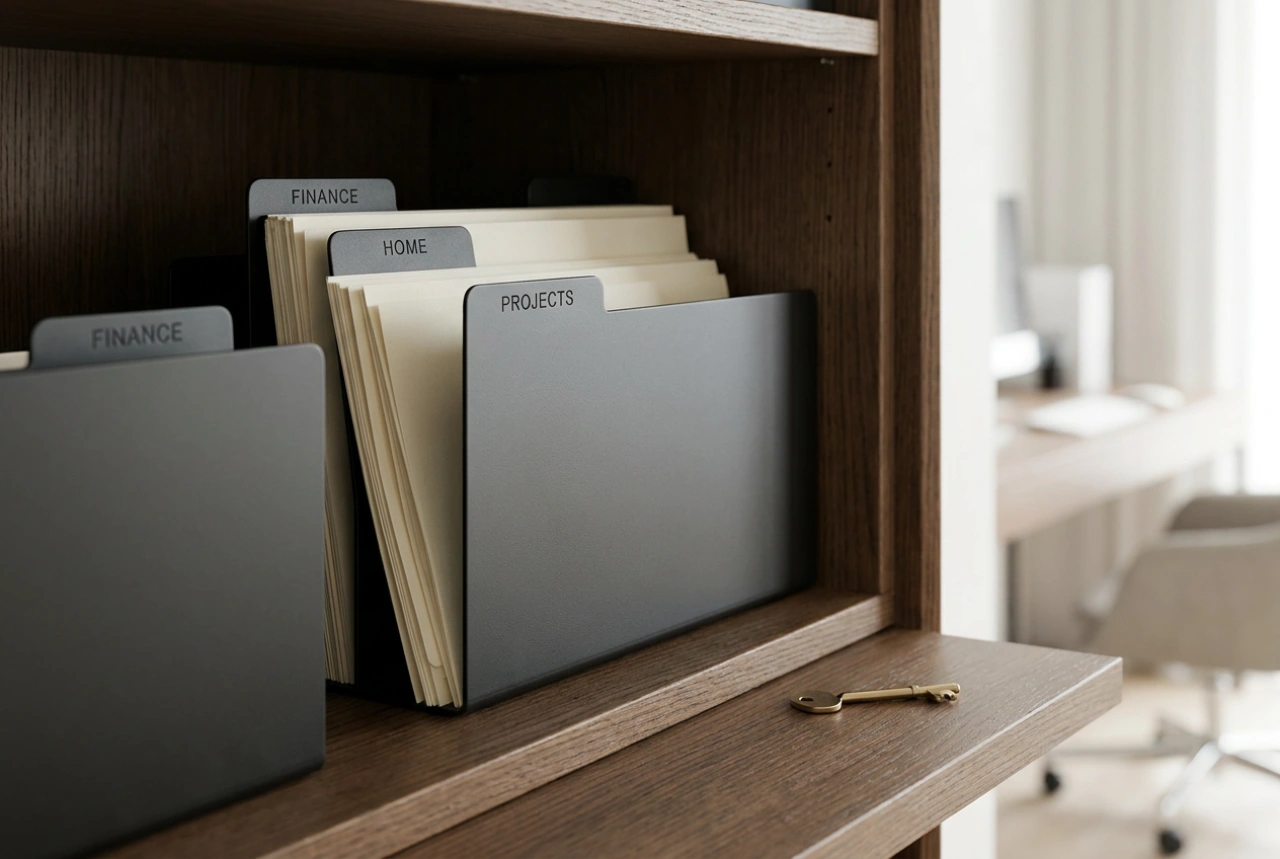
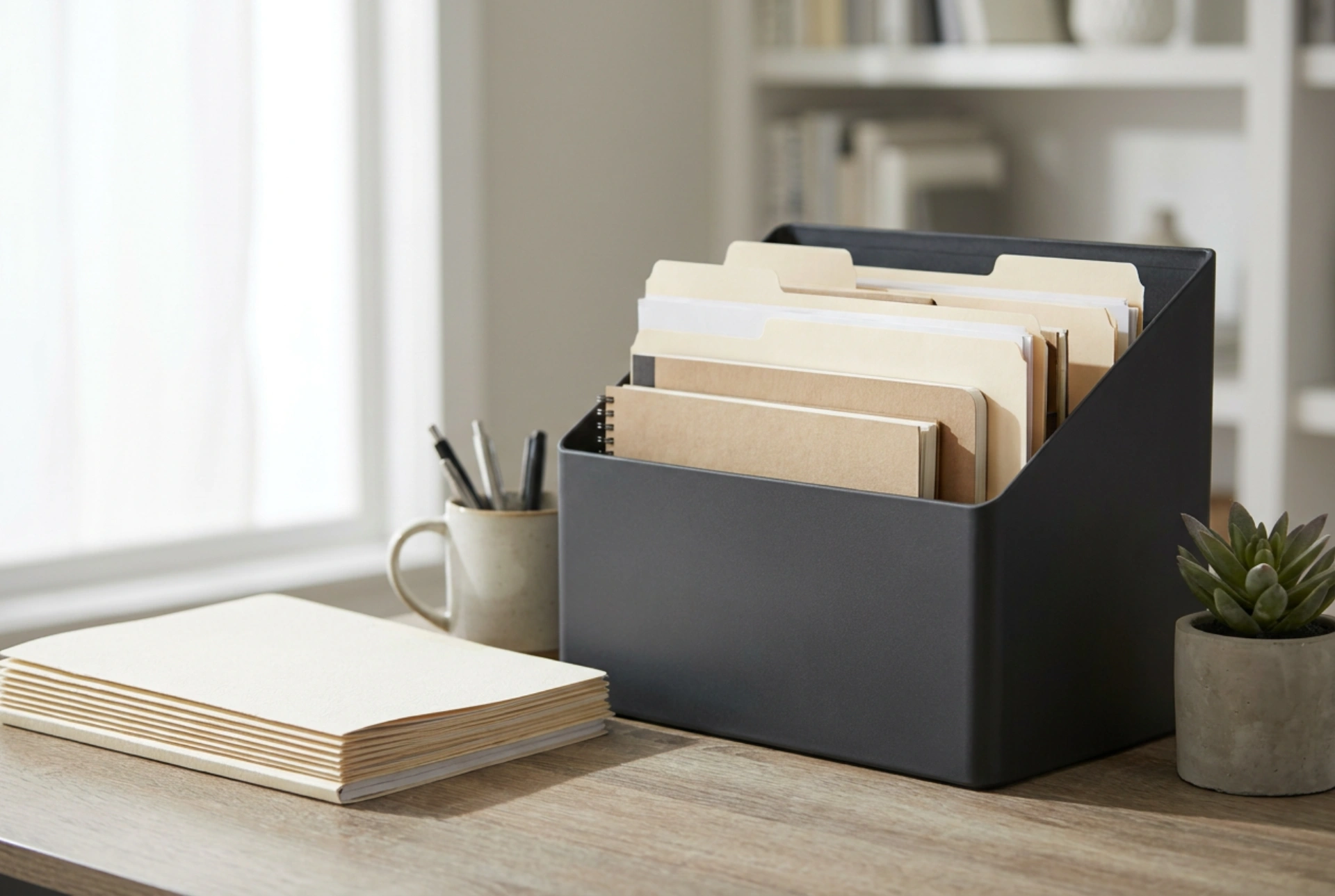
By utilising a desktop organiser, you transition from horizontal stacking to vertical indexing. Vertical indexing utilises gravity and structural dividers to keep documents visible, accessible, and separated. This physical separation dramatically reduces the time spent searching for files and prevents the accumulation of stagnant piles.
Setting Up the Three-Tier Document Pipeline
An effective organiser should function as a fluid processing plant rather than a permanent archive. To achieve this, implement a three-tiered system based on the action required, not just the subject matter of the paper.
1. The Input Zone (Immediate Action)
This is the landing pad for all incoming, unread, or unprocessed paperwork. It must be the most accessible slot in your organiser. Every piece of mail, receipt, or printed memo must land here first. Do not allow papers to sit on the desk surface; they must go directly into the Input Zone. Limit this section to items that require an action within the next forty-eight hours.
2. The Active Processing Zone (Short-Term Hold)
This section holds documents that are currently in progress or awaiting external action. For example, an invoice that has been approved but not yet debited, or a project brief currently being reference-checked. Group these documents in thin, labelled folders. Categorise them by deadline or project phase to ensure you can retrieve them in seconds without shuffling through unrelated sheets.
3. The Outbox and Archive Zone (Resolution)
The final tier is for papers that have been processed and are ready to leave your desk. This includes outgoing mail to be posted, documents waiting to be scanned into digital storage, or records destined for long-term filing cabinets elsewhere in the room. Keeping this zone separated ensures that completed work does not mix with pending tasks, preventing redundant reviews of the same document.
Optimising Physical Layout and Friction
The physical orientation of your organiser dictates its efficacy. Place the organiser on your dominant-hand side to minimise the physical effort required to file incoming papers. If you have to stretch or stand up to reach the organiser, the system will fail, and papers will default back to the desk surface.
Furthermore, opt for open-fronted vertical organisers rather than deep drawers or closed boxes. Visual cues are vital for maintaining habits; if documents are hidden behind solid doors, they are easily forgotten. Vertical dividers also prevent papers from curling or slipping underneath one another, preserving the structural integrity of your filing system.
The Weekly Reset Protocol
No physical system remains organised without regular maintenance. Establish a weekly ten-minute reset routine. During this time, empty the Input Zone entirely. Assess each document and either act on it, move it to the Active Zone, archive it permanently, or shred it. This prevents the organiser from exceeding its structural capacity and ensures that your desk remains a clear, functional workspace designed for active tasks, not passive storage.