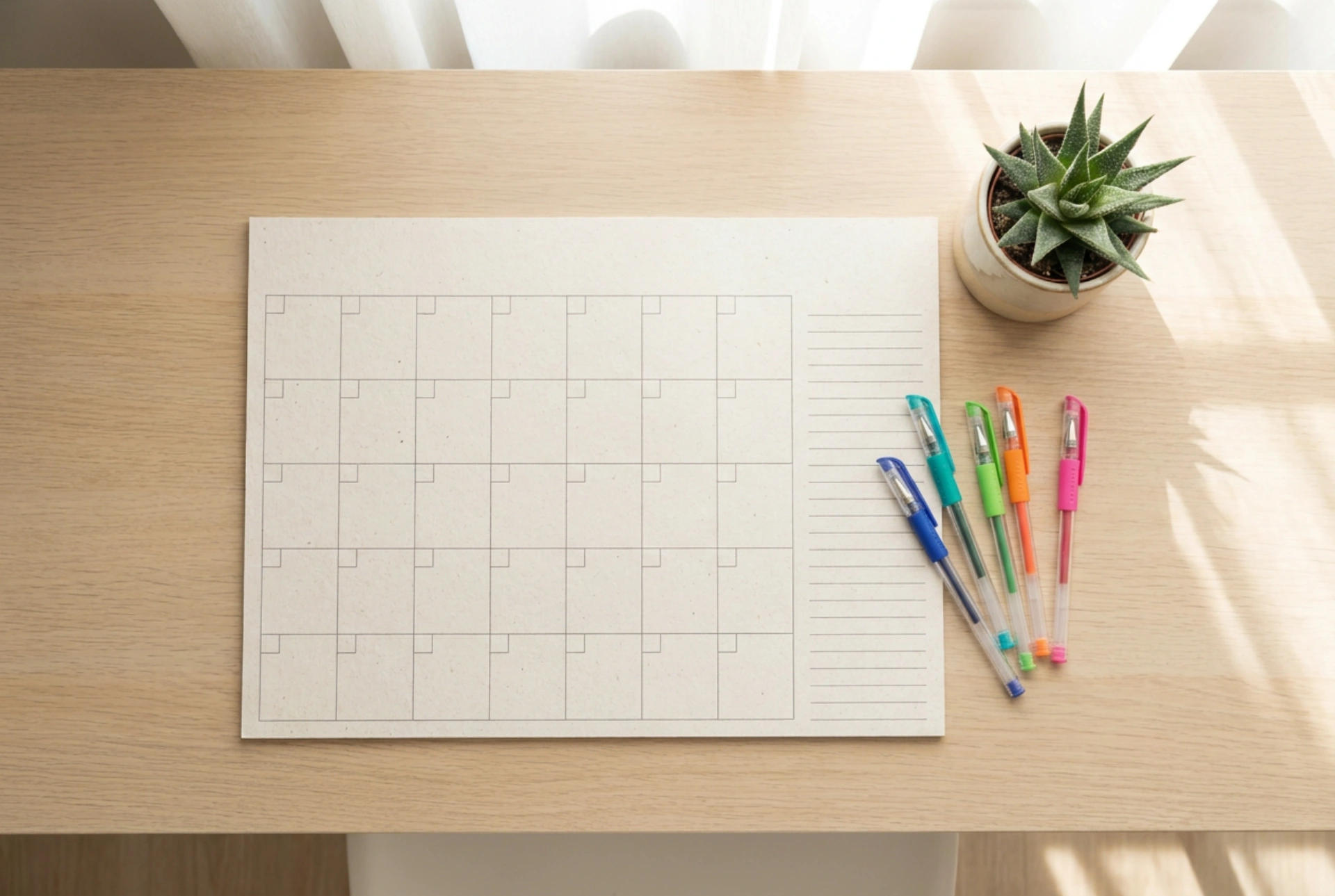


Merging emotional family memories with the hard logistics of daily scheduling creates a highly functional, visual anchor in the home. By combining a photo wall calendar with a structured family planner, you turn a simple tracking tool into an engaging, central station that every family member naturally consults daily.
The Psychology and Physics of Visual Placement
For a shared organizational system to work, it must be positioned at the correct physical and psychological intersection of the household. Locate a high-traffic zone that matches natural movement patterns, such as the side of the refrigerator, a hallway near the entrance, or next to the kitchen pantry. Mount the calendar at eye level for the average adult, ensuring that younger children can still view the lower half of the planning grid. The goal is to reduce cognitive friction: if a family member has to open a drawer or log into an app to see the schedule, the system will eventually fail. A physical wall interface utilizes spatial memory, helping our brains map out time linearly and associate specific weeks with physical space.
Selecting the Right Layout and Material Grid
Not all calendars are built for heavy planning. When integrating personal photos with daily schedules, the design must prioritize grid space over imagery, or balance them perfectly. Opt for a layout where the top half features the photograph and the bottom half contains a generous, unadorned grid with distinct columns or rows for individual family members. A matrix layout—where rows represent days of the week and columns represent different family members—is highly effective. Avoid glossy or heavily coated paper finishes for the grid section. Matte, uncoated high-weight paper (at least 170-200 gsm) is essential because it absorbs water-based gel inks, ballpoint pens, and highlighter pigments instantly without smudging or bleeding through to the next month.
Establishing a Color-Coded Activity System
To prevent visual clutter, establish a standardized color-coding system based on pigment chemistry. Assign a specific color to each family member, plus one neutral color for general household tasks or shared events. Use high-quality pigment-based gel pens or fine-line markers. Unlike dye-based inks, pigment inks are water-resistant and highly lightfast, meaning they will not fade when exposed to direct sunlight through a window. Apply a simple hierarchy: write the core event in the designated family member's color, and use a light, transparent water-based highlighter to block out duration blocks or urgent deadlines. This physical color-coding allows the brain to process schedules in milliseconds through pre-attentive visual processing, bypassing the need to read every single word.
Managing the Integration of Photos and Tasks
The primary challenge of a photo-planner hybrid is ensuring the images do not distract from the logistical information. Use the photo section not just for decoration, but as an emotional motivator or seasonal anchor. For example, feature photos of past summer holidays in the August slot to build anticipation, or select images with neutral, desaturated backgrounds that do not clash with the bright ink colors used on the planning grid below. If the calendar grid itself contains small photo inserts, limit them to milestone days (like birthdays or anniversaries) to preserve writing space. For daily updates, utilize low-tack paper sticky notes. These allow you to move tasks around without tearing the paper fibers or leaving a sticky adhesive residue that attracts dust and ruins the calendar surface.
Maintaining the System and Creating Routine
A calendar is only as good as its maintenance routine. Establish a weekly five-minute synchronization meeting, preferably on Sunday evening, where family members review the upcoming week together. Use this time to physically update the grid, cross off completed tasks, and move sticky notes. This physical interaction with the paper creates a tactile feedback loop, reinforcing commitment to the schedule. Additionally, keep a dedicated pen holder mounted directly next to the calendar. If the writing instruments are not immediately accessible, updates will be postponed, and the system will quickly fall out of sync.