

A cluttered workspace directly degrades focus and cognitive capacity by continuously demanding visual attention. Maintaining a clean desk relies on establishing logical physical zones using specific, functional accessories that prevent the accumulation of loose paper and stray tools.
The Physics of Desktop Order: Active vs. Passive Zones
To keep a desk clean, you must divide the surface into distinct zones based on the frequency of physical interaction. The active zone—the area directly within arm's reach—should only host tools in immediate use, such as your keyboard, mouse, and current notepad. Everything else belongs in the passive zone or secondary storage.
Desk accessories are not decorative; they are containment systems designed to prevent entropy. When items lack a designated physical boundary, they migrate across the desk surface. By introducing structured barriers, you limit this physical movement and reduce cognitive load.
Horizontal vs. Vertical Paper Management
Paper is the primary source of desk clutter. Placing documents flat on a desk invites stacking, which hides information and encourages procrastination. Vertical organizers and tiered paper trays utilize vertical space, keeping documents visible and categorized by urgency.
- Vertical Sorters: Excellent for active projects. Keeping folders upright allows you to read labels instantly without shuffling through a pile.
- Tiered Inboxes: Perfect for defining workflow stages. Use a simple three-tier system: incoming tasks, active processing, and completed documents awaiting filing.
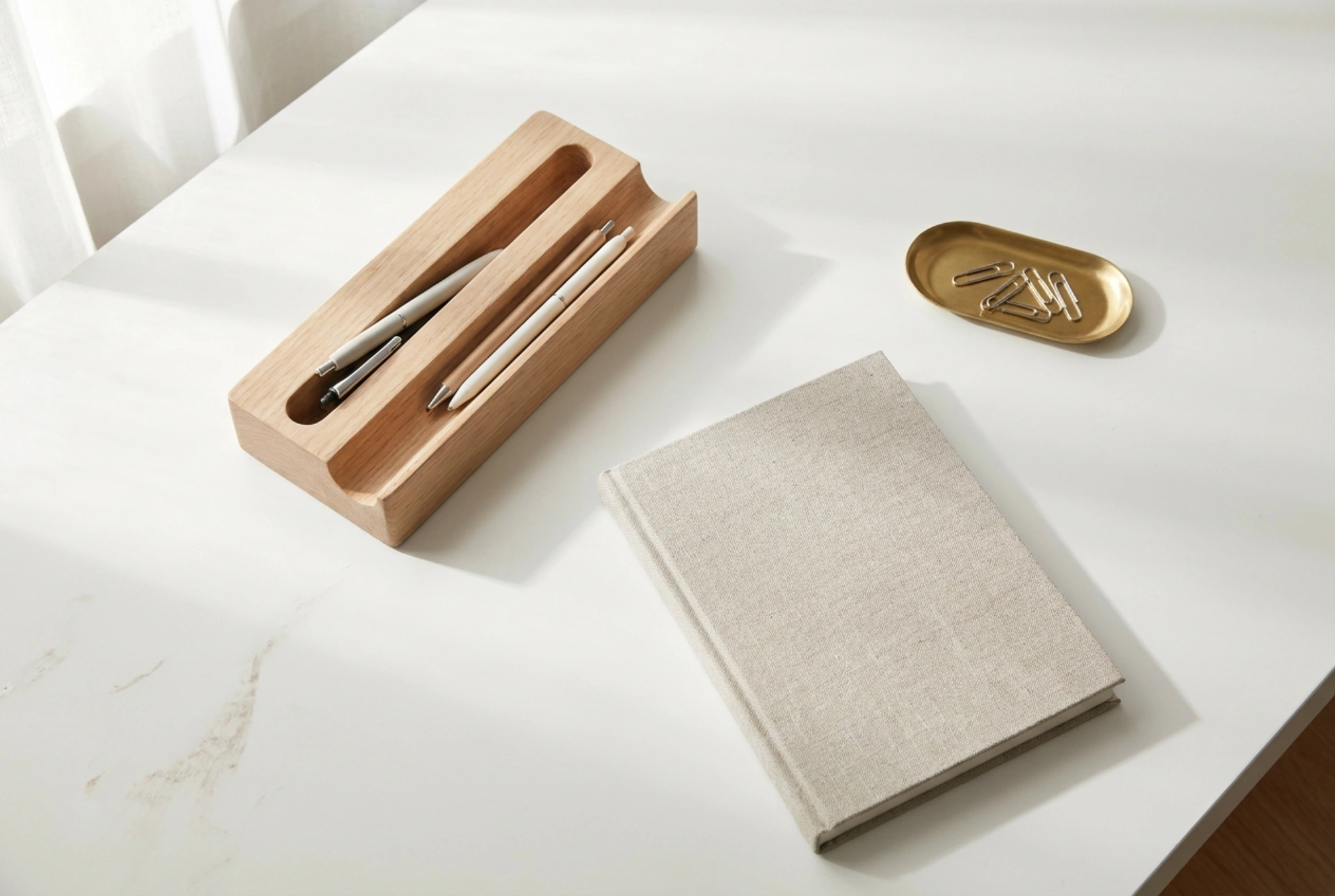
- Brass Paperclip Trays: Small, heavy containers keep binding tools in one place, preventing loose clips from scattered nesting in corners.
The Science of Cable Containment
Loose cables create physical obstacles and gather dust, complicating daily surface cleaning. Managing power and data lines requires securing them both on and beneath the desk surface. Gravity works against loose cords, so physical anchors are essential.
Weighted desktop cable holders prevent cords from slipping behind the desk when disconnected. Under-desk cable management trays or J-channels route power strips and excess cord length away from your feet and out of sight. Restricting cable movement prevents physical wear on the internal copper wiring and eliminates visual noise.
Small Item Consolidation and Pen Trays
Writing instruments, memory sticks, and small hardware tend to wander across the workspace. A dedicated pen tray or a shallow wooden drawer insert establishes a strict physical boundary for these smaller objects.
Using a shallow tray rather than a deep cup prevents the accumulation of broken or dried-out pens. When tools are laid out horizontally in a shallow tray, you can identify and retrieve the correct item instantly, eliminating the need to rummage. This method also forces regular curation, as the physical capacity of a shallow tray is naturally limited.
Choosing Materials That Support Cleanliness
The materials of your desk accessories affect how easily they can be cleaned and maintained. Smooth, non-porous surfaces are ideal for longevity and hygiene.
- Hardwoods: Solid wood trays provide weight and stability, resisting tipping when heavy items are inserted. They can be wiped down with a dry microfiber cloth to remove dust.
- Metals (Brass, Steel): Heavy and durable, metal accessories withstand daily friction and do not collect static charge, which attracts airborne dust.
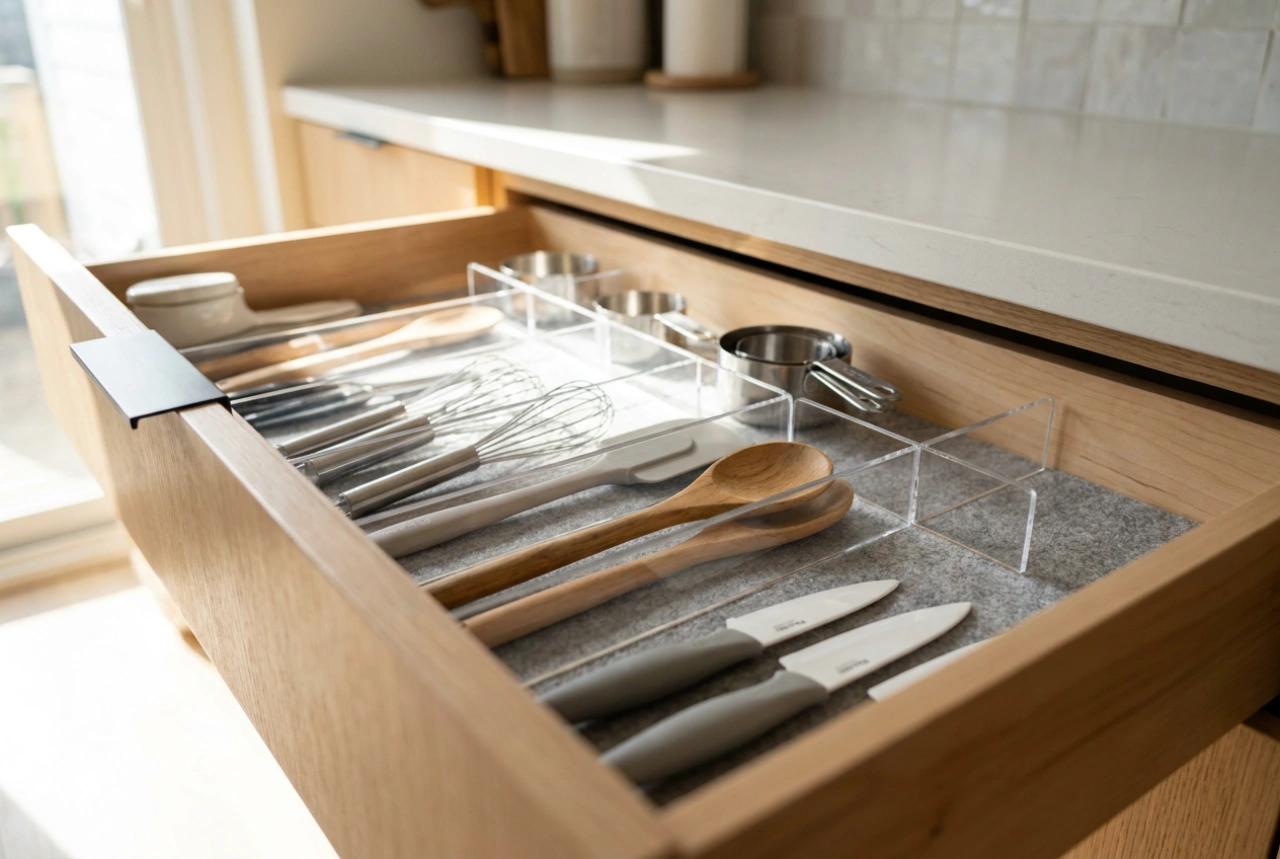
- Molded Plastics: Easily washable with mild soapy water, making them practical for high-use drawer organizers.