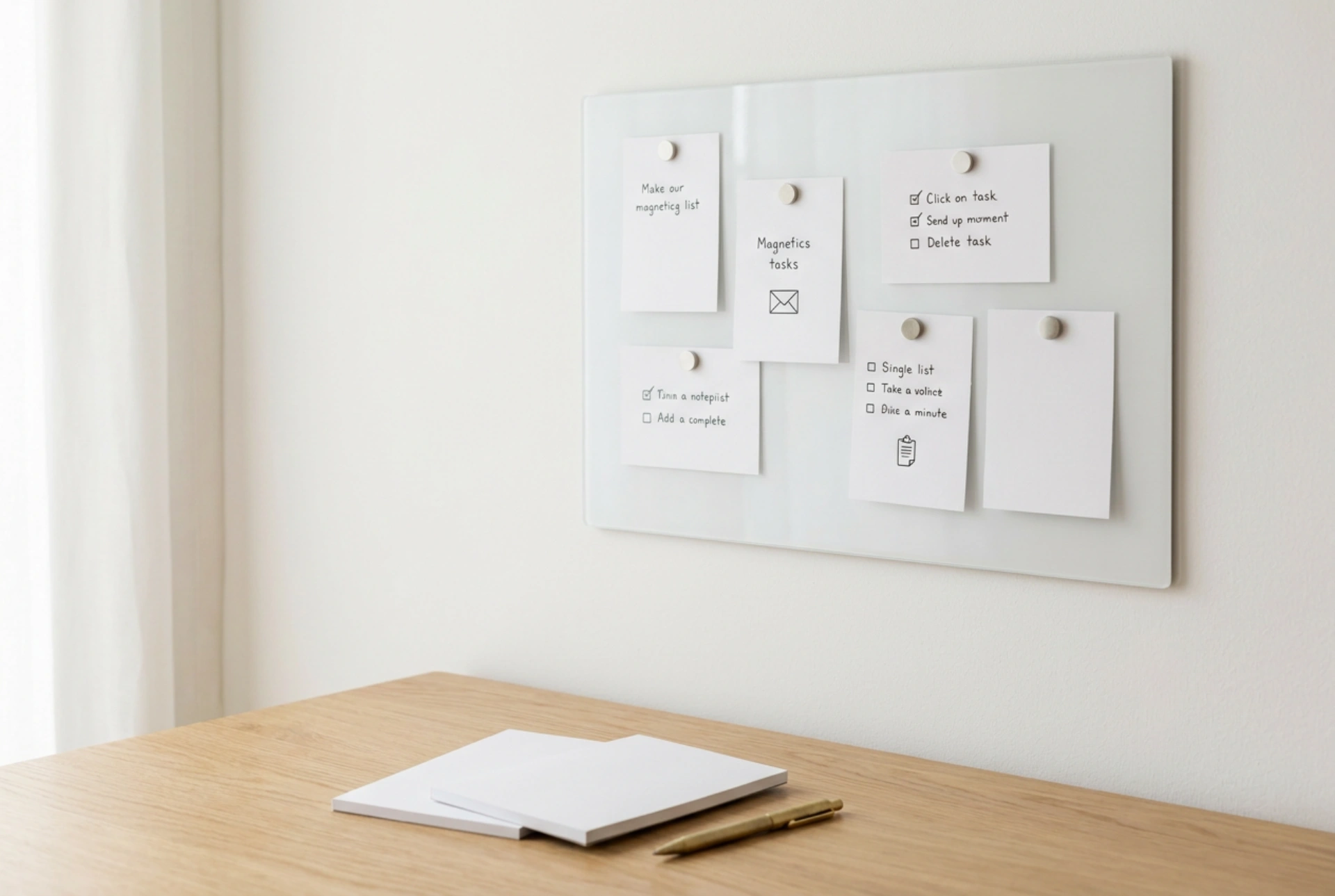


Transforming the empty space above your workspace into a functional planning board reduces cognitive load by externalising your short-term memory and creating a highly visible, spatial workflow.
The Cognitive Science of Physical Task Boards
Digital task managers often suffer from the "out of sight, out of mind" phenomenon. When tasks are hidden behind tabs and applications, the brain must constantly expend energy to recall them. A physical board mounted directly within your primary visual field leverages spatial memory—the cognitive map that links information to physical locations. By assigning tasks to specific coordinates on a wall, your brain processes priorities pre-attentively, recognizing status changes through color, position, and physical distance without requiring active retrieval.
Furthermore, physically moving a task card from one column to another provides tactile feedback. This kinesthetic action marks the completion of a cognitive cycle, releasing minor dopamine responses that reinforce productive habits and prevent the mental fatigue associated with endless digital scrolling.
Selecting the Right Board Surface for Your Workflow
The material of your over-desk board determines how you interact with your planning system. Each material possesses distinct chemical and physical properties that suit different task lifecycles:
- Magnetic Steel Boards: These offer the highest durability and versatility. Magnetic attachment allows you to move heavy cardstock or reusable magnetic indicators without wearing down the surface. Steel boards with a matte powder-coated finish are ideal as they prevent glare from desk lamps, reducing eye strain during long working sessions.
- Natural Cork Boards: Cork is a self-healing cellular material composed of suberin, which makes it resilient to repeated pinning. It provides excellent acoustic dampening directly behind your monitor. However, cork requires physical pins, which can slow down rapid task movement and pose a minor puncture risk if dropped.
- Dry-Erase Glass Boards: Tempered glass offers a smooth, non-porous surface that resists ghosting (the permanent staining from dry-erase solvents). While visually sleek, glass has high reflectivity, which can cause visual fatigue if positioned opposite a window or bright light source.
Designing an Ergonomic Layout and Visual Flow
To maximize efficiency, position the board so the most critical information sits within your primary viewing zone—roughly 15 to 30 degrees below eye level when seated. This prevents neck strain from constant looking up.
The Tri-Zone System
Divide your board horizontally or vertically into three distinct functional zones to control the flow of incoming information:
- The Active Buffer (Left/Top): This is your staging area. Place new tasks, raw ideas, or incoming requests here. Limiting this area physically prevents you from overcommitting; if the buffer is full, you cannot accept new tasks until existing ones are processed.
- The Focus Column (Center): Position this directly in your line of sight. It should hold no more than three high-priority tasks for the current day. Restricting this zone prevents multitasking and reduces decision paralysis.
- The Archive / Reference Zone (Right/Bottom): Move completed tasks here temporarily before discarding them at the end of the week. Keeping a physical record of completed work provides visual proof of progress, which acts as a powerful motivator.
Maintaining Visual Hygiene and Avoiding Cognitive Clutter
A task board only works if it is trusted, and it can only be trusted if it is accurate. When a board becomes overloaded with outdated sticky notes, expired reminders, or redundant information, the brain begins to treat it as visual noise. This process, known as habituation, causes you to ignore the board entirely.
Establish a strict maintenance protocol to prevent system decay. Spend five minutes at the end of each workday clearing the Active Buffer and updating the Focus Column for the next morning. Once a week, strip down completed tasks, archive long-term notes, and clean the board surface to reset the physical environment. By keeping the visual density low, you ensure that high-priority items always command immediate attention.