

A large desk organiser can easily transition from a tool of efficiency into a reservoir of visual clutter. To maintain an ergonomic and highly functional workspace, the layout of storage compartments must align with physical reach zones and cognitive processing habits.
The Ergonomics of Reach and Frequency
Organising a large desk container requires an understanding of kinetic reach zones. The human forearm pivots naturally from the elbow, creating a semi-circular path across the desk surface known as the primary reach zone. Any item placed within this zone should be accessible without bending or stretching the torso. When placing a large organiser, position it just on the outer boundary of this primary zone to preserve clear writing space while keeping essential tools within arm's reach.
To avoid overloading, apply the rule of operational frequency. Categorise your desk items into three distinct tiers: daily essentials, weekly support tools, and monthly archival materials. Only daily essentials—such as a primary writing instrument, immediate reference notes, and a digital stylus—should occupy the most accessible, forward-facing slots of the organiser. Items used less frequently must be relegated to deeper compartments or drawer units to prevent physical obstruction and visual distraction.
Weight Distribution and Mechanical Stability
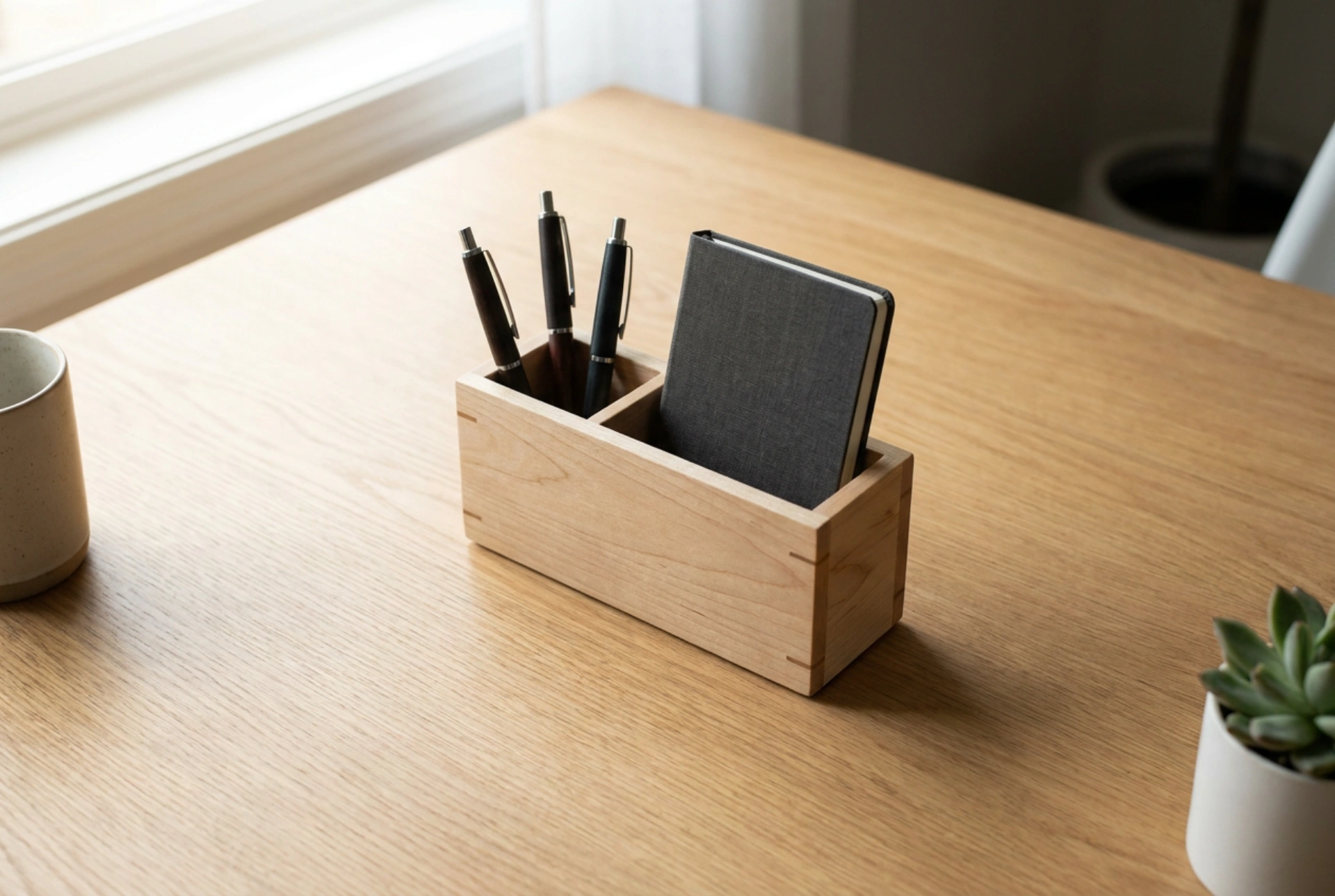
The physics of a desk organiser dictate its layout. A top-heavy or poorly balanced organiser is prone to sliding, tipping, or causing micro-vibrations across the desk surface when items are retrieved. To prevent mechanical instability, place the heaviest objects at the lowest point and towards the rear of the structure. Notebooks, reference guides, and tablet devices should be slotted into the backmost vertical dividers. This positions the centre of gravity low and close to the desk surface, anchoring the organiser firmly in place.
Conversely, lightweight items like paperclips, pushpins, and elastic bands belong in the shallow, front-facing compartments. Using heavy-density materials at the base and lighter materials at the top not only ensures structural equilibrium but also creates an intuitive physical gradient that makes it easy to retrieve items without disturbing neighbouring objects.
Visual Ergonomics and Cognitive Load
Visual clutter is not merely an aesthetic issue; it directly impacts cognitive performance. Every visible object in your peripheral vision competes for neural representation, leading to subtle cognitive fatigue over extended working hours. To mitigate this, a large organiser must incorporate deliberate "negative space"—deliberate areas of emptiness. Aim to keep at least thirty percent of the organiser’s visible volume completely empty.
Furthermore, group items by physical composition and visual harmony rather than just function. For instance, store metallic tools like scissors and rulers in a single vertical slot, while grouping polymer-based items elsewhere. This reduces visual noise and allows the brain to categorise the workspace rapidly, lowering the mental search time required to locate a specific tool. Avoid storing multicoloured writing instruments in plain sight; choose a single, high-quality pen for daily tasks and store the rest in closed drawers to keep the visual field clean and uniform.
Systematic Rotation and Maintenance
A static organiser inevitably gathers dust and redundant items. To prevent gradual accumulation, establish a strict bi-weekly rotation system. Remove any item that has not been handled in the preceding ten working days. This process ensures that the organiser adapts to shifting project requirements rather than becoming a permanent graveyard for obsolete documents and dried-out ink cartridges. By treating the organiser as a dynamic transit zone rather than a permanent storage locker, you preserve both the physical neatness and the functional efficiency of your workspace.