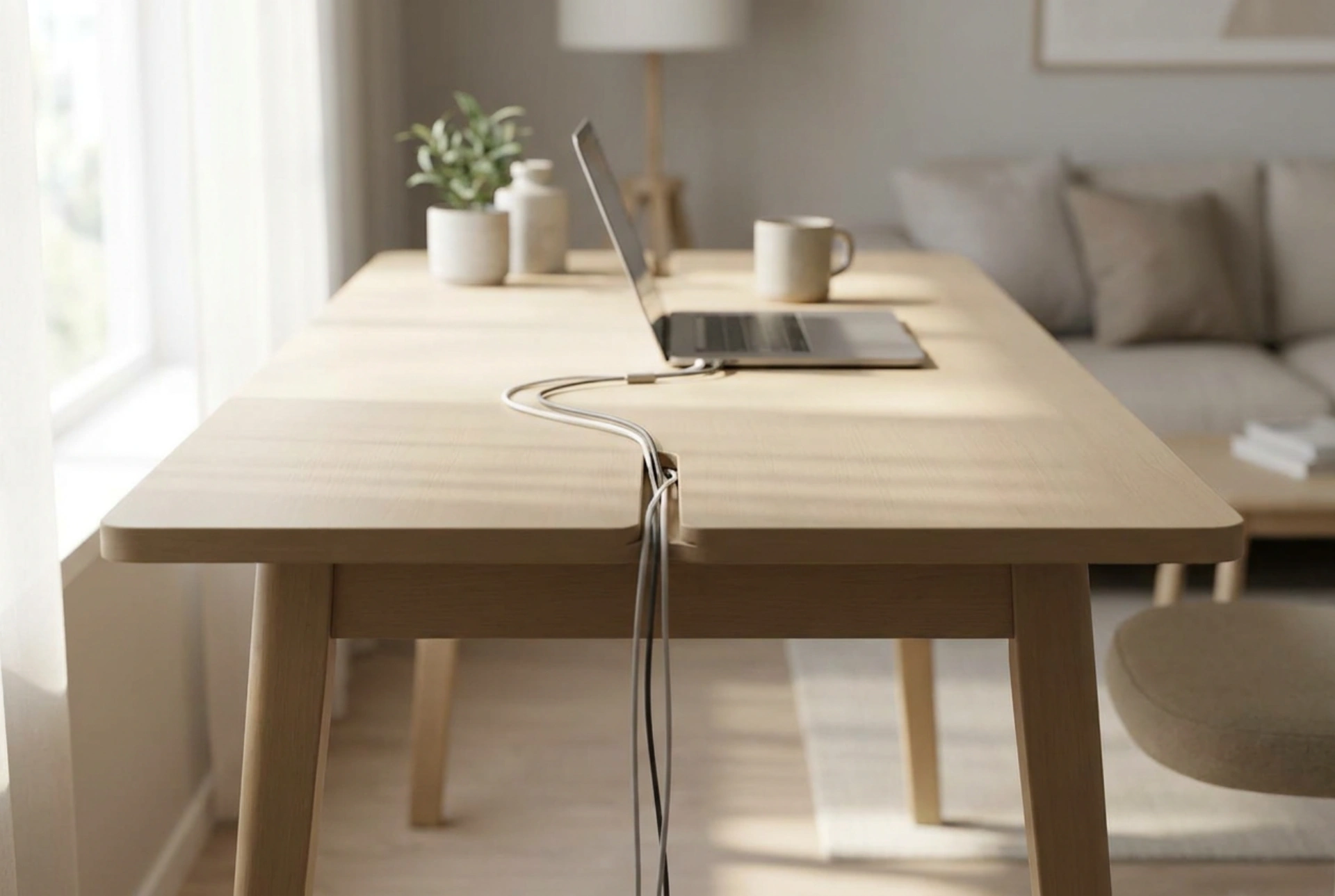


Managing desk cables is more than an aesthetic choice; it directly impacts port longevity, electrical safety, and overall workplace ergonomics. By understanding the mechanical forces and thermal dynamics of wiring, you can design a stable, clutter-free workspace that protects your equipment.
The Physics of Cable Strain and Port Longevity
Every cable connected to a computer, monitor, or power source is subject to gravitational pull and mechanical tension. When cables hang freely, their weight exerts a continuous downward force on the physical ports of your devices. Over time, this constant leverage can bend the internal pins of sensitive connections, such as USB-C, HDMI, or DisplayPort, leading to intermittent signal loss or permanent hardware failure.
To mitigate this tension, you must manage the bending radius of each cable. Standard copper cables have a minimum bend radius—typically ten times their outer diameter. Forcing a cable into a sharp ninety-degree angle damages the internal copper strands, increasing electrical resistance and heat. By utilizing structured routing paths under the desk, you distribute the weight evenly and ensure that no single connection bears the load of the cable's mass.
Thermal Dynamics and Signal Interference in Bundled Cables
When organizing power and data cables, physical separation is crucial due to heat dissipation and electromagnetism. Power cables carrying alternating current (AC) generate a small electromagnetic field around them. If data cables (like Ethernet or USB) are tightly bound alongside these power lines, this electromagnetic field can induce noise into the data lines, resulting in dropped packets or slower transmission speeds.
- Separation: Route high-voltage power cables at least five to ten centimeters away from sensitive data lines. If they must cross, do so at a ninety-degree angle to minimize electromagnetic coupling.
- Heat Dissipation: Power adapters convert AC to DC, releasing thermal energy in the process. Never enclose power bricks in tightly sealed, unventilated boxes. They require passive airflow to prevent thermal throttling or fire hazards.
- Airflow: Keep the area around high-draw power strips clear of dust and obstruction to facilitate natural convection.
Selecting the Right Cable Management Systems
An effective desk organisation setup uses a combination of horizontal support paths and vertical drops to manage the journey of wires from the wall outlet to the desktop. The foundation of this system is the under-desk tray, which acts as a structural raceway.
Under-Desk Raceways and Trays
Metal mesh or solid plastic trays mounted directly to the underside of the desk offer a robust platform for heavy power strips and excess cable slack. Mesh designs are superior for thermal management, as they allow air to circulate freely around power adapters. When installing these trays, position them close to the rear edge of the desk to align with the natural drop points of monitor and peripheral cables.
Vertical Cable Spines and Sleeves
For sit-stand desks, vertical management requires flexibility. A rigid channel will snap or pull cables taut when the desk height changes. Instead, use a flexible, weighted cable spine or a woven polyester sleeve. Woven sleeves expand and contract dynamically, protecting the cables from friction against the desk frame while maintaining a neat, single column of descent.
Best Practices for Fastening and Routing
The order of operations is vital when executing a cable management plan. Start by positioning your largest, most static objects—monitors and power strips—then route their cables down to the primary under-desk tray. Only then should you introduce smaller peripheral wires, such as keyboards or webcams.
Avoid using plastic zip ties for fastening. Zip ties apply concentrated, uneven pressure that can crush the insulation of thin wires. Furthermore, they require cutting tools to remove, increasing the risk of accidental cable damage during reconfigurations. Instead, opt for hook-and-loop straps. These distribute pressure evenly across the bundle, are infinitely reusable, and allow you to add or remove cables with ease as your workspace evolves.