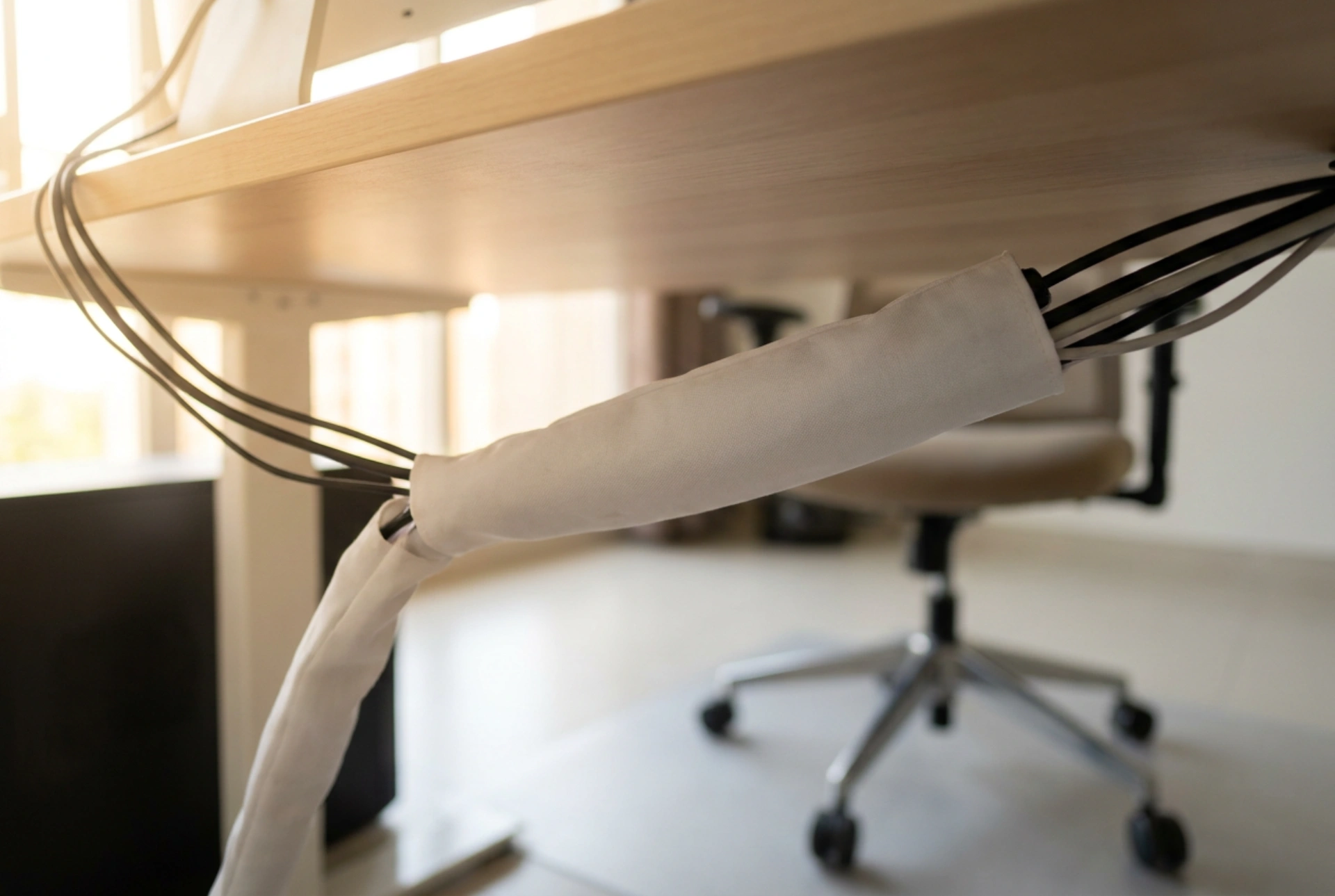


Managing the web of cords beneath a workstation is not just about visual aesthetics; it prevents mechanical stress on device ports, limits dust accumulation, and ensures proper heat dissipation. Implementing a systematic cable management system protects your electronics and creates a safer, more productive home office environment.
The Physics of Cable Clutter: Tension and Heat
When multiple cables hang unsupported from a desk, gravity exerts a continuous downward force on the connectors and ports. Over time, this constant mechanical strain can loosen the internal soldering of your computer, monitor, or power strip, leading to intermittent connection failures or permanent hardware damage. Furthermore, bundles of tightly packed power cables generate heat. Electrical currents passing through copper conductors encounter natural resistance, producing thermal energy. If cables are tangled in a dense heap on the floor, heat cannot dissipate efficiently, which accelerates the degradation of the PVC or polyurethane insulation. By routing cables through a dedicated organizer or sleeve, you distribute the weight evenly and allow sufficient airflow to keep the conductors cool.
Selecting the Right Materials: Sleeves vs. Trays
Choosing the correct organizing tool depends on the structure of your desk and the types of cables you run. Flexible neoprene sleeves are highly effective for consolidating cables that travel in the same direction, such as those running from a desktop tower up to a monitor arm. Neoprene provides excellent elasticity and thermal insulation, allowing you to bundle up to ten standard cables securely while maintaining enough flexibility to bend around desk legs. For static setups where multiple power bricks and heavy cords must be suspended beneath the desk surface, rigid steel or high-density plastic cable trays are superior. These trays act as a structural shelf, transferring the gravitational load directly to the underside of the desk frame. When using rigid trays, ensure they feature ventilation slots to prevent heat buildup from transformer bricks, which can reach temperatures up to fifty degrees Celsius under heavy load.
A Systematic Guide to Routing Under-Desk Cables
An effective cable management project requires a methodical sequence of operations to ensure long-term stability and easy maintenance. First, disconnect all devices and lay the cables out straight on the floor to eliminate any memory twists in the copper cores. Group your cables by their electrical function: keep high-voltage power cords physically separated from low-voltage data lines (such as HDMI, Ethernet, and USB cables) wherever possible. While modern shielded data cables are resilient, routing them directly parallel to power cords over long distances can induce electromagnetic interference, leading to signal degradation. Use reusable hook-and-loop fasteners rather than single-use plastic zip ties. Hook-and-loop tape allows for easy adjustments when adding or removing devices, and it does not pinch or compress the delicate insulation of data cables, which can alter the physical geometry of the internal twisted pairs and slow down transmission speeds.
Managing Cable Slack and Bend Radii
One of the most common mistakes in cable organization is pulling cords too tight or bending them at sharp angles to hide them from view. Every cable has a minimum bend radius, which is typically four to ten times its outer diameter. Bending a cable past this limit causes physical micro-fractures in the copper strands or optical fibers inside, permanently ruining the cable's conductivity. To manage excess slack safely, coil the cable in a loose loop (forming a figure-eight pattern is ideal as it neutralizes internal torsional twist) and secure it with a hook-and-loop strap before tucking it into your sleeve or tray. Ensure that height-adjustable sit-stand desks have a designated cable spine or flexible guide with enough slack to accommodate the desk's full vertical range without tensioning any connectors at the highest point.