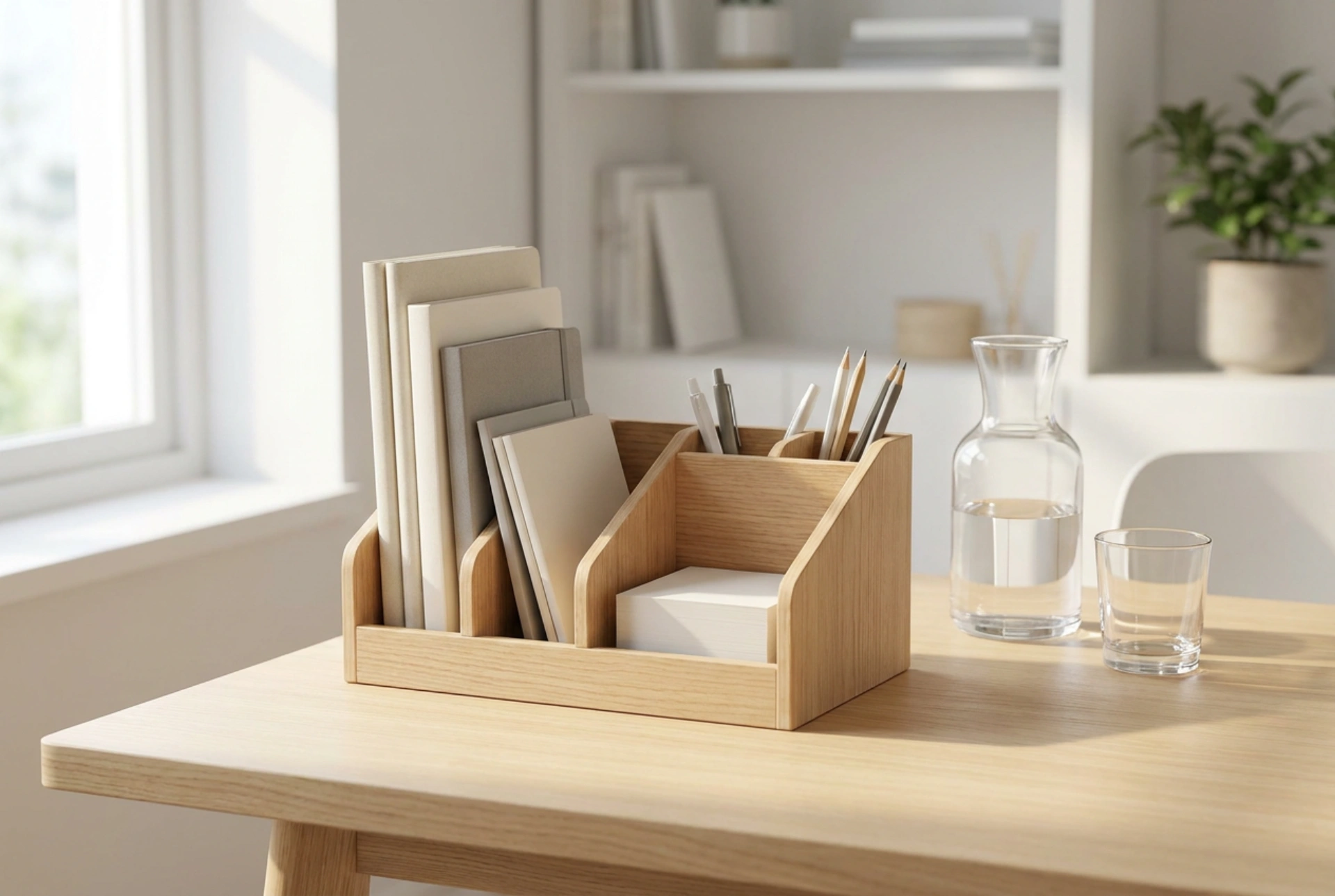


Managing a chaotic workspace requires more than just moving items around; it demands a systematic approach to spatial physics and cognitive ergonomics. A large desk organiser serves as a physical buffer that categorises tools, reduces visual noise, and optimises workflow efficiency.
Cognitive Ergonomics and the Mechanics of Visual Clutter
Our brains are highly sensitive to visual stimuli in our peripheral vision. Every scattered pen, loose document, or stray cable acts as a micro-distraction, forcing the brain to expend cognitive energy filtering out irrelevant information. By consolidating these disparate elements into a singular, structured unit, you drastically reduce this visual friction. From a physical perspective, a dedicated organiser establishes a fixed coordinate system on your desk. When every tool has a precise, unchanging location, you leverage muscle memory, allowing you to retrieve items without breaking your cognitive flow or visual focus.
Selecting Materials: Density, Stability, and Acoustics
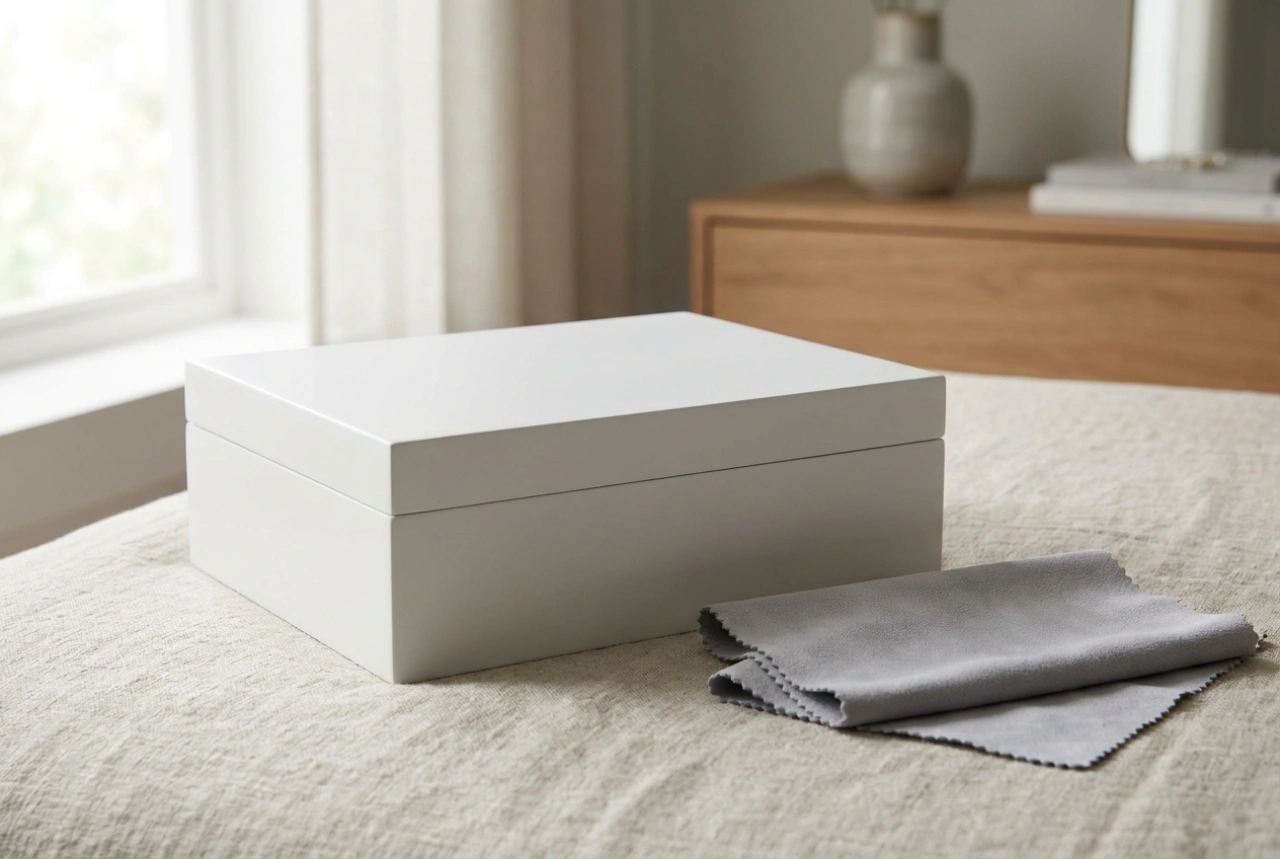
The physical properties of your desk organiser dictate its stability and long-term utility. Low-density materials, such as thin plastics, easily slide or tip over when retrieving heavy reference books or notebooks. Conversely, high-density materials like solid hardwood (such as oak or beech) or powder-coated steel provide the necessary mass to resist movement. Wood offers natural dampening properties, reducing the acoustic clatter of metal pens and hard objects, which contributes to a quieter, more focused acoustic environment. Additionally, matte or textured surfaces are preferable to glossy finishes, as they diffuse natural light rather than creating specular reflections (glare) that cause eye strain.
The Zonal Layout: Organising by Frequency and Weight
Effective desk organisation relies on a gravity-based, tiered layout that minimises physical effort and movement:
- Lower and Rear Zones: Place heavy items like notebooks, reference manuals, and tablets in the deepest, lowest compartments. This lowers the overall centre of gravity of the organiser, preventing tipping, and keeps bulky items out of your primary reach zone.
- Mid-Tier Zones: Store items used several times an hour—such as writing pads, spectacles, or reference cards—in upright slots where they can be grasped instantly without searching.
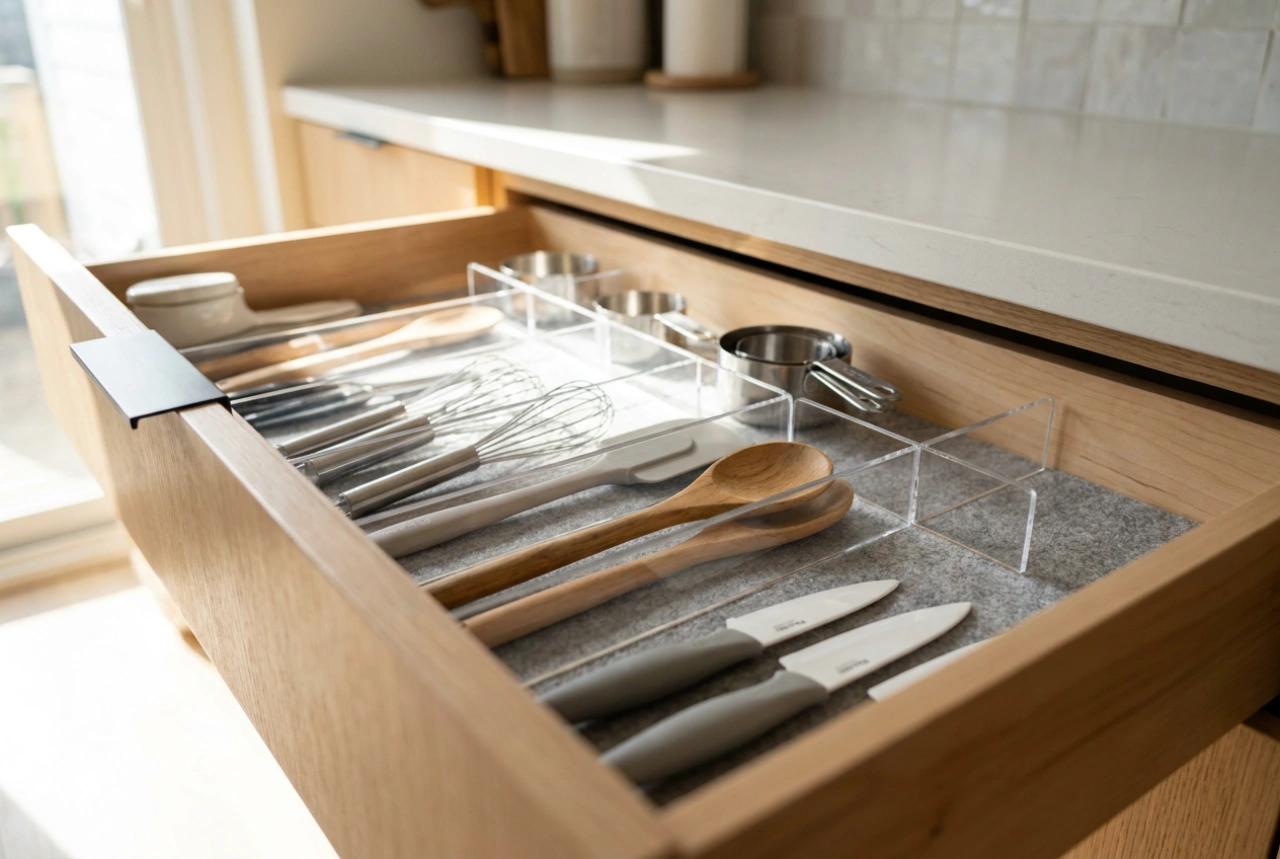
- Small Compartments: Small accessories like paperclips, USB drives, and writing instruments should occupy shallow, partitioned trays. Deep wells cause physical friction, forcing you to rummage. Ensure these trays are lined with a high-friction material like felt or cork to stop small items from sliding and rattling.
Thermal Management and Cable Integration
Modern workspaces are filled with electronic devices that generate heat and require charging. When positioning a large organiser, consider air circulation. Avoid blocking the exhaust vents of laptops or external drives with solid wooden panels. Choose an organiser that features integrated cable routing or open back panels. This allows power cords to pass through cleanly, preventing bend-induced cable fatigue (where internal copper strands fracture over time due to tight angles) and maintaining passive thermal convection around your devices.
The End-of-Day Physical Reset
An organiser is only as effective as the system of maintenance applied to it. Establish a daily physical reset at the end of your working hours. Return every tool to its designated compartment, clear any accumulated scrap paper, and wipe down the surfaces. This simple routine resets the physical entropy of the workspace, ensuring that you return the next morning to a clean, low-entropy environment optimised for immediate focus.