

Maximizing the runtime of a high-power cordless vacuum requires understanding the physics of lithium-ion cells and optimizing your cleaning motion to reduce unnecessary energy consumption.
Understanding Battery Drain: The Cost of Boost Mode
Most modern cordless vacuums feature a high-power or "Boost" mode that increases suction power by accelerating the digital motor. While this is effective for heavy debris, it places a massive thermal and electrical load on the lithium-ion battery pack. Operating continuously at maximum capacity generates internal resistance and heat, which dramatically reduces the battery's runtime and shortens its overall lifespan. To conserve energy, use the standard or eco mode for 90% of your flooring and reserve the high-power setting exclusively for deep-pile carpets or localized, heavy spills.
The Physics of Floor Selection and Nozzle Resistance
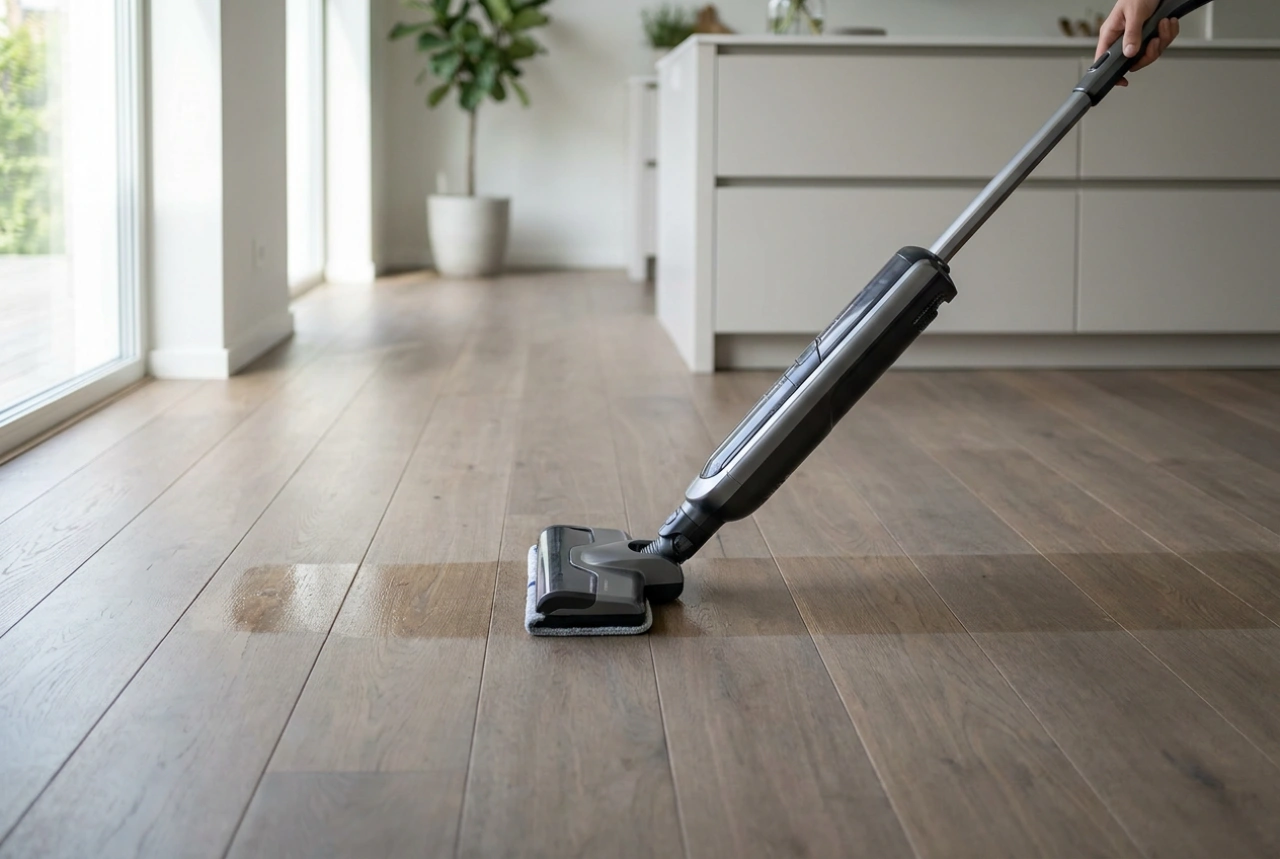
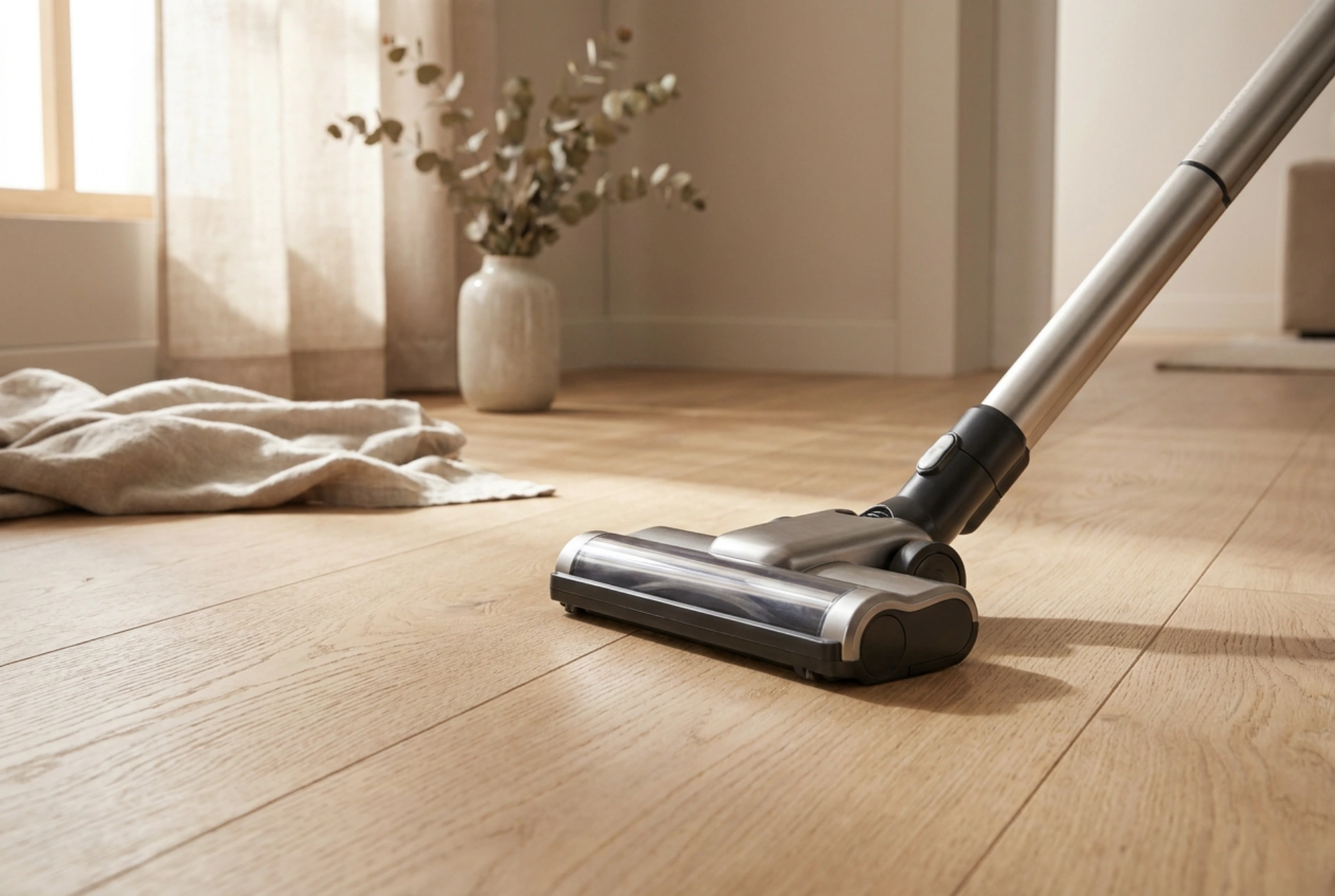
The type of surface you are cleaning directly impacts how hard the vacuum's motor must work. When vacuuming smooth surfaces like hardwood, tile, or laminate, the motor requires very little kinetic resistance to lift particles. For these surfaces, use a soft roller head if available, as it seals the airflow efficiently without needing high motor speeds. On carpets, the mechanical agitation of a motorized brush bar is far more effective at lifting embedded dirt than pure suction power alone. By letting the spinning bristles do the mechanical work, you can keep the suction setting low, saving significant battery reserves.
Optimizing Motion and Cleared Paths
Inefficient cleaning paths lead to double-vacuuming and wasted battery life. For maximum efficiency, adopt a structured grid pattern. Move the vacuum in straight, overlapping lines rather than random, rapid sweeps. A slow, deliberate forward stroke followed by a slightly faster backward stroke allows the airflow to capture dust systematically. Rapid, erratic scrubbing motions do not allow the suction vortex to stabilize, forcing you to pass over the same spot multiple times and draining the battery unnecessarily.
Proactive Maintenance for Minimal Resistance
Mechanical resistance inside the vacuum system forces the motor to draw more current from the battery to maintain suction. To prevent this, regular maintenance of the airflow path is essential:
- Empty the dust bin frequently: A full container restricts airflow, causing the motor to work harder and consume more power.
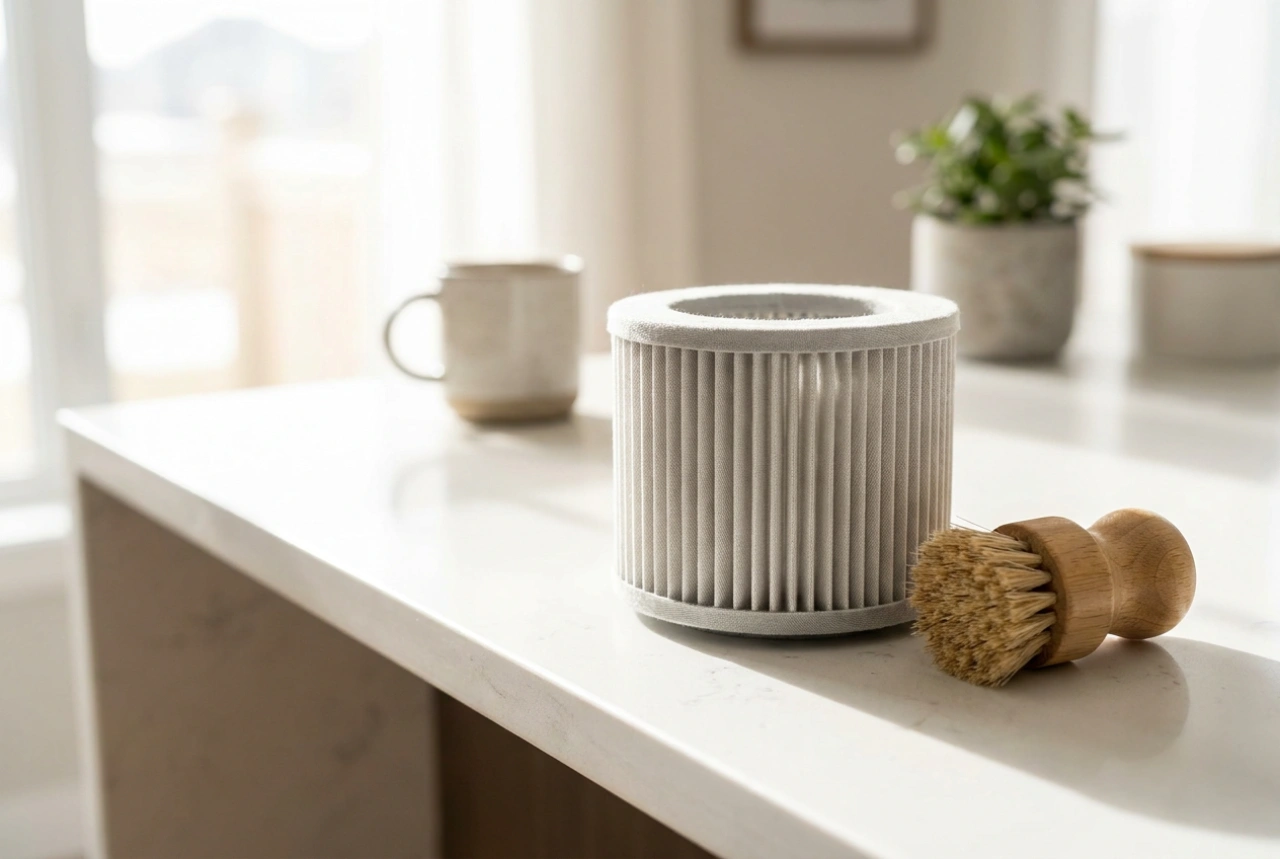
- Clean the filters: Clogged pre-motor and HEPA filters block air molecules, creating static pressure that drains the battery. Wash or replace them according to the manufacturer's guidelines.
- Clear the brush roll: Hair, threads, and fibers wrapped around the brush roll create friction, forcing the auxiliary motor inside the nozzle to draw excessive power. Clean the spindle regularly.
Strategic Battery Management and Storage
How you store and charge your cordless vacuum affects its daily discharge rate. Lithium-ion batteries perform best when kept at moderate temperatures. Avoid storing the vacuum in unheated utility rooms or near direct heat sources. If your vacuum allows for interchangeable batteries, swapping them halfway through a session prevents either pack from reaching extreme temperatures, preserving the internal chemistry and maintaining a stable voltage output throughout your cleaning routine.