

Maintaining a self-cleaning robotic vacuum requires an understanding of the physics of airflow, mechanical friction, and optical transmission to prevent a steady decline in suction power and navigation efficiency. While these devices automate daily floor care, microscopic debris and physical obstructions inevitably accumulate within their compact systems, demanding strategic, manual intervention.
The Science of Airflow: Maintaining HEPA Filters and Chambers
At the core of any robotic vacuum is a high-efficiency particulate air (HEPA) filter. These filters capture microscopic particles, such as pet dander and pollen, through a combination of diffusion, interception, and electrostatic attraction. Over time, a fine layer of dust coats the fibres of the filter mesh, increasing resistance to airflow, known as pressure drop. This forces the motor to work harder, generating excess heat and depleting the battery faster.
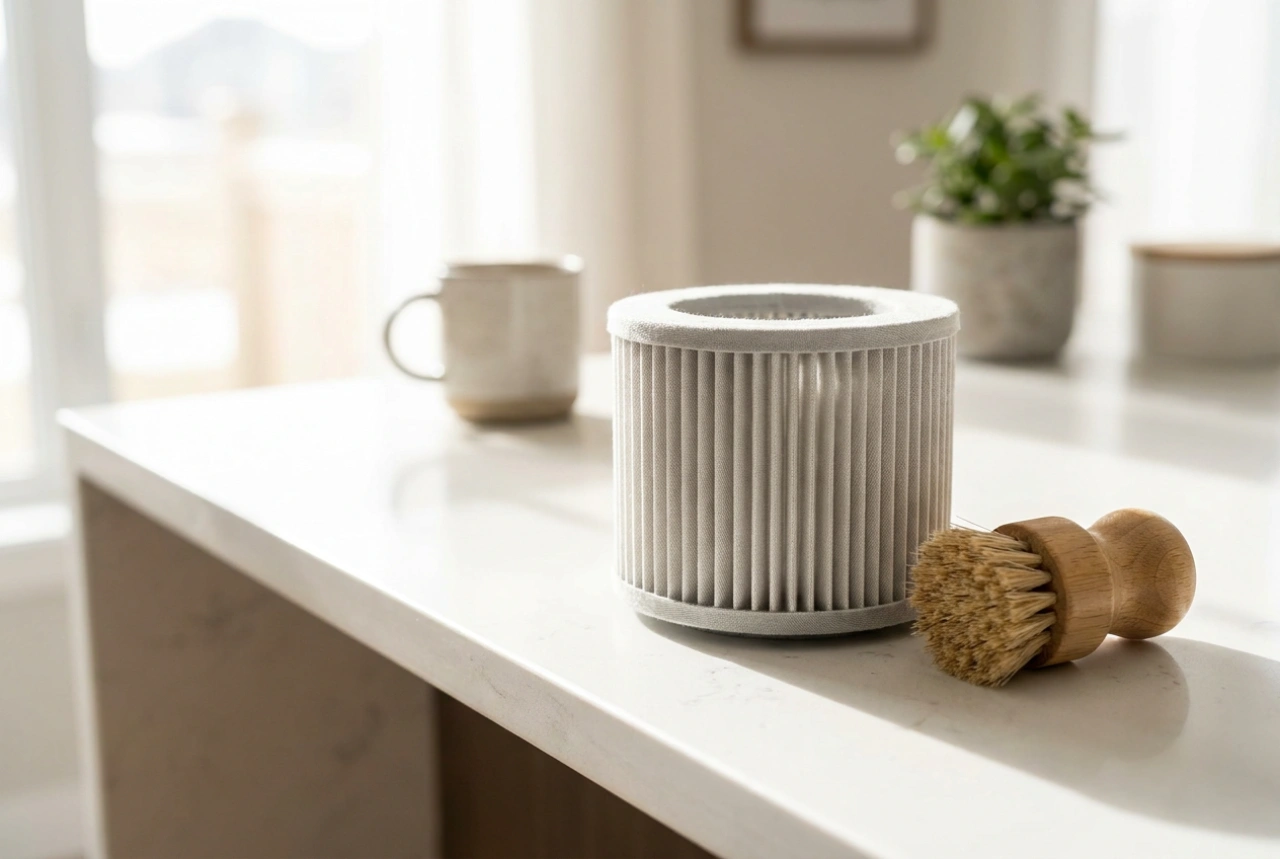
To clean the filter without destroying its delicate structure, remove it from the dustbin and gently tap it against a hard surface to dislodge loose particles. If the manufacturer states the filter is washable, rinse it exclusively under cold, running water without any chemical detergents. Hot water and soap can strip the electrostatic charge from synthetic fibres, significantly reducing filtration efficiency. Most importantly, ensure the filter is completely dry for at least 24 hours before reinsertion; damp synthetic material combined with incoming dust instantly creates an impermeable mud-like paste that completely chokes the vacuum's suction.
Mechanical Friction: Clearing Brush Rolls and Wheel Bearings
Rotational resistance is the primary cause of premature motor failure in robotic vacuums. Hair, carpet fibres, and thread wrap around the main brush roll and side brushes, migrating toward the bearing assemblies at either end. As these fibres tighten, they create immense friction, increasing the torque required to rotate the brush. This electrical load strains the motherboard and drains the battery rapidly.
Address this weekly by extracting the main roller brush. Use a utility blade or specialized cleaning tool to slide along the integrated groove, cutting through bound hair. Pay close attention to the plastic end caps; pull them off to extract the hidden hair spools that accumulate directly around the metal axle. For the driving wheels and the omnidirectional front caster wheel, use a flat-head screwdriver to gently pop the caster out of its socket. Clean the shaft and housing of packed dirt to restore smooth rotation, preventing the robot from veering off-course and scratching sensitive hard floors.
Optical Navigation: Preserving Sensor Clarity
A robotic vacuum relies on a suite of optical sensors, including infrared cliff sensors, wall-following sensors, and sometimes laser distance sensors (LiDAR). Dust acts as a physical barrier, scattering and absorbing the light beams emitted by these sensors. When the infrared beam cannot bounce back cleanly to the receiver, the robot miscalculates distances, resulting in aggressive bumping against furniture or error loops where the vacuum refuses to move, sensing a non-existent cliff.
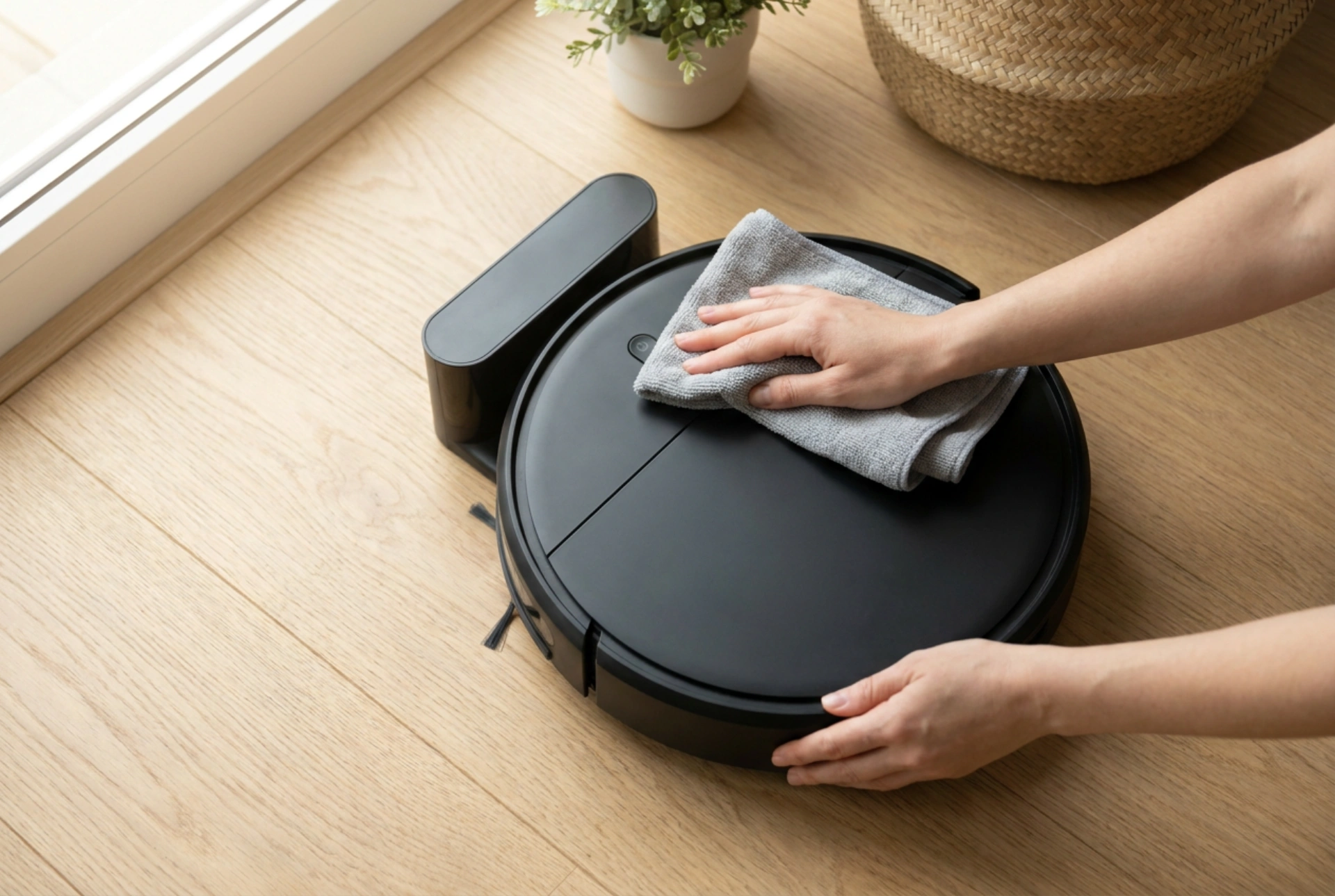
Clean these optical elements using only dry, high-density microfibre cloths. Avoid cellulose-based paper towels, which contain microscopic wood fibres that can scratch the soft acrylic lenses of the sensors. If a sticky residue is present, apply a single drop of isopropyl alcohol (90% concentration or higher) to the cloth. Isopropyl alcohol evaporates rapidly without leaving streaks or water marks, restoring perfect optical clarity without damaging the surrounding plastic housing.
Optimising the Self-Emptying Base Station
The auto-empty dock uses a high-powered vacuum motor to extract debris from the robot's onboard bin. Over time, the seal between the robot and the dock can degrade due to grit accumulation. Wipe the rubber gaskets on both the robot's exhaust flap and the dock’s intake port with a damp cloth to ensure a hermetic seal. Additionally, check the charging contact plates on both the robot and the station. Over time, a thin layer of copper oxide and dust forms on these metal contacts, creating electrical resistance. Gently polish them with a clean pencil eraser or a cloth dampened with isopropyl alcohol to maintain efficient power transfer and prevent charging failures.