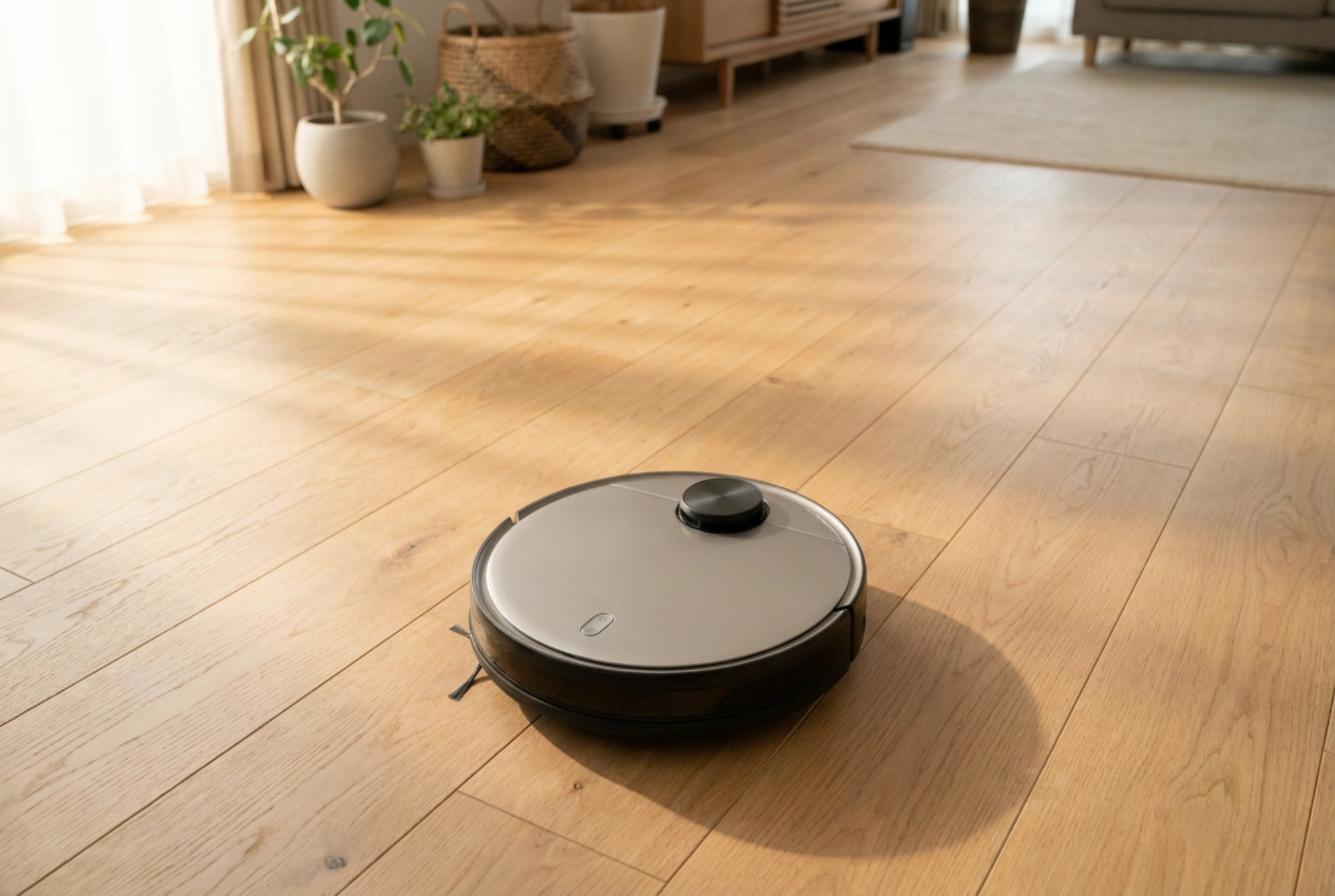


Setting a robotic vacuum schedule is not just about convenience; it is about aligning the device’s mechanical capabilities with your household’s daily foot traffic and dust accumulation patterns. By understanding how room occupancy, floor materials, and battery physics interact, you can programme your automated assistant to maintain pristine floors with minimal human intervention.
The Science of Dust Settlement and Foot Traffic
To maximise the efficiency of a robotic vacuum, timing must be synchronised with the physical behaviour of household dust. When humans and pets move through a room, they generate air currents that kick fine dust, pet dander, and textile fibres into the air. Running a vacuum during these active periods is highly inefficient, as a significant portion of the debris remains suspended in the atmosphere, settling back onto the floor only after the cleaning cycle has completed.
The optimal cleaning time is approximately 30 to 60 minutes after the home becomes vacant or quiet. This delay allows airborne particulates to settle onto the floor surface under the influence of gravity. Scheduling the robot to run during these quiet windows ensures that the maximum volume of dust is resting on the floor, ready to be drawn in by the vacuum’s suction and mechanical brush rollers.
Segmenting Schedules by Zone and Material Type
A uniform cleaning schedule for the entire home leads to uneven wear and inefficient energy use. Different flooring materials and room functions require customised frequencies and suction power levels:
- High-Traffic Hard Floors (Kitchens and Hallways): These areas accumulate heavy organic matter and abrasive particles like sand or soil daily. Schedule these zones for daily cleaning using high-suction modes. The mechanical agitation of the side brushes is essential here to dislodge debris from grout lines and corners.
- Low-Traffic Carpeted Zones (Bedrooms and Offices): Carpets trap fibres and dust deep within their piles. Because these areas generate less heavy grit, they can be scheduled every 48 to 72 hours. However, carpeted surfaces increase rolling resistance, drawing more current from the motor. Use a medium-suction setting to balance deep-cleaning efficiency with battery longevity.
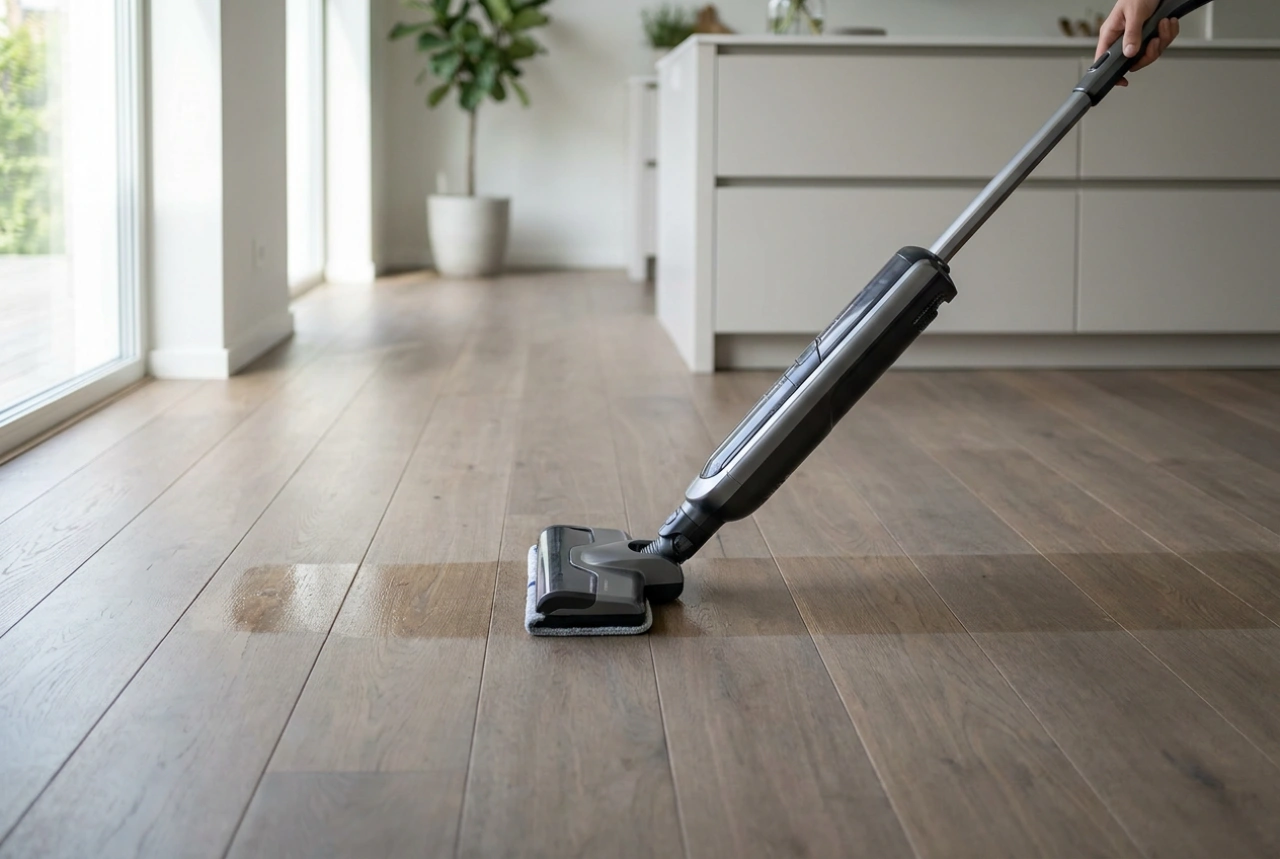
- Wet Mopping Zones: If your robot has a hybrid mopping function, schedule wet cycles separately. Ensure the mopping occurs after a dry vacuuming cycle to prevent the wet microfibre pad from dragging dry grit across hard surfaces, which can cause micro-scratches on delicate wood finishes.
Managing Battery Lifespan and Thermal Stress
Modern robotic vacuums rely on lithium-ion battery packs, which are sensitive to deep discharges and extreme temperature changes. To prolong the lifespan of the battery chemistry, avoid scheduling continuous, whole-house cleaning runs that drain the battery to its absolute minimum threshold.
Instead, divide your home’s map into distinct cleaning sessions spread throughout the day. For instance, programme the living room and kitchen for the morning, and the bedrooms for the early afternoon. This gives the battery ample time to cool down and fully recharge between cycles. Keeping the depth of discharge shallow—ideally leaving 15% to 20% capacity before docking—reduces chemical wear inside the battery cells, preserving their capacity over hundreds of charge-discharge cycles.
Preparing the Physical Environment for Seamless Execution
An automated schedule only works if the machine can complete its path without physical obstruction. Mechanical stalls from tangled cables, loose rug tassels, or light toys can interrupt the cycle and leave the vacuum stranded with a dead battery. Before the scheduled start time, perform a quick sweep to clear low-lying hazards. Securing loose charging cables with cable ties and tucking rug fringes underneath the main carpets prevent the main brush roll from binding. This ensures the robot’s pathing algorithms operate smoothly, keeping the cleaning cycle on time and preventing damage to delicate household items.