

Maintaining strong suction in your vacuum cleaner relies on maintaining an unobstructed pathway for airflow, a process heavily dictated by the physical state of your paper dust bag.
The Physics of Vacuum Suction and Bag Porosity
A vacuum cleaner does not pull dirt in by magic; it operates on the principle of pressure differential. The motor drives a fan that expels air from the housing, creating a low-pressure zone inside. High-pressure atmospheric air from the room rushes in to fill this void, carrying dust and debris along with it. In a bagged system, this incoming air must pass directly through the walls of the paper bag before reaching the motor and being exhausted back into the room.
The paper bag is not merely a collection vessel; it is the primary filter. Its walls are engineered with microscopic pores large enough to let air molecules pass through, but small enough to trap dust particles, hair, and grit. Over time, as fine dust settles on the inner surface of the bag, it forms a dense barrier known as a dust cake. While this cake actually improves filtration efficiency by trapping even smaller particles, it simultaneously increases resistance to airflow. When the resistance becomes too high, the pressure differential drops, and your vacuum loses its ability to lift debris from carpets and hard floors.
The Optimal Capacity Threshold for Replacement
Waiting until a paper vacuum bag is physically packed solid is a common mistake that severely compromises the appliance. For optimal performance, paper bags should be replaced when they are between two-thirds and three-quarters full (approximately 70% capacity). Beyond this point, the volume of air passing through the bag drops exponentially.
Because paper is less flexible and has lower air-permeability when loaded compared to synthetic microfiber materials, it suffers from rapid pore clogging, especially when vacuuming fine particulates like drywall dust, flour, or talcum powder. These ultra-fine dusts block the paper pores almost instantly, meaning a bag might require replacement due to restricted airflow even if it is physically light and far from full.
Recognising the Physical Warning Signs
While some appliances feature mechanical bag-change indicators, these work on basic pressure-differential switches and are not always perfectly calibrated. Instead, you should rely on physical and sensory cues to determine when the paper filter media is exhausted:
- A Change in Motor Pitch: When airflow is restricted, the vacuum motor spins faster because it has less air to move, resulting in a higher-pitched whine. This indicates the motor is working harder against high resistance, which can lead to overheating.
- Decreased Debris Pick-up: If you find yourself needing to pass the vacuum head over the same patch of carpet multiple times, the airflow speed has dropped below the threshold required to suspend heavy grit.
- The Presence of Odours: When a paper bag remains in a vacuum for too long, the organic material trapped inside begins to decay, producing a musty smell when the exhausted air passes through it.
A Clean and Safe Replacement Protocol
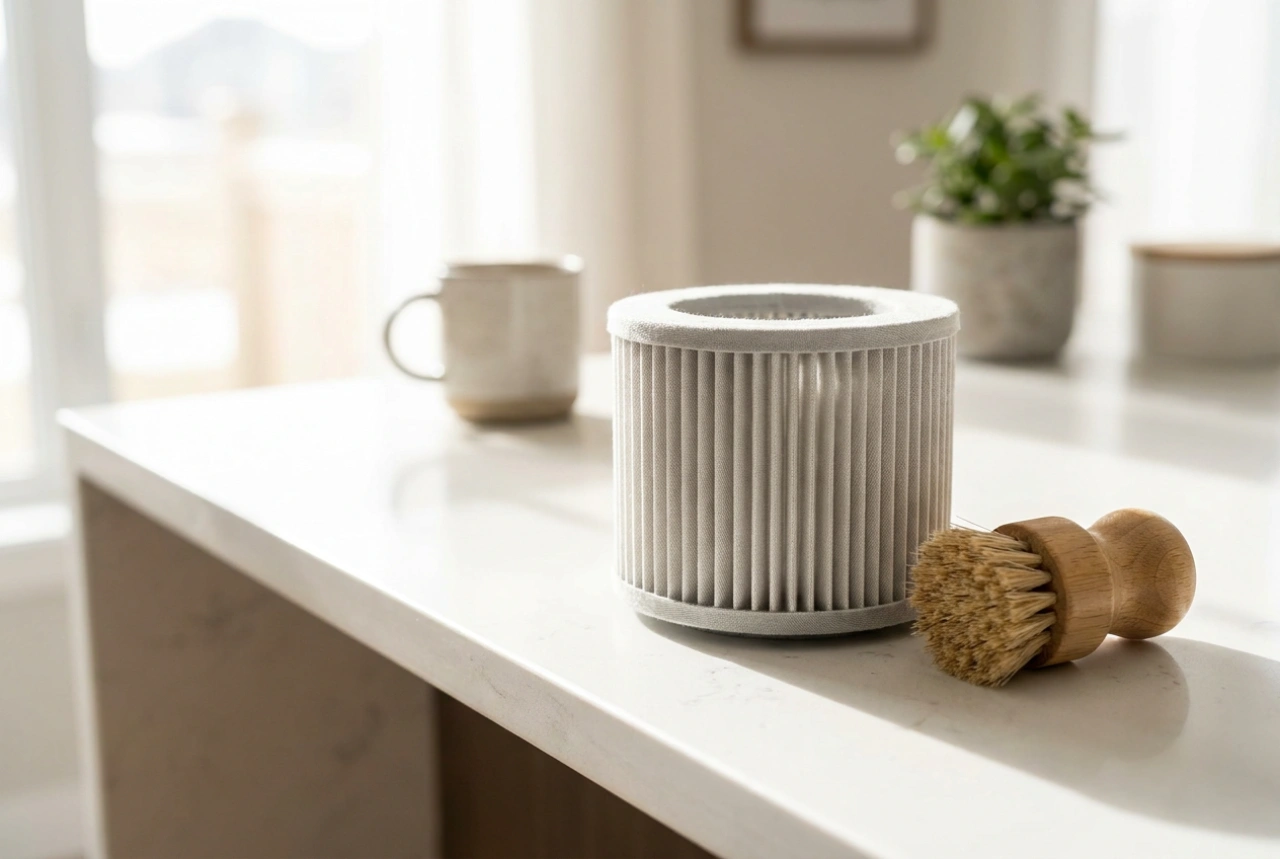
Replacing a paper bag must be done carefully to prevent the collected dust from becoming airborne again. Start by unplugging the appliance to ensure safety. Open the housing and locate the cardboard collar of the bag. Gently slide the collar out of its retaining bracket. Many high-quality paper bags feature a built-in cardboard slide or adhesive flap; seal this immediately to close the inlet hole. Place the spent bag directly into a waste bin. Before inserting the new bag, inspect the secondary motor filter located just behind the bag compartment; if it is grey or covered in dust, wipe it or replace it to ensure unhindered airflow. Slide the new bag's collar firmly into the tracks, ensuring a tight seal around the intake pipe to prevent dust from bypassing the bag and entering the motor chamber.