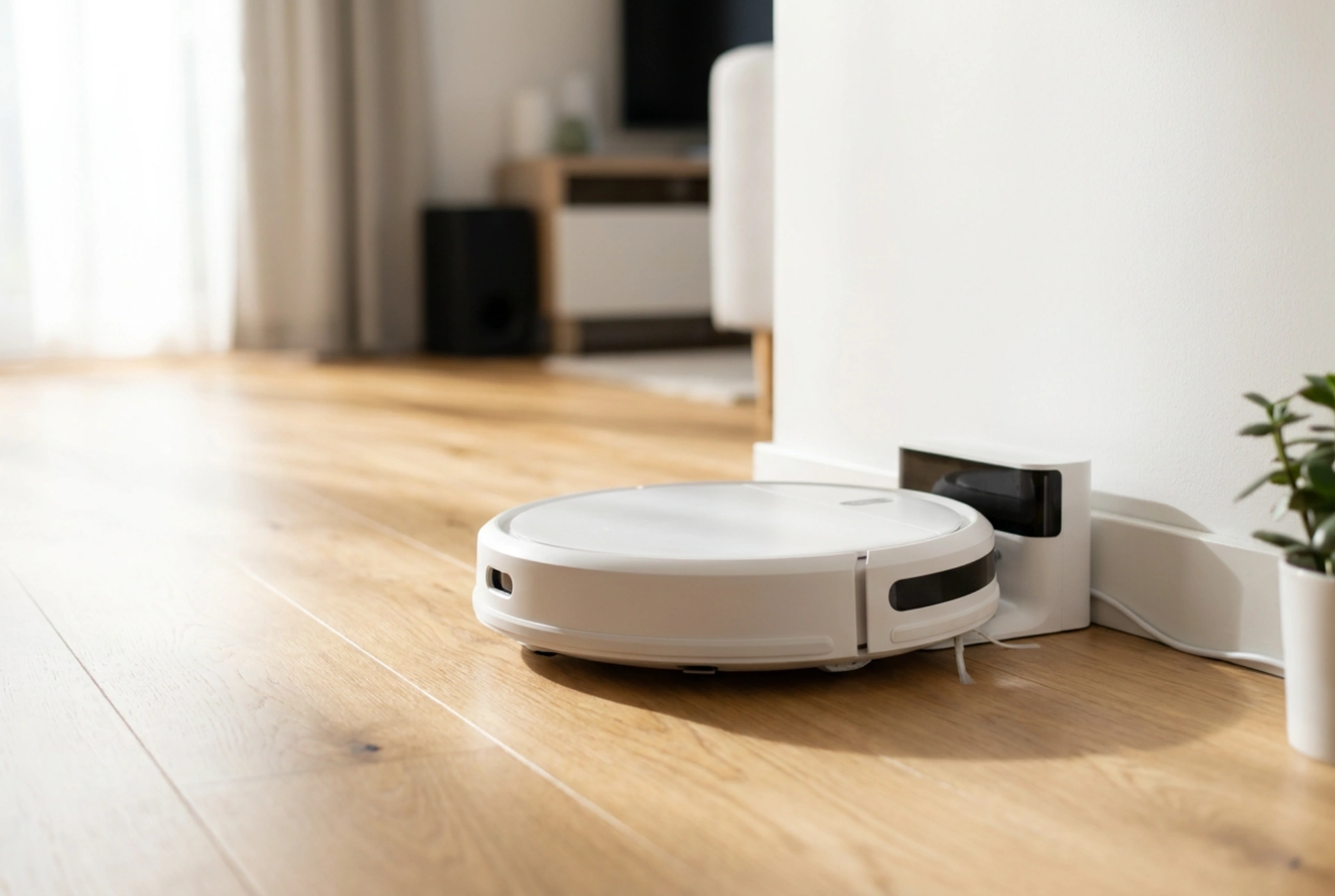


A robot vacuum only delivers true convenience when it can navigate back to its charging dock reliably without getting lost, stranded, or trapped by household obstacles.
The Physics of Docking: Infrared and Optical Signals
To understand why positioning matters, you must understand how a robotic vacuum finds its home. Most modern docking stations utilize a combination of near-field infrared (IR) light beams and optical markers. The dock emits a wide-angle, short-range signal to guide the vacuum during its final approach, alongside a narrow, long-range beam that acts as a runway centerline. If the dock is placed near highly reflective surfaces like glass doors, mirrors, or high-gloss floor tiles, these optical signals can bounce and create ghost docks. This optical confusion causes the vacuum to miss the dock or spin endlessly in front of it. Placing the station on a matte surface away from direct, intense sunlight prevents signal interference and ensures a clean connection.
Clearing the Clearance Zones: Left, Right, and Front
Robot vacuums require a clear runway to align their charging contacts. As the robot approaches, it performs micro-adjustments using its internal gyroscope and optical sensors. If the space around the dock is too tight, the robot cannot complete these rotational corrections.
- Frontal clearance: Maintain at least 1.5 meters of completely open space directly in front of the dock. This allows the robot to align its chassis perpendicular to the charging pins before making its final approach.
- Lateral clearance: Leave at least 0.5 meters of open space on both the left and right sides of the station. This prevents the robot from scraping against walls or furniture during its sweeping turns as it searches for the signal.
- Avoid corners: Placing a dock in a tight corner restricts the robot's entry angles, often forcing it to abandon the docking sequence entirely due to tight spatial constraints.
Floor Chemistry and Dock Stability
Every time a robotic vacuum docks, it exerts physical force against the station. If the docking station is placed on a slick surface, such as polished hardwood, laminate, or smooth vinyl, the force of the robot mounting the ramp can push the dock backward or skew its angle. Once the dock is rotated even a few degrees out of its programmed alignment, the robot will fail to find it on the next run. To prevent this, ensure the dock is backed firmly against a solid wall. For slick floors, utilize the integrated adhesive strips or place a thin, high-friction rubber mat underneath the station to absorb the kinetic energy of the docking impact without letting the base slide.
Cable Management and Threshold Navigation
Dangling power cables are the primary cause of docking failures. The station\'s own power cord must be tensioned, routed, and concealed behind the unit using integrated cable organizers. A loose loop of wire on the floor can easily catch on the robot\'s side brushes, dragging the dock out of position or trapping the robot inches away from charging. Furthermore, avoid placing the dock near transitions, such as thick rugs or high door thresholds. The physical incline of a threshold disrupts the robot\'s pitch and roll sensors, rendering it unable to dock smoothly on a level plane.