

Positioning a humidifier near electronic equipment requires a careful balance between combating dry air and preventing damaging condensation on sensitive components. Understanding the physical principles of moisture dispersion is key to protecting your hardware while maintaining a healthy indoor climate.
The Physics of Humidity in a Tech-Heavy Workspace
Maintaining the correct moisture levels in an office is a delicate balancing act. While low humidity (below 30%) increases the risk of electrostatic discharge (ESD) which can fry delicate microchips, excessively high humidity or poorly directed mist can lead to condensation. Condensation occurs when warm, moist air meets cooler surfaces, such as metal computer casings or internal components. This micro-condensation can cause short circuits, corrosion of copper pathways on circuit boards, and eventual hardware failure. The ideal relative humidity for a shared workspace with computers is between 40% and 55%.
Electrostatic Discharge vs. High Humidity Hazards
Dry air with a relative humidity level below 30% significantly increases the accumulation of static electricity. When a user touches a keyboard, mouse, or metal computer chassis in a dry room, an electrostatic discharge can occur. This sudden flow of electricity can easily bypass internal protections and destroy sensitive integrated circuits. To mitigate this hazard, introducing moisture is necessary. However, if the moisture level is unevenly distributed, the localized relative humidity near a machine can exceed 70%. At this threshold, a microscopic film of water forms on the circuit boards. This moisture film acts as a conductor, bridging electrical contacts and causing catastrophic short circuits when the machine is powered on.
The Safe Zone: Distance and Height Rules
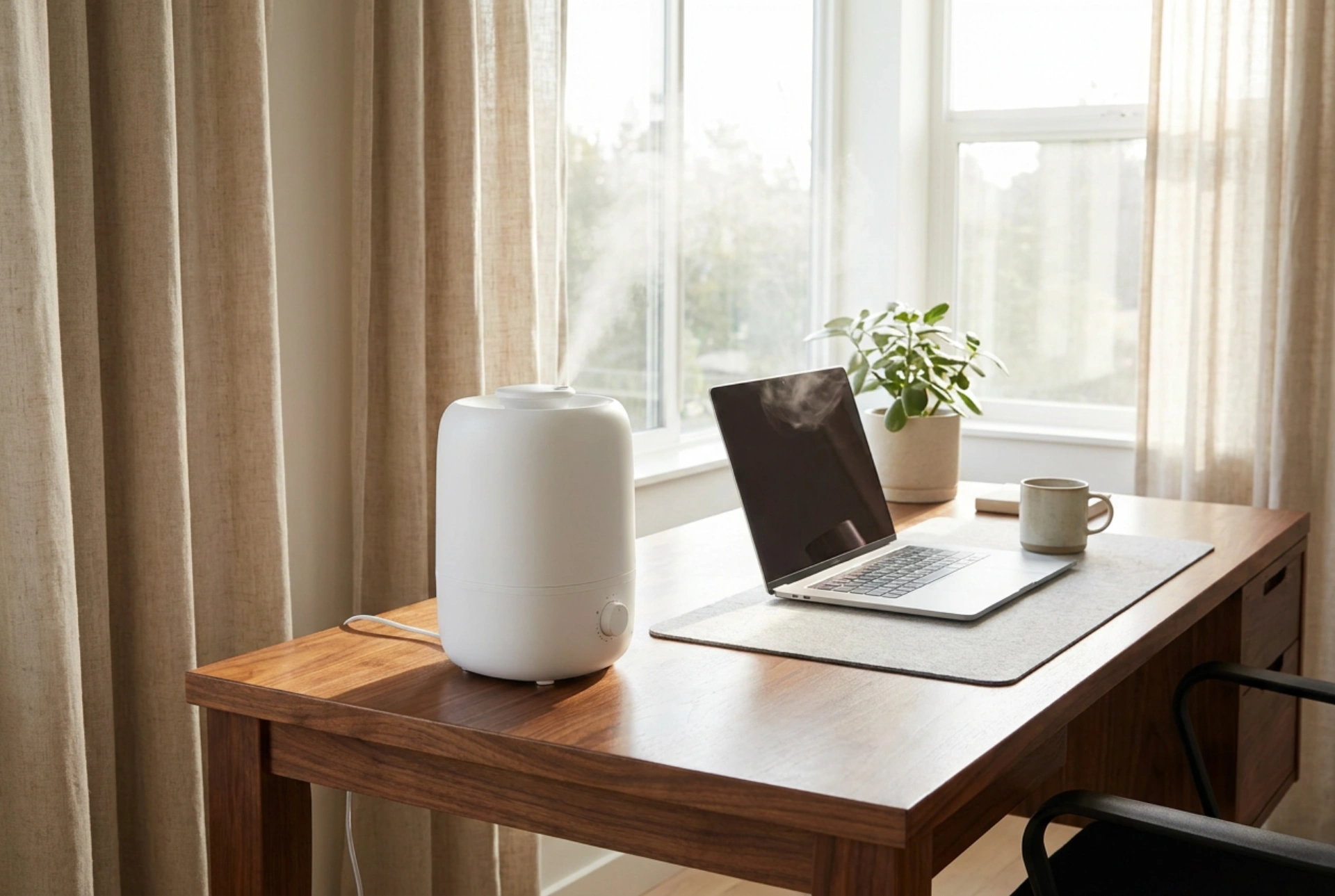
To prevent localized high humidity zones, a humidifier must never be placed directly next to computers, monitors, or server racks. The fundamental rule of placement is maintaining a minimum radial distance of 1.5 to 2 metres from any electronic device.
- Elevation matters: Always place the humidifier on a raised surface, such as a shelf or dedicated stand, approximately 1 metre off the floor. Since cool mist from ultrasonic humidifiers is heavier than air, it naturally sinks. Elevating the unit allows the moisture to disperse and evaporate into the air before it reaches the level of your desk and equipment.
- Airflow alignment: Position the device near an air intake or in the path of natural room circulation (but not directly in front of a draft). This ensures the moisture is evenly distributed throughout the room rather than pooling in one stagnant corner where electronics are active.
- Directional misting: Ensure the nozzle points away from all electronics, power strips, and wall outlets. The visible mist should dissipate completely in the air at least 1 metre before reaching any surface.
Ultrasonic vs. Evaporative: Understanding the Mechanics
The technology inside your humidifier dictates how it interacts with nearby electronics. Ultrasonic humidifiers use a metal diaphragm vibrating at ultrasonic frequency to create liquid water droplets, which are blown into the air as a cool mist. This mist carries whatever minerals are present in the water.
If you use tap water in an ultrasonic humidifier, these minerals (predominantly calcium and magnesium) are dispersed into the air and settle as a fine white dust. This conductive dust can settle inside computer fans, heat sinks, and vents, acting as an insulating layer that causes overheating, or worse, attracting moisture directly onto the motherboard. For offices, evaporative humidifiers are highly recommended because they evaporate water at a molecular level, leaving minerals behind in a filter wick. If using an ultrasonic model, it is imperative to use only distilled or demineralised water.
Managing the Dew Point and Micro-Condensation
Electronics generate heat, which keeps their internal components slightly warmer than the ambient room temperature, usually protecting them from condensation during operation. However, the danger arises when devices are powered down and cool down to room temperature. If the office humidity is too high, the air temperature drops at night, and the surfaces of these devices cool down, the air near the metal surfaces may reach its dew point. This causes water vapour to transition into liquid water directly on the components. To prevent this, always pair your humidifier with an independent, calibrated hygrometer placed near your main workstation to monitor real-time relative humidity, ensuring it never exceeds 60%.