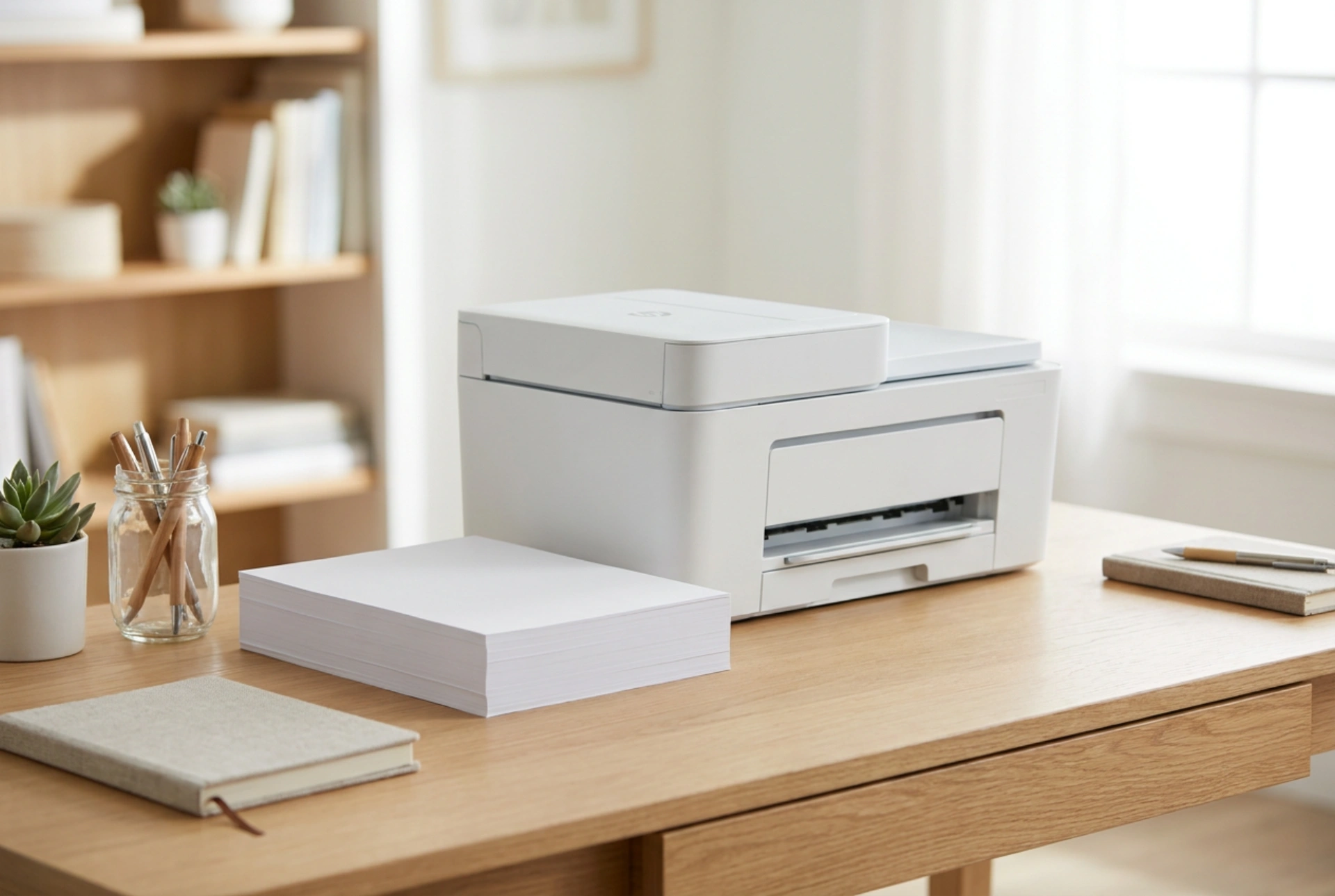


Selecting the right laser printer with an integrated scanner requires understanding how modern electrophotography and optical sensors handle daily paperwork under domestic conditions.
The Core Mechanism: Why Laser Beats Inkjet for Text
For daily document processing, laser technology relies on a dry electrophotographic process that offers unmatched durability and precision. Unlike inkjet systems that spray liquid dye or pigment onto paper fibers, a laser printer uses static electricity to transfer fine polymer-based toner powder to the page, which is then permanently melted into the fibers using heat and pressure from a fuser unit. This thermal bonding ensures that your daily invoices, shipping labels, and reports are instantly smudge-proof, highlighter-resistant, and highly stable over time. If a printer sits idle for weeks, there are no liquid printheads to dry out or clog, translating to zero wasted consumables and reliable operation on demand.
Understanding Scanning Technology: CIS versus CCD
The scanner component of a multifunction device determines how accurately your paper documents are converted into digital files. Most compact home-office units utilize Contact Image Sensor (CIS) technology, while some high-end archival machines use Charge-Coupled Devices (CCD). For flat documents like standard printer paper, CIS is highly efficient as it uses a row of red, green, and blue LEDs placed extremely close to the scanning glass, reducing energy consumption and warming up instantly. However, if you regularly scan bound materials, books, or uneven receipts, CIS loses focus beyond a fraction of a millimeter from the glass. Understanding this physical limitation helps in choosing a flatbed surface that matches the physical geometry of your daily paperwork.
Key Specifications for Seamless Document Workflows
When evaluating potential hardware, several technical metrics directly dictate your daily efficiency and the longevity of the machine:
- Duty Cycle and Recommended Monthly Page Volume: The maximum duty cycle represents the absolute mechanical limit of the printer, but the "recommended monthly volume" indicates the sweet spot where the fuser and rollers suffer minimal wear. Match this to your actual paper consumption.
- Optical Resolution: For text documents, an optical scanning resolution of 300 to 600 dots per inch (dpi) is ideal. Higher software-interpolated values are unnecessary for standard office files and only inflate file sizes.
- Automatic Document Feeder (ADF): If you process multi-page packets, a mechanical ADF saves hours of manual lifting. Look for duplex scanning capabilities if your daily intake includes double-sided forms.
- Paper Path Geometry: A straight paper path reduces internal friction, significantly decreasing the risk of paper jams when handling heavier media or envelopes.
Optimizing Your Setup and Consumables
To maximize the efficiency of your laser printer and scanner, positioning and maintenance are key. Place the unit on a flat, vibration-free surface to prevent optical distortion during scanning and to ensure even toner distribution during the fusing process. Keep the scanning glass free of microscopic dust and fingerprint oils by cleaning it periodically with a dry, lint-free microfiber cloth; even a tiny speck of debris can create a continuous black line across scanned documents when using the ADF. Finally, manage your energy and toner consumption by utilizing deep-sleep modes and configuring your printer driver to a draft or toner-saver mode for internal documents, which reduces the volume of powder fused per page without compromising readability.





