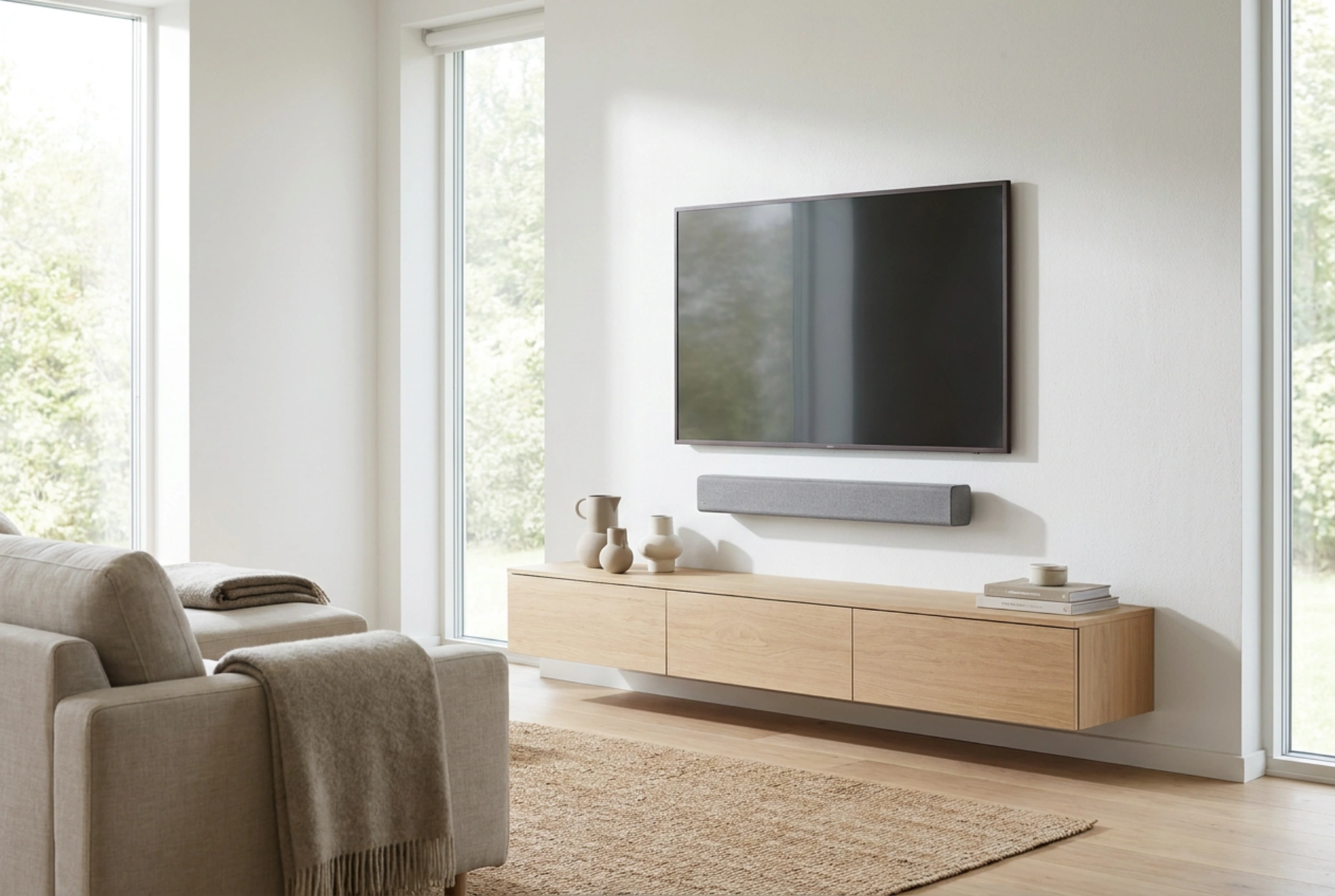


Connecting a soundbar to your television requires selecting the appropriate transmission protocol to preserve signal integrity and eliminate audio delay. By understanding the bandwidth limits of physical interfaces, you can configure your home audio system for optimal acoustic performance.
Digital Audio Interfaces: HDMI eARC vs. Optical TOSLINK
To achieve high-fidelity sound, you must choose between HDMI (specifically ARC or eARC) and optical (TOSLINK) connections. These two interfaces transmit digital audio signals differently, affecting sound resolution and synchronization.
HDMI eARC (enhanced Audio Return Channel) utilizes high-speed data transmission lines capable of carrying uncompressed 24-bit audio formats and object-based spatial audio. It operates with a bandwidth of up to 37 Mbps, which prevents signal degradation and supports automatic lip-sync correction by aligning the video and audio clock rates. In contrast, optical TOSLINK uses fiber-optic cables to transmit digital signals via light pulses. While optical connections completely isolate electrical noise (preventing ground loops that cause humming), their bandwidth is physically capped at roughly 384 Kbps. This limitation restricts optical connections to compressed surround-sound formats or uncompressed stereo. If your goal is multi-channel high-definition audio, HDMI eARC is the technically superior choice.
Step-by-Step Physical Integration and Order of Operations
Establishing a stable digital connection requires a specific sequence of operations to ensure correct handshaking between the television and the soundbar processor.
- Power down the system: Unplug both the television and the soundbar from their AC outlets to prevent static discharge or voltage spikes from disrupting the digital-to-analog converters.
- Identify the ports: Locate the designated HDMI port on your television labeled "ARC" or "eARC". Standard HDMI ports do not possess the bi-directional wiring necessary to return audio signals back to the soundbar.
- Connect the cables: Connect a high-speed HDMI cable (rated for at least 18 Gbps) to the television's eARC port, and plug the other end into the "HDMI OUT" port on the soundbar. If using an optical cable, remove the protective rubber caps from both ends of the TOSLINK connector before inserting it into the ports until you hear a distinct mechanical click.
- Initialize the hardware: Power on the soundbar first, followed by the television. This sequence allows the soundbar's internal decoder to initialize before receiving the initial digital handshake from the television.
Optimizing TV Software and Signal Processing
Physical connection is only the first step; configuring the audio signal processing settings within the television's firmware is essential to avoid unwanted downmixing or decoding delays.
First, locate your television's audio output settings and change the default speaker from "Internal" to "Receiver" or "External Audio System". Next, configure the digital output format. You will generally have choices between PCM, Bitstream, and Pass-through. Selecting "Pass-through" instructs the television to transmit the raw, untouched audio bitstream directly to the soundbar's internal decoder. This is highly recommended because the soundbar's dedicated digital signal processor is acoustically tuned to decode these formats far better than the television's general-purpose processor. Choosing "PCM" forces the television to decode the audio first, which often strips out multi-channel spatial data, reducing the signal to basic stereo. Additionally, enable HDMI-CEC in your television settings. This protocol transmits control commands over the HDMI cable, allowing your television remote to regulate the soundbar's volume and power states simultaneously.
Acoustic Placement and Structural Decoupling
The physical placement of your soundbar significantly influences sound wave propagation and frequency response. Sound waves, particularly mid-range and low-frequency tones, can transfer kinetic energy to the furniture beneath the speaker, creating muddy resonance and distorted bass.
To combat this, position the soundbar at the front edge of the cabinet or shelf. Placing it deep inside a shelf cavity causes sound waves to reflect off the top and bottom surfaces, generating comb filtering and reducing dialogue clarity. To decouple the soundbar structurally, place dense elastomeric or silicone isolation pads beneath its feet. These pads absorb mechanical vibrations before they transfer to the mounting surface, ensuring tighter, more defined sound reproduction.