

Achieving a true cinema experience at home requires more than just turning on a projector; it demands precise control over light physics, surface reflectivity, and thermal acoustics. By understanding how lumens, throw distance, and ambient light interact, you can optimise your setup for stunning visual clarity and rich contrast.
Optimising the Ambient Light and Contrast Ratio
The primary challenge of home projection is maintaining a high contrast ratio. Because a projector cannot cast "black" onto a surface—it can only project light or withhold it—the darkest point on your screen is determined entirely by the ambient light in the room. Any stray photons from streetlamps, hallway lights, or even status LEDs on electronic devices will wash out the deep shadows of your film.
To combat this, begin by sealing the room against external light sources using heavy, close-fitting window coverings. However, internal reflections are equally critical. Light bouncing off a bright screen will reflect off white ceilings and side walls, returning to the screen and diluting the image contrast. Minimise this effect by positioning your setup away from highly reflective, glossy surfaces, or by using dark, non-reflective textiles to temporarily drape nearby walls during viewing.
Surface Science: Screen Gain and Texture
The surface onto which you project plays a fundamental role in image fidelity. Every surface has a "gain" rating, which measures its reflectivity compared to a standard white barium sulphate board. A gain of 1.0 reflects light evenly in all directions, whereas a higher gain concentrates light back toward the centre, making the image brighter but narrowing the viewing angle.
- Matte White Surfaces: Best for wide seating arrangements, as they diffuse light evenly across a 180-degree field without creating hot spots.
- Grey Surfaces (High-Contrast): Ideal for environments with minor ambient light, as grey absorbs stray light better, preserving deeper black levels.
- Texture Interference: If projecting onto a painted wall, ensure the surface is completely flat and finished with an ultra-matte, non-textured paint. Standard drywall texture or plaster imperfections will cast micro-shadows under the high-angle beam of a projector, severely reducing perceived sharpness.
Geometric Alignment and Lens Calibration
Perfect geometry is essential for a sharp image, but achieving it requires physical alignment rather than digital correction. Digital keystone correction works by compressing and scaling pixels digitally to make a distorted image look rectangular. This process reduces the active resolution of your projector, introduces scaling artefacts, and wastes light output on unused areas of the imaging chip.
For the sharpest possible picture, physically align the projector lens so that it is perfectly perpendicular to the projection surface. The centre of the lens should ideally align with the top or bottom edge of the screen, depending on the offset angle specified by the manufacturer. If your device features optical lens shift, use this physical mechanism to adjust the image position, as it moves the actual lens assembly without degrading pixel density.
Furthermore, allow the projector to run for fifteen to twenty minutes before performing the final focus adjustment. The thermal energy generated by the light engine causes the internal glass or plastic lens elements to expand slightly. Adjusting the focus immediately after power-on often results in a soft, slightly blurry image once the optical system reaches its stable operating temperature.
Thermal Dynamics and Acoustic Control
Projectors generate significant thermal energy, which must be dissipated to protect sensitive internal components, such as liquid crystal panels or digital micromirror devices. Restricting airflow causes the cooling fans to spin at maximum velocity, generating loud, high-pitched acoustic noise that interferes with your film's soundtrack.
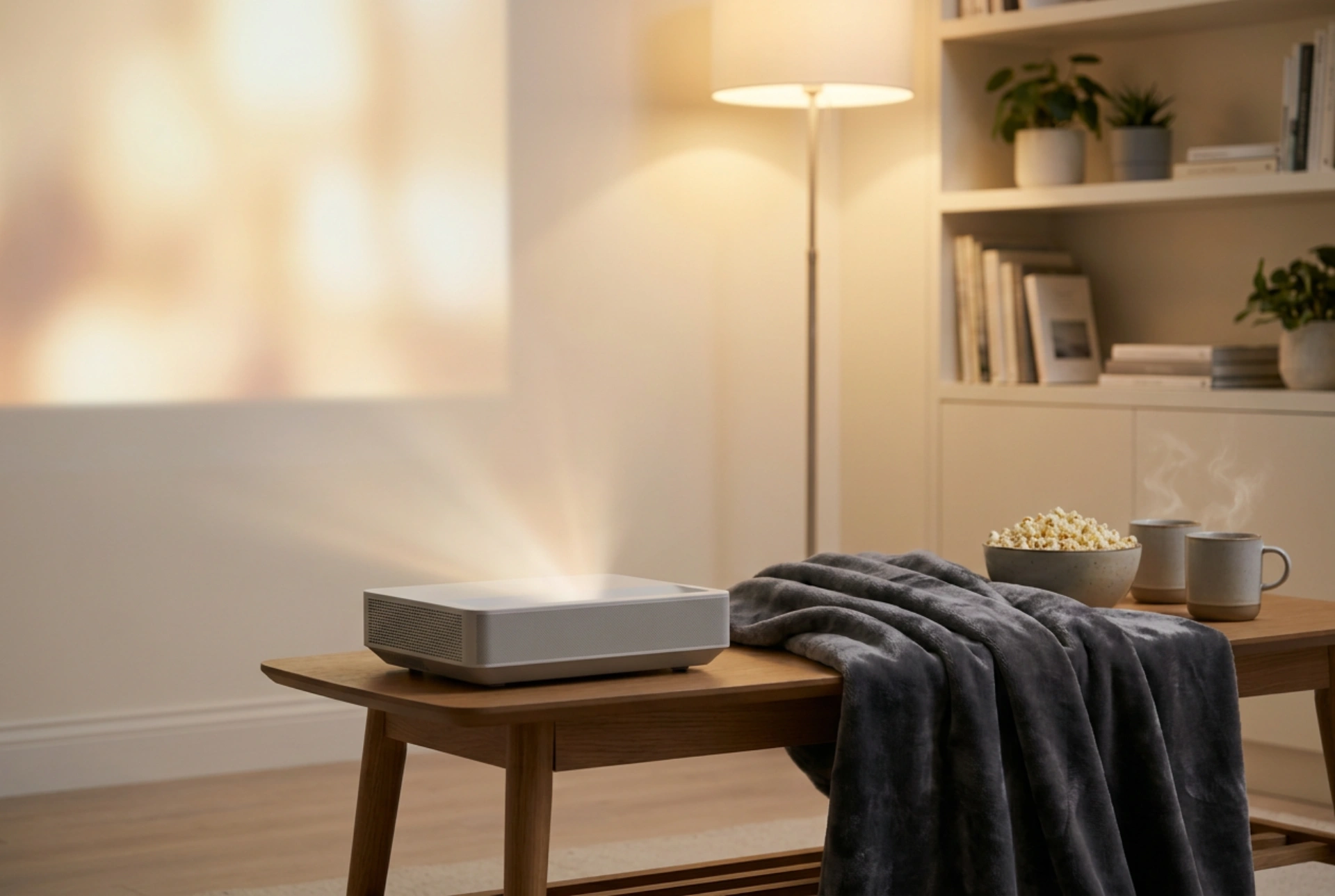
Ensure a minimum clearance of forty centimetres around all intake and exhaust vents to allow unhindered convective cooling. Position the projector away from deep corners or enclosed shelving units where hot air can recirculate. To mitigate fan noise, introduce sound-absorbing materials into the room. Heavy velvet drapes, thick carpets, and upholstered furniture absorb high-frequency sound waves, preventing the fan's whine from bouncing off hard walls and reaching your ears.