

Establishing a stable internet connection in areas with weak cellular coverage requires a deep understanding of radio frequency physics and router specifications. Selecting the right hardware and positioning it correctly can transform a weak, dropping signal into a reliable, high-speed connection.
The Physics of Frequency Bands and Carrier Aggregation
Cellular networks operate on various radio frequency bands, typically ranging from 800 MHz to 2600 MHz for standard 4G LTE. The physics of wave propagation dictates that lower frequencies (such as 800 MHz) travel longer distances and penetrate solid obstacles like concrete walls and dense foliage much better than higher frequencies. However, these lower bands have narrower bandwidths, limiting maximum speeds. Conversely, higher frequencies (such as 2100 MHz or 2600 MHz) offer immense data capacity but suffer rapid attenuation over distance and through physical barriers.
To combat this trade-off, look for a router that supports carrier aggregation. This technology allows the device to connect to multiple frequency bands simultaneously, combining their bandwidth. Even in a weak signal area, aggregating a strong but slow 800 MHz band with a weaker but faster 1800 MHz band can significantly stabilize and accelerate your connection. Ensure the router has a high LTE category rating (Category 6 or above), as this determines its capability to aggregate multiple carriers.
The Critical Role of Antennas and MIMO Technology
The internal antennas of standard mobile devices are compact and omnidirectional, meaning they receive signals from all directions but with very low gain. For weak signal environments, a router must support Multiple Input Multiple Output (MIMO) technology and feature external antenna ports (typically SMA or TS-9 connectors).
- MIMO Technology: By utilizing multiple transmitters and receivers simultaneously, MIMO exploits multi-path propagation. This means the router can decode signals that have bounced off obstacles, effectively turning interference into usable data pathways.
- External Antenna Connections: The ability to connect external, high-gain antennas is paramount. An external antenna mounted on a roof or exterior wall bypasses the high attenuation caused by building materials. Directional antennas (like Yagi or panel antennas) focus their sensitivity toward a specific cellular tower, drastically increasing the signal-to-noise ratio compared to omnidirectional antennas.
Optimising Router Placement and Overcoming Material Barriers
Where you position your router inside the home dictates the quality of the internal Wi-Fi distribution and the incoming cellular signal. Radio waves are attenuated by various materials to different degrees. Standard brick and drywall cause moderate signal loss, while reinforced concrete, foil-backed insulation, and modern energy-efficient glass (which often contains a thin metal oxide coating to reflect heat) act as severe barriers to electromagnetic waves.
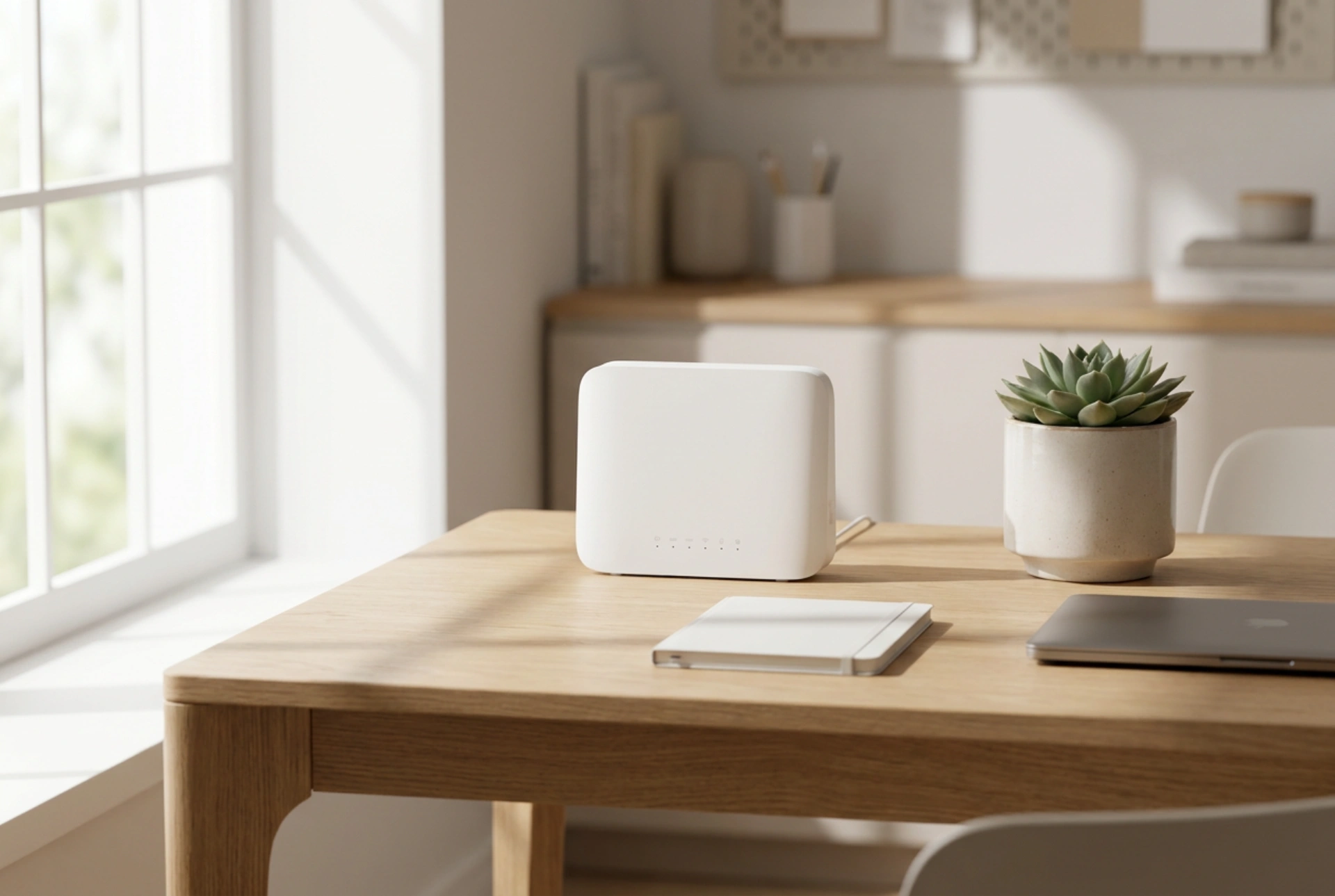
To find the optimal location, place the router near a window facing the nearest cellular tower. Avoid placing it near large metallic objects, mirrors, or household appliances that operate on similar frequencies (such as microwave ovens and baby monitors). If the construction of your house blocks the cellular signal entirely, the only viable solution is to run a low-loss coaxial cable from an outdoor antenna through a wall entry point directly to the router's antenna ports.
Power Delivery and Device Stability
Under weak signal conditions, a router's cellular modem must work harder, increasing transmission power to maintain a connection with the distant tower. This process generates additional heat and demands stable power delivery. Ensure the router is located in a well-ventilated area to prevent thermal throttling, which can cause sudden disconnections. Choosing a router with a robust power supply and heat-dissipating metallic housing can prolong the life of the hardware and maintain operational stability during prolonged high-load periods.