

Integrating a compact gaming system into a family living room requires balancing space efficiency, system ventilation, and multi-user accessibility. Understanding how modern handheld and hybrid consoles manage connectivity, thermal output, and user profiles ensures a seamless entertainment experience for all generations.
Thermal Management and Spatial Placement
Small gaming devices pack high-performance processors into tight enclosures. Because of their compact volume, active thermal management is critical to prevent thermal throttling and hardware degradation. These devices rely on small internal fans and copper heat pipes to draw thermal energy away from the central processing unit towards ventilation grilles. Placing a console inside an enclosed television cabinet restricts cold air intake and traps exhaust heat, rapidly raising the ambient temperature.
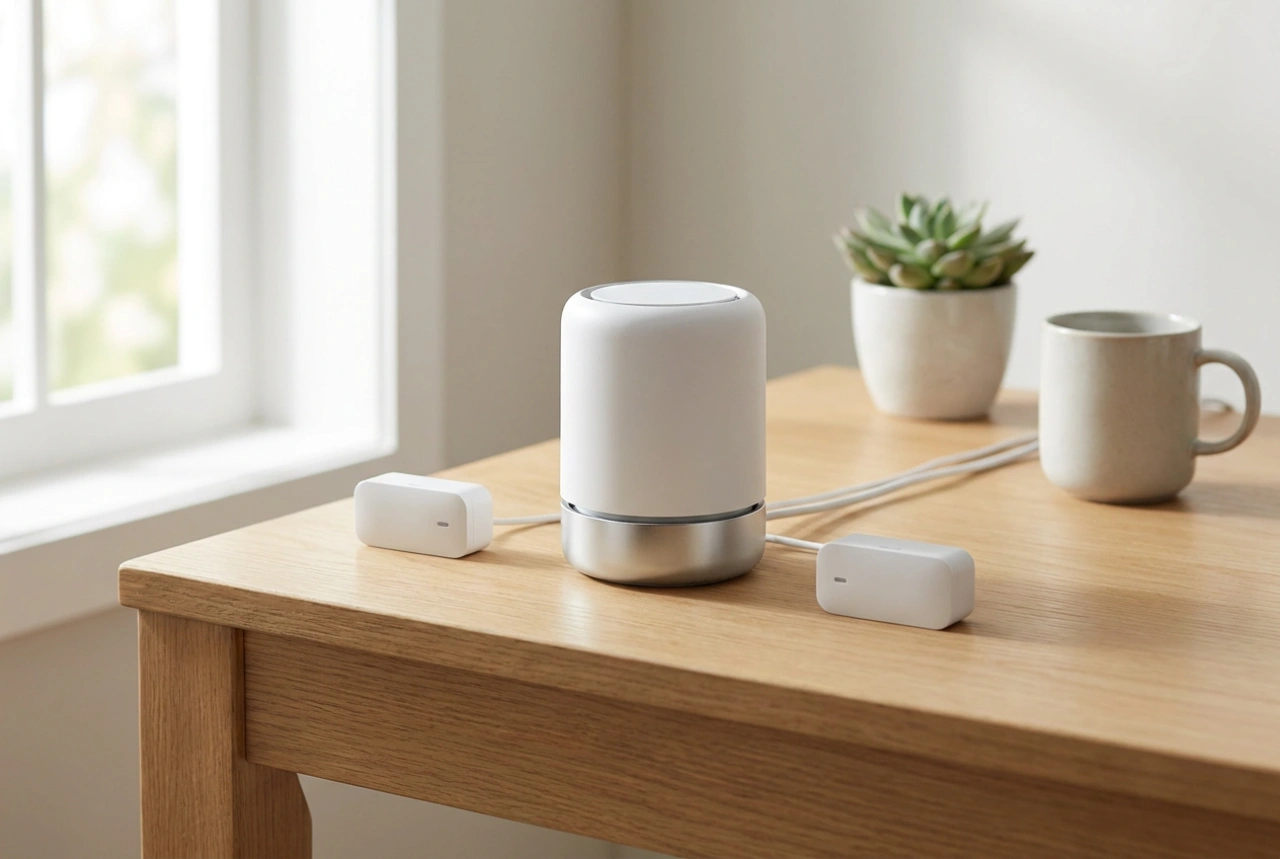
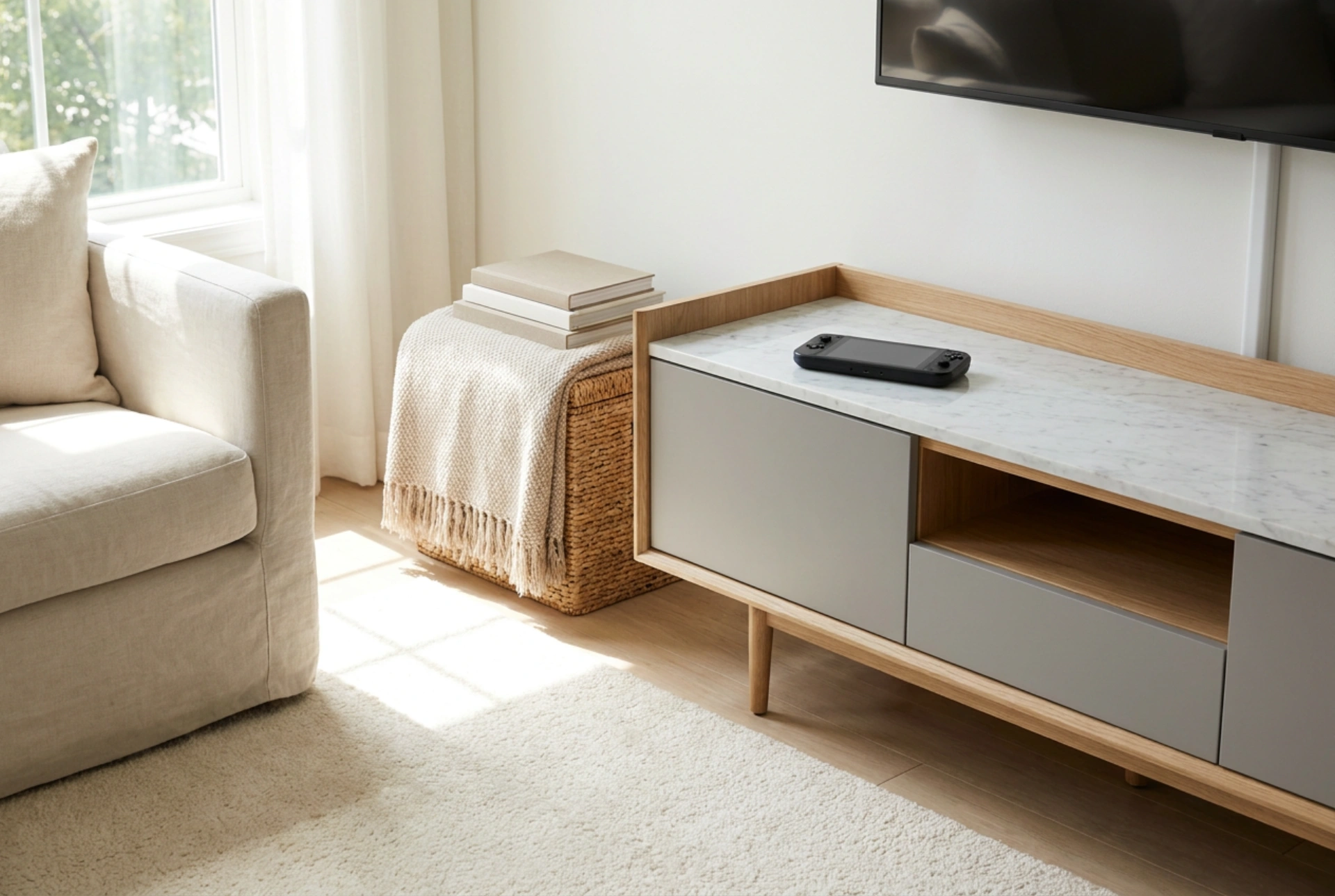
To maintain optimal airflow, position the console on a flat, hard surface like marble, glass, or sealed wood, leaving at least ten centimetres of clearance around all exhaust vents. Avoid soft fabric surfaces or carpets, which block intake vents on the underside of the device and act as thermal insulators. Regular dusting of the intake grilles with dry compressed air prevents dust accumulation on the internal heatsink fins, preserving cooling efficiency and reducing fan noise during intensive family gameplay sessions. Additionally, monitoring physical dust build-up prevents the internal bearings of the fan from wearing out prematurely, which can cause grinding noises and a drop in static air pressure inside the cooling loop.
Wireless Controller Calibration and Signal Management
Local multiplayer gaming relies heavily on wireless controllers, typically communicating via the 2.4 GHz radio frequency band. When multiple family members play simultaneously, signal interference and physical barriers can cause packet loss, leading to input lag or disconnected controllers. Household appliances, wireless routers, and solid furniture (such as metal or thick wood cabinets) can degrade the signal strength between the console and the input devices.
To ensure responsive controls, maintain a clear line of sight between the console receiver and the seating area. If input lag occurs, separating the console from your home Wi-Fi router by at least one metre can drastically reduce channel crowding. Additionally, managing controller battery cycles is crucial. Implementing a dedicated charging dock near the console prevents deep battery discharges, which degrade lithium-ion cells over time, ensuring controllers are always calibrated and ready for use. Ensuring that controllers are periodically resynced to clear the device cache also helps in maintaining a low-latency connection during multi-user sessions.
Digital Profiles and Access Management
Modern gaming operating systems offer software-level features designed to streamline shared use among family members of different ages. Creating individual local user profiles allows each family member to maintain separate saved data, custom controller configurations, and personalized visual settings. This segregation prevents accidental deletion of game progress, a common point of friction in multi-user households.
Furthermore, built-in access controls allow primary users to set daily operational limits and age-appropriate content restrictions directly through the system software. These systems function by matching the content ratings of digital software with the permissions granted to a specific profile. Implementing these limits directly on the console reduces the need for constant monitoring, as the hardware automatically restricts access once designated time thresholds or content boundaries are reached. This creates a balanced environment where boundary enforcement is handled impartially by the system operating system itself.
Caring for Screens and Shared Components
Portable hybrid consoles feature integrated screens that require specific maintenance protocols to prevent physical damage. Unlike television screens, handheld displays are frequently touched and exposed to grease, dust, and friction. Cleaning these surfaces requires a dry microfiber cloth; chemical detergents containing alcohol or ammonia must be avoided, as they strip the oleophobic coating designed to repel fingerprint oils and reduce glare.
Applying a tempered glass screen protector adds a sacrificial layer that absorbs impact energy, protecting the underlying liquid crystal or organic light-emitting diode panel from fractures. For storing the device, a dedicated dock connected via high-bandwidth interface cables prevents physical wear on the charging port, which can fail over time due to repeated manual insertions at incorrect angles. Instructing family members on the correct angle of insertion protects both the internal port pins and the structural integrity of the charging cable.