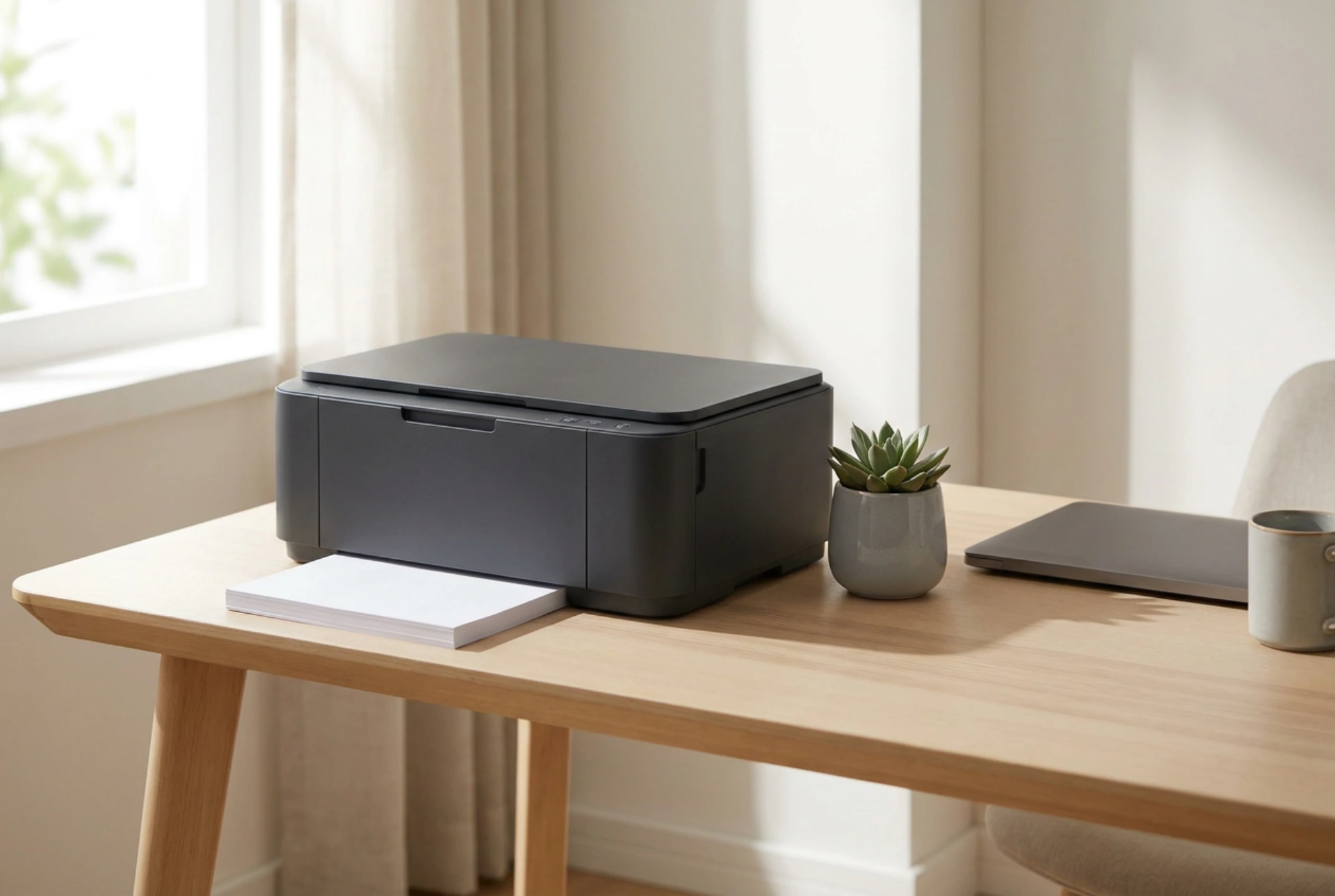


Choosing a compact printer for a home office requires understanding how liquid inks and dry toners behave over time rather than relying on commercial marketing promises. By analyzing your actual print frequency and the physical mechanisms of printing technology, you can avoid costly maintenance cycles and unnecessary features. <\/p>
The Chemistry of Inkjet versus Laser Printing<\/h2>
The core difference between the two primary printing technologies lies in the physical state of their colorants. Liquid inkjets rely on pigment- or dye-based aqueous solutions. When an inkjet printer sits idle, the water content in these solvents evaporates at the nozzle interface. This leads to micro-crystallization and severe blockages in the printhead capillary tubes. To clear these blockages, the printer must perform automated purging cycles, forcing valuable ink through the nozzles to dissolve the dried crust. This process can consume up to fifty percent of your ink supply over time if you only print occasionally.<\/p>
In contrast, laser printers utilize a dry, fine powder composed of thermoplastic polymer resins, carbon black, and iron oxide. This powder is transferred via electrostatic charges onto an organic photoconductor drum and then fused to the paper fibers using heat, typically between 150°C and 200°C, combined with high pressure. Because toner contains no liquid solvent, it is physically incapable of drying out or clogging. For irregular, low-volume home printing, laser technology is chemically superior, ensuring the device remains ready to print even after months of dormancy.<\/p>
Droplet Dynamics and Print Resolution<\/h2>
For household documents, high DPI (dots per inch) specifications are often a marketing distraction. Inkjet printheads eject droplets measured in picoliters, typically ranging from 1.5 to 5 picoliters. Smaller droplets allow for smoother color transitions in photography but require highly precise thermal or piezoelectric actuators. If your primary output is text, simple forms, or shipping labels, a standard monochrome laser printer operating at 600 DPI provides significantly sharper edges.<\/p>
This sharp definition occurs because dry toner particles melt and bond instantly with the surface fibers of the paper. Liquid ink, however, is subject to capillary wicking. When the liquid droplet hits standard, non-coated copy paper, the fibers draw the ink outward, causing feathering and blurred text edges. Therefore, unless you are printing high-resolution color photographs on specialized microporous paper, the physical interaction of toner with plain paper yields superior legibility at a lower resolution.<\/p>
Paper Paths and Mechanical Wear<\/h2>
Compact printer designs must manipulate the paper path to minimize their physical footprint. A U-path design draws paper from a bottom tray, curves it 180 degrees over internal rollers, and deposits it on a top tray. This configuration puts significant mechanical tension on the paper and relies heavily on high-friction rubber pickup rollers. Over time, paper dust acts as an abrasive, coating these rollers and causing paper jams due to loss of friction.<\/p>
A straight-through paper path, which feeds from a rear tray and exits through the front, minimizes mechanical stress on the paper and the feeding mechanism. This setup is highly reliable for heavier media, such as cardstock or envelopes. When selecting a compact printer, evaluate how the paper is stored. Internal paper cassettes protect the paper from dust accumulation and humidity, which can warp the sheets and alter their electrical resistivity, directly affecting toner transfer efficiency in laser printers.<\/p>
Deciphering Connectivity and Functional Overhead<\/h2>
Multi-function units that combine printing, scanning, and copying introduce additional mechanical and electronic complexity. For a true space-saving setup, consider whether you actually need a flatbed scanner. Modern mobile devices equipped with high-resolution sensors and optical character recognition software often surpass the utility of cheap, integrated contact image sensors. Removing the scanning apparatus drastically reduces the physical volume of the printer and eliminates unnecessary idle power consumption.<\/p>
Furthermore, look for devices that support class-compliant USB connections or open local network protocols. Many modern printers enforce proprietary cloud-based setup procedures and continuous internet connectivity. This introduces software layers that can render the hardware useless if the manufacturer discontinues support or updates their ecosystem. A printer that communicates directly via standard TCP\/IP protocols or direct USB will remain operational for decades, independent of third-party server availability.<\/p>