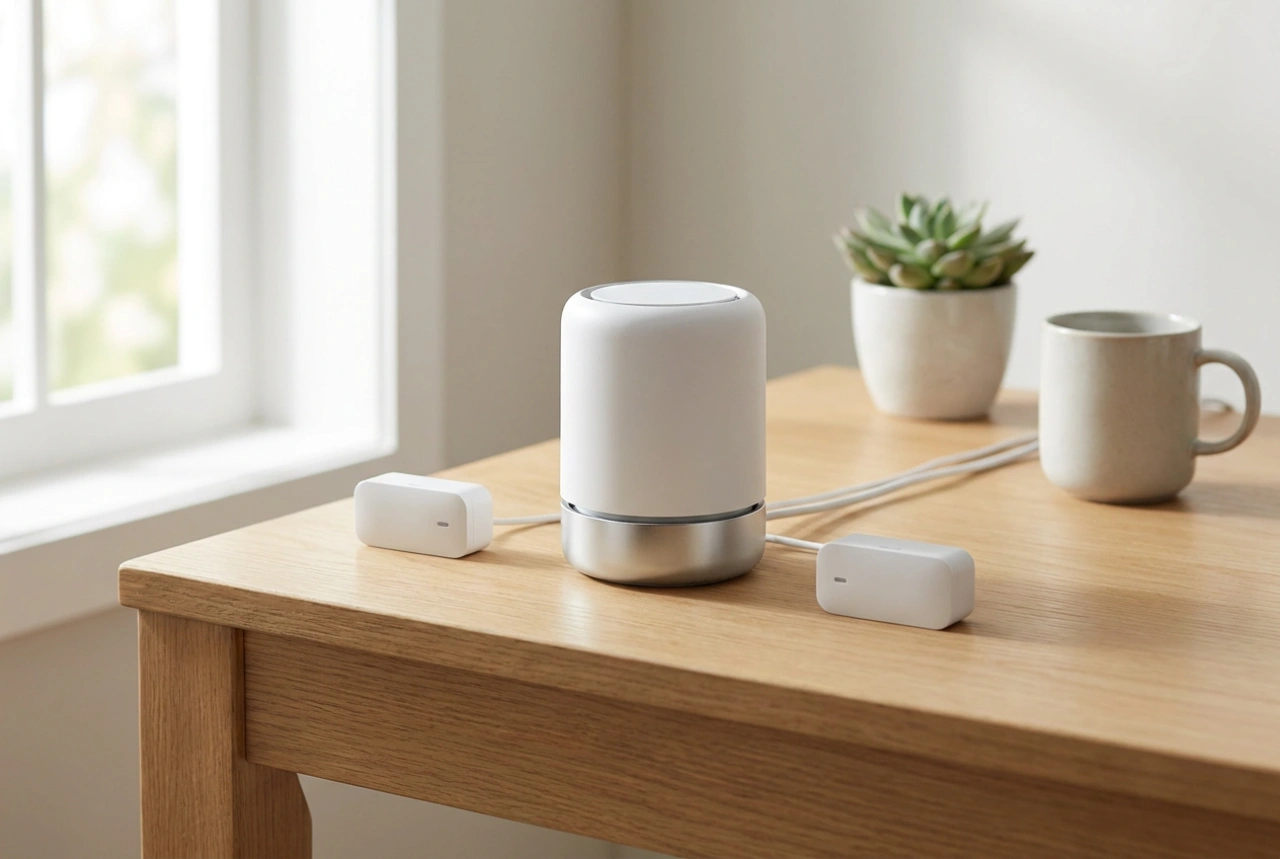


Integrating a home alarm system with mobile notifications transforms passive security into an active, real-time response network. By configuring your central control panel to communicate directly with your smartphone, you ensure immediate awareness of any sensor breach, power loss, or system tampering.
Understanding the Dual-Path Communication Architecture
For a mobile notification system to be truly reliable, it must rely on robust transmission pathways. Single-path systems, which depend solely on a home Wi-Fi network, are highly vulnerable to power outages, router failures, or physical wire cuts. To prevent communication blackouts, modern security systems utilise dual-path reporting, combining an IP path (Ethernet or Wi-Fi) with a cellular backup path (GSM/3G/4G).
Under normal conditions, the system uses the IP connection as its primary pathway due to its high speed and zero data cost. The alarm hub sends periodic cryptographic packets, known as heartbeat signals, to the cloud server to confirm that the connection is active. If the primary IP link fails, the control panel automatically switches to the cellular transmitter within milliseconds. This redundant setup ensures that critical alarm events reach your mobile device even if local infrastructure is compromised.
Configuring Alarm Zones and Notification Rules
A common mistake in alarm setup is routing every sensor trigger to a high-priority phone alert, which leads to notification fatigue. Effective configuration requires dividing your home into distinct zones with specific operational logic:
- Instant Zones: Typically assigned to perimeter entry points, such as ground-floor windows and back doors. If triggered when armed, they immediately execute the notification protocol without delay.
- Delay Zones: Used for primary entry doors. These allow a set countdown (e.g., 30 seconds) to disarm the system manually before the siren sounds and the mobile alert is dispatched.
- 24-Hour Zones: Reserved for environmental sensors like flood detectors or smoke alarms. These zones remain active regardless of whether the system is armed or disarmed, sending instant priority alerts.
Within the control panel software, map these zones to specific push notification profiles. For instance, low-priority events like a low backup battery should trigger silent, non-intrusive push alerts, whereas a perimeter breach should bypass your phone’s silent mode via critical alert protocols.
Establishing the Gateway Link
To connect the local security hub to your mobile device, the system must be registered to a secure gateway server. This process involves linking the unique MAC address or hardware serial number of your control panel to a secure user account. Once registered, the panel establishes an encrypted outbound connection to the cloud network. Outbound connections are essential because they do not require complex and insecure port forwarding on your home router, keeping your local network safe from external penetration.
During setup, ensure that the mobile application is granted permanent background execution permissions and permission to override "Do Not Disturb" settings. This configuration allows the app to maintain a constant, low-bandwidth TCP socket connection to the notification server, ensuring that push messages are delivered with sub-second latency.
Maintaining Power and Signal Redundancy
A notification system is only as good as its weakest electrical link. The central alarm hub must be connected to a dedicated uninterruptible power supply (UPS) or contain an internal lead-acid or lithium-ion backup battery. This backup system should be rated to keep the processor and cellular module active for at least 12 to 24 hours during a mains failure. Regularly test the battery capacity under load every twelve months to ensure it can sustain the high peak currents required when the cellular module transmits at maximum power.