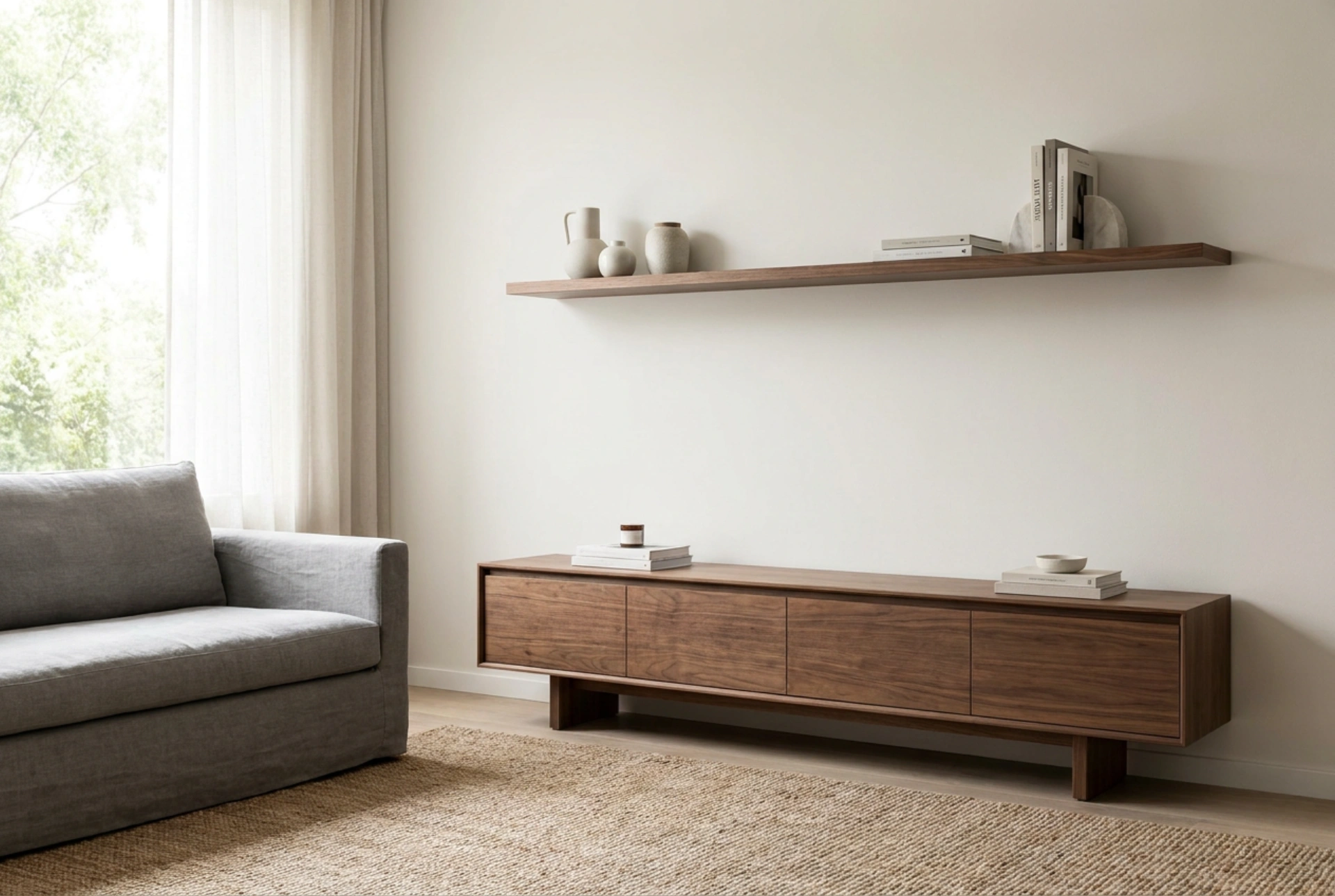


Mounting a television at the correct height above a media console is not just about aesthetics; it directly impacts your physical comfort and visual experience. Finding the perfect balance requires calculating your specific seating height, understanding viewing angles, and coordinating with the dimensions of your TV stand.
The Ergonomics of TV Placement
The primary goal when positioning a television is to prevent neck and eye strain. Human ergonomics dictate that our natural resting line of sight is slightly downward, approximately 10 to 15 degrees below horizontal when sitting upright. Therefore, the optimal viewing position is achieved when the middle of the television screen is aligned directly at, or slightly below, your eye level when seated in your primary viewing spot.
When a screen is mounted too high, it forces the neck muscles to hyperextend to keep the eyes focused upward. Over extended periods, this causes fatigue in the cervical spine and strain on the extraocular muscles. Conversely, a screen mounted too low can cause slouching. Aligning the vertical center of the screen with your seated eye level distributes the physical load evenly across your neck and back muscles, promoting a neutral spine posture.
The Role of the Media Console
A media console, or RTV cabinet, serves as an important visual and physical anchor for the wall-mounted television. Standard consoles typically range in height from 45 to 65 centimeters. The distance between the top surface of the console and the bottom edge of the TV should generally remain between 10 and 20 centimeters. This gap serves several critical functional and aesthetic purposes.
- Acoustic and Device Clearance: This space provides sufficient clearance for soundbars, central channel speakers, or media receivers without blocking the lower edge of the screen or interfering with infrared remote sensors.
- Visual Balance: A gap that is too small makes the wall feel cramped, while a gap wider than 30 centimeters disconnects the television from the furniture below, making it look as though it is floating aimlessly on the wall.
- Heat Dissipation: Electronic components housed inside or on top of the cabinet generate heat. A modest gap allows air to circulate freely around the bottom vents of the television.
Step-by-Step Calculation Guide
To determine the exact height for your specific setup, you can use a simple and precise physical measurement process instead of relying on generic averages. Follow these steps to find the ideal mounting coordinates:
First, sit on your primary sofa or armchair in your typical relaxed viewing posture. Have a partner measure the vertical distance from the floor directly to your pupils. For most standard sofas and average adult heights, this measurement ranges between 100 and 110 centimeters.
Next, measure the total height of your television screen, excluding the stand. Divide this number by two to locate the exact horizontal centerline of the screen. For example, a standard 65-inch television is approximately 80 centimeters tall, putting its centerline at 40 centimeters from the bottom edge.
Finally, subtract the half-screen height from your seated eye height. If your eye height is 105 centimeters and your half-screen height is 40 centimeters, the bottom edge of your TV should sit exactly 65 centimeters above the floor. If your media console is 50 centimeters tall, this leaves a perfect 15-centimeter gap between the console and the TV.
Adapting for Large Screens and Deep Seating
As screens get larger, the simple eye-level rule requires minor adjustments. With displays larger than 75 inches, placing the centerline exactly at eye level might push the bottom of the screen too close to the media console, or even below it. In these scenarios, it is acceptable to shift the mounting height slightly upward so that the lower third of the screen aligns with your eye level.
Viewing distance also influences the perceived height. If your seating is positioned further away (more than 3 meters), the angle of elevation decreases, making a slightly higher screen mount much more comfortable for the neck. If your seating is very close, keeping the screen strictly at eye level is critical to avoid rapid eye fatigue from constantly scanning up and down.
Execution and Final Check
Before drilling any holes into your wall, create a physical template using cardboard cut to the exact dimensions of your television. Tape this template to the wall at your calculated height. Sit on your sofa and track the corners of the template with your eyes. If you can view the entire surface without moving your head up and down or side to side, you have found the optimal position. This simple verification step ensures that your physical calculations translate perfectly into real-world comfort.





