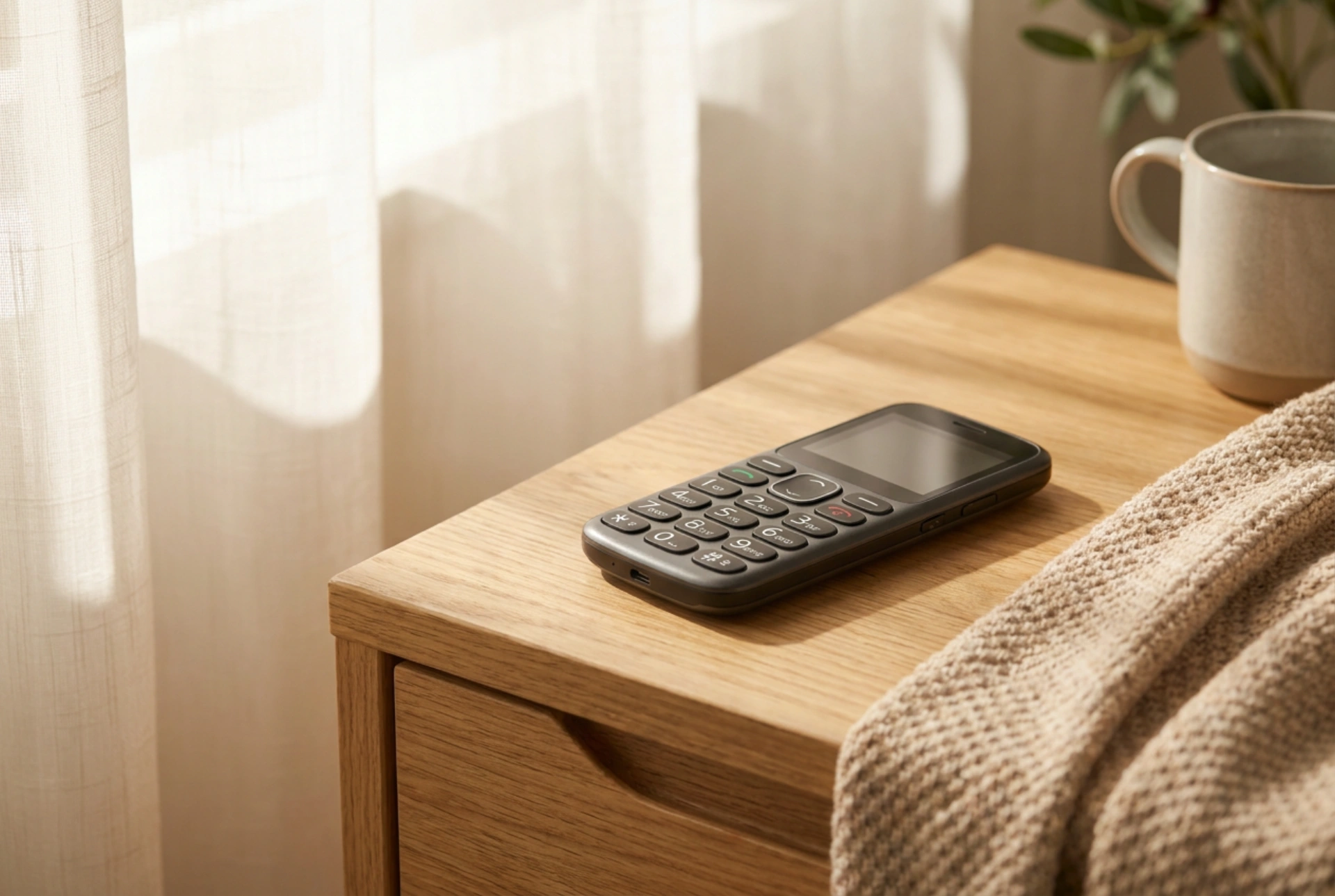


Switching from traditional copper-wire landlines to cellular-network desktop phones is a highly practical step for maintaining reliable communication with senior family members. These devices combine the familiar physical layout of a classic telephone with the modern wireless infrastructure of a SIM card.
Acoustic Design and Hearing Aid Compatibility
Age-related hearing loss typically affects high-frequency sound perception first. When selecting a desktop SIM phone, the physical architecture of the receiver speaker is critical. Unlike slim mobile phones, a desktop unit has space for a larger acoustic chamber, allowing for deeper resonance and clearer low-to-mid frequency reproduction. Look for devices that feature a dedicated physical volume booster button that amplifies the signal without introducing harmonic distortion. Furthermore, compatibility with hearing aids is governed by electromagnetic coupling. Ensure the handset contains an induction coil (Telecoil or T-coil) that transmits the audio signal directly to the hearing aid, bypassing ambient room noise and preventing annoying feedback squeals.
Tactile Ergonomics and Button Mechanics
Declining motor skills and arthritis make precise finger placement difficult. The keyboard layout must prioritize tactile feedback and physical separation. Opt for dome-switch keys that require a distinct actuation force (measured in grams-force) to prevent accidental double-presses. Buttons should have a matte, non-slip texture and high-contrast labeling—ideally white characters on a black background or vice versa—to assist those with visual impairments like cataracts or macular degeneration. Avoid touch-sensitive surfaces entirely, as they lack physical boundaries and tactile confirmation of a successful press.
Display Optics and User Interface
The screen on a senior-friendly desktop phone does not need high resolution, but it does require exceptional legibility. High-contrast, monochrome liquid crystal displays (LCDs) or simple segment displays are often superior to full-color screens because they maintain readability under direct sunlight and from wide viewing angles. The user interface must be stripped of complex submenus. The primary functions—battery status, signal strength, and caller identification—should be permanently visible in large, bold fonts. A crucial safety feature is the presence of physical speed-dial keys (often labeled A, B, C or 1, 2, 3) which allow one-touch connection to emergency contacts without navigating a digital phonebook.
Antenna Physics and Signal Stability
One of the primary technical advantages of a desktop SIM phone over a standard mobile phone is its external antenna. Standard mobile phones rely on compact, internal patch antennas that are easily shielded by a user's hand or building materials. A desktop unit typically utilizes an external, adjustable dipole antenna. This design significantly improves signal reception in rural areas or insulated modern buildings by raising the antenna gain (measured in dBi). This stable connection prevents dropped calls and ensures that the transmitter does not have to increase its output power, which can otherwise cause interference or accelerate battery drain.
Power Dynamics and Battery Preservation
Because these devices are designed to sit on a desk or nightstand, they are permanently connected to the mains power supply. Constant trickle-charging can degrade lithium-ion batteries, leading to capacity loss or chemical swelling. Seek devices equipped with smart charging circuits that cut off power once full capacity is reached, or units that utilize stable nickel-metal hydride (NiMH) rechargeable cells. The internal battery serves as a critical fail-safe during power outages, ensuring the phone remains operational for emergency calls for at least 24 to 48 hours on standby.





