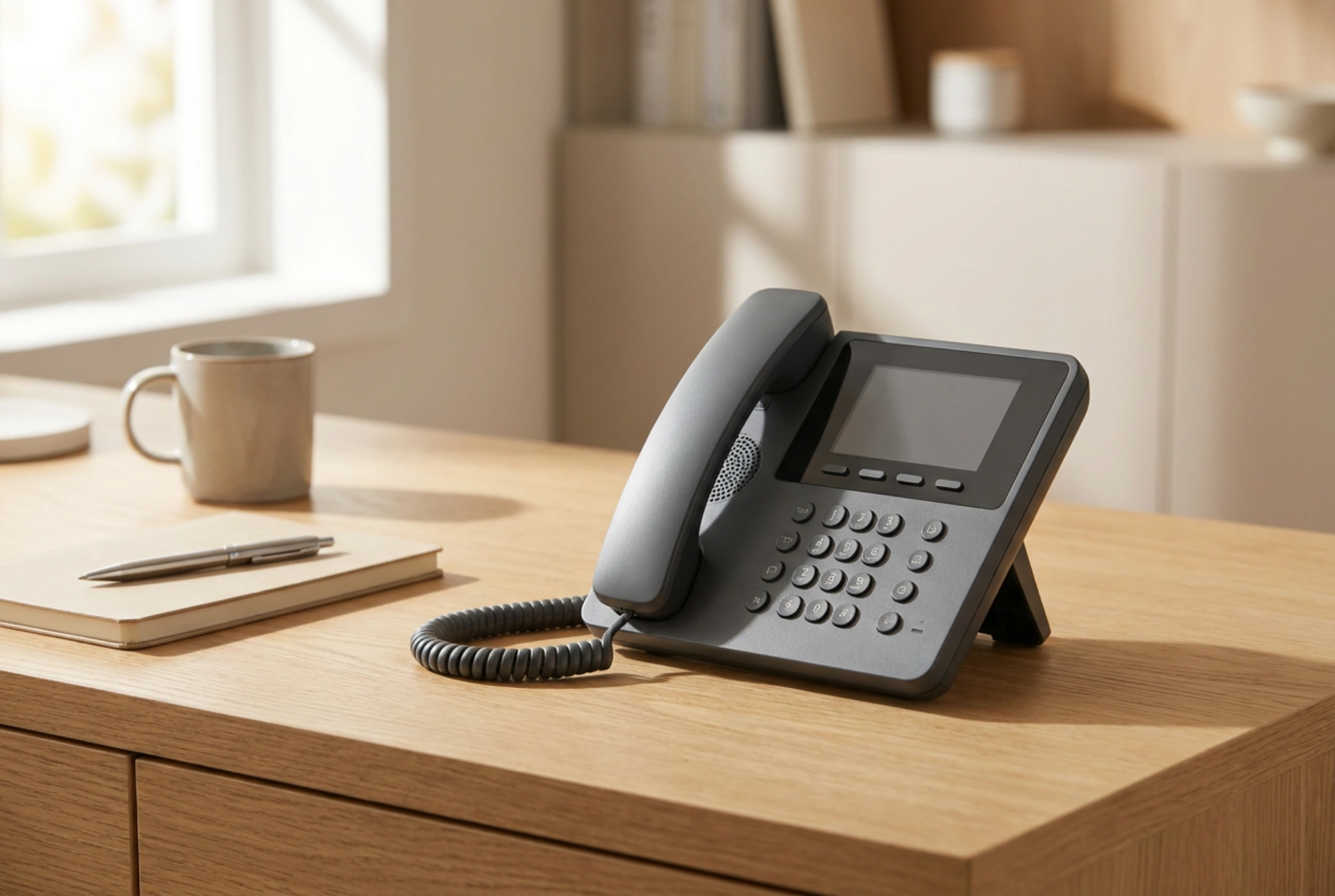


A SIM-card landline phone, often called a GSM desktop phone, bridges the gap between traditional stationary ergonomics and modern cellular network technology. By inserting a standard SIM card into a desktop receiver, you eliminate the need for physical copper lines or internet-based VoIP setups while retaining the comfort of a classic telephone interface.
The Core Mechanics: How Cellular Desktop Phones Operate
At its heart, a SIM-card landline phone is a cellular transceiver housed within the chassis of a traditional desktop telephone. Instead of connecting to a local telephone exchange via physical copper wires or a broadband router, the device communicates directly with nearby cellular base stations using radio frequencies. Inside the casing lies a cellular module that decodes radio waves into analog audio signals for the handset.
These devices typically feature an integrated omnidirectional antenna, though many models include a standardized coaxial port for attaching an external high-gain antenna. This hardware configuration is highly efficient: it allows the device to capture weak signals far better than the microscopic antennas embedded inside modern smartphones. Power is supplied via a standard mains adapter, but almost all units include an internal rechargeable backup battery to ensure uninterrupted service during power outages.
The Physical and Technical Advantages Over Mobile Devices
While smartphones are highly portable, they are not always ideal for prolonged desktop use or specific demographic needs. Understanding the physical and material differences explains why a stationary cellular phone is often the superior choice:
- Antenna Aperture and Signal Quality: The larger physical footprint of a desktop phone allows for a larger antenna. This results in superior reception in remote areas or buildings with thick concrete walls that attenuate high-frequency radio waves.
- Thermal and Ergonomic Comfort: Standard smartphones generate heat during long calls due to compact battery discharge and processor load held directly against the face. A desktop handset remains completely cool as the cellular transceiver and battery remain in the base unit.
- Acoustic Optimization: The larger physical speaker in a desktop handset allows for a wider resonant chamber, producing clearer, deeper audio frequencies that are easier for individuals with hearing impairments to understand.
When to Deploy a SIM-Card Landline Phone
This hybrid technology solves specific practical problems where traditional copper lines are unavailable or economically unfeasible. The primary deployment scenarios include:
1. Supporting Elderly or Technologically Averse Users
For seniors accustomed to the tactile feedback of physical buttons and a heavy handset, modern smartphones can be frustrating. A GSM desktop phone offers the exact user experience of a traditional landline—complete with a physical hook switch, large tactile keys, and dedicated speed-dial buttons—but runs on cellular networks without requiring physical line installation.
2. Remote Offices and Temporary Workspaces
In construction trailers, pop-up retail kiosks, or rural home offices, installing a physical telephone line is often slow and expensive. A SIM-card phone provides an instant, professional desktop communication system. If the workspace moves, the phone can be packed up and plugged in at the new location without any line transfer fees or configuration changes.
3. Rural Areas with Poor Indoor Coverage
In locations with weak cellular coverage, holding a smartphone next to a window is impractical. A cellular landline phone can be placed permanently near a window where signal strength is highest, or connected to an external directional antenna mounted on the roof, bringing clear voice service deep inside a shielded building.
Best Practices for Setup and Maintenance
To ensure optimal performance of a GSM desktop phone, follow these technical guidelines during installation:
- Deactivate the SIM PIN: Before inserting the SIM card into the desktop phone, insert it into a standard mobile phone first to disable the PIN lock request. Most desktop models do not have intuitive interfaces for entering PIN codes upon boot.
- Placement Away from Interference: Keep the device at least one meter away from computer monitors, routers, and microwave ovens to prevent electromagnetic interference from degrading the call quality or causing audible buzzing.
- Battery Conditioning: If the phone is permanently plugged into the wall, the backup battery can degrade over time. Once every few months, unplug the mains adapter and run the phone on battery power until it discharges to roughly 20%, then recharge it to preserve battery chemistry.





