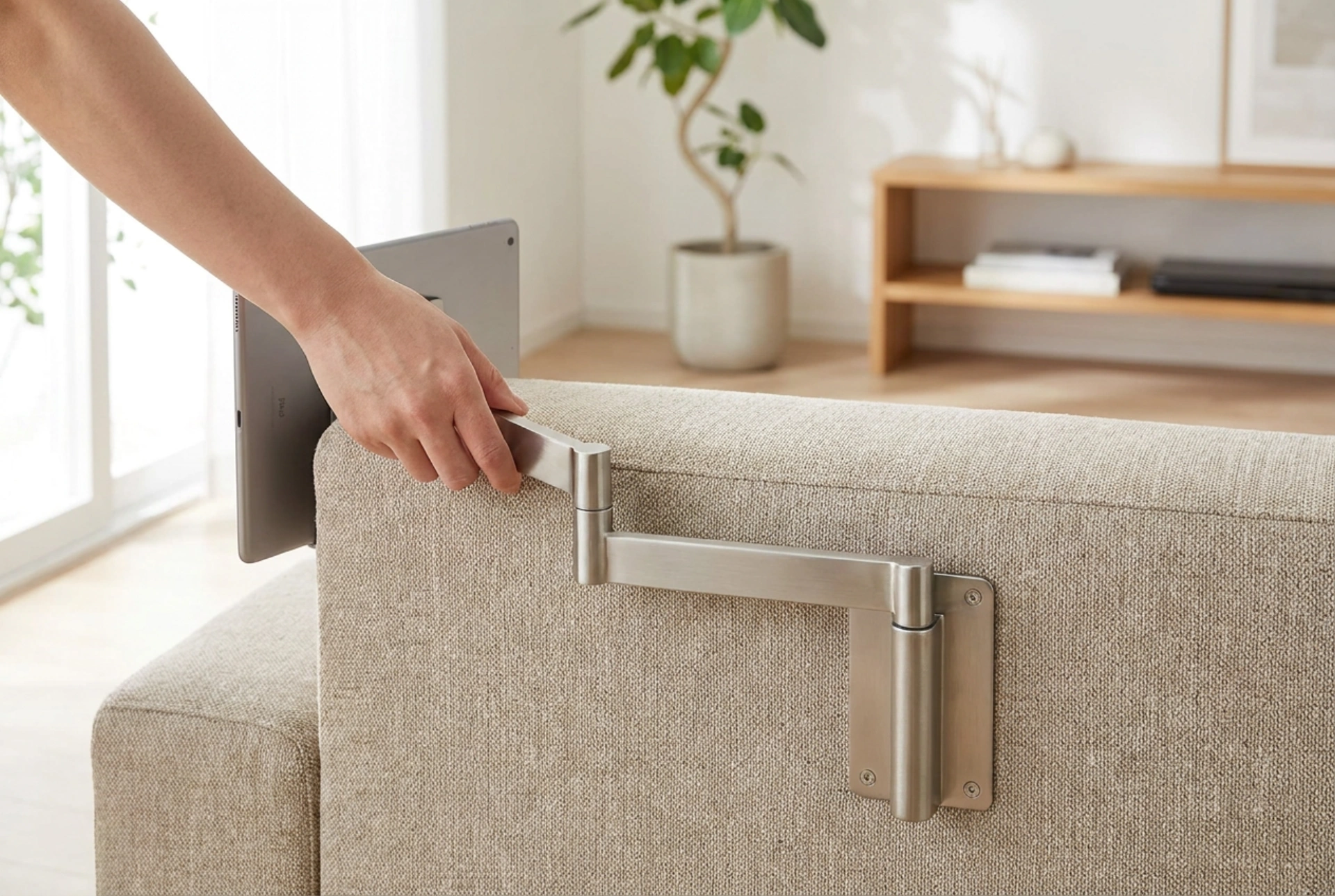


Positioning a screen perfectly in relation to your sofa often requires a long-arm cantilever mount, especially in open-plan living spaces or L-shaped room layouts. To ensure both optimal viewing comfort and structural safety, you must understand the physics of leverage, wall load-bearing dynamics, and ergonomic viewing angles.
The Physics of Cantilever Force and Torque
When you extend a heavy screen away from a wall using a long-arm mount, you are applying the basic principle of leverage. Torque, or rotational force, increases proportionally with the length of the arm. For instance, a 15 kg screen mounted on a 10-centimetre bracket exerts a relatively low pull force on the upper wall anchors. However, if you extend that same 15 kg screen on an arm that reaches 70 or 80 centimetres, the rotational force exerted on the top wall fixings multiplies dramatically. This physical reality means that choosing a long-arm mount is not just about reach; it is about the structural integrity of your wall. Solid brick, concrete, or structural timber studs are necessary mounting points. Hollow drywall or plasterboard surfaces will fail under the tension created by extended arms unless reinforced internally with wood or steel backing plates to distribute the load.
Calculating Reach, Swivel, and Sofa Alignment
To select the correct arm length, you must map the distance between the mount’s anchor point and the seating positions on your sofa. If your sofa is positioned at an angle to the wall, the arm must be long enough to allow the screen to pivot without its edge striking the wall surface. The minimum arm length required for a full 90-degree turn is equal to half the total width of the screen, plus a few centimetres of safety clearance. For a standard 55-inch screen (approximately 122 centimetres wide), the arm must extend at least 65 centimetres from the wall to achieve a complete perpendicular rotation. If your sofa is aligned directly opposite but you require the option to pull the screen closer for immersive viewing, calculate the maximum extension to match your ideal focal distance, which is typically 1.5 to 2.5 times the diagonal width of the screen.
Ergonomics, Viewing Heights, and Tilt Mechanisms
Sofa seat heights typically range from 40 to 50 centimetres from the floor, which dictates your seated eye level. When sitting back, your natural line of sight rests roughly 10 to 15 degrees downward. To prevent neck fatigue, the centre of the screen should ideally align with this natural eye level. If your long-arm mount must be installed higher due to architectural constraints—such as a fireplace or cabinetry—you must select a mount that offers vertical tilt adjustment. A downward tilt of 5 to 15 degrees can compensate for a higher mounting position. Furthermore, the mount must feature high-quality mechanical joints with adjustable friction brakes, allowing you to fluidly shift the position from a relaxed lounging angle to an upright viewing angle without the arm drifting or drooping under the weight of the screen.
Wall Anchor Selection and Mechanical Load Distribution
The safety of a long-arm cantilever system relies entirely on the fastening elements. Traditional plastic expansion wall plugs are insufficient for solid walls under high dynamic loads; heavy-duty nylon frame anchors or steel sleeve anchors should be used instead. For timber studs, use high-tensile steel coach screws that penetrate at least 50 millimetres into the structural centre of the stud. If mounting to hollow masonry or drywall with steel studs, you must employ heavy-duty metal toggle bolts or chemical resin anchors. Chemical anchoring systems create a stress-free bond by fusing the threaded rod directly into the masonry substrate, distributing the rotational forces evenly and eliminating the risk of wall crumbling under tension.
Managing Dynamic Cable Tension and Arm Joints
Every time you adjust the long arm to align with a different section of your sofa, the cables connecting your screen are subjected to pulling and bending forces. Standard cables can easily pinch, bend past their minimum bend radius, or pull out of ports if not properly managed. Look for mounts with integrated cable routing channels along the metal articulating limbs. Always leave a loop of slack near the articulation joints to accommodate the full range of movement. Additionally, periodic maintenance of the arm's tension bolts is necessary to counteract the natural settling of the metal joints over time, ensuring smooth, effortless rotation and stable positioning.





