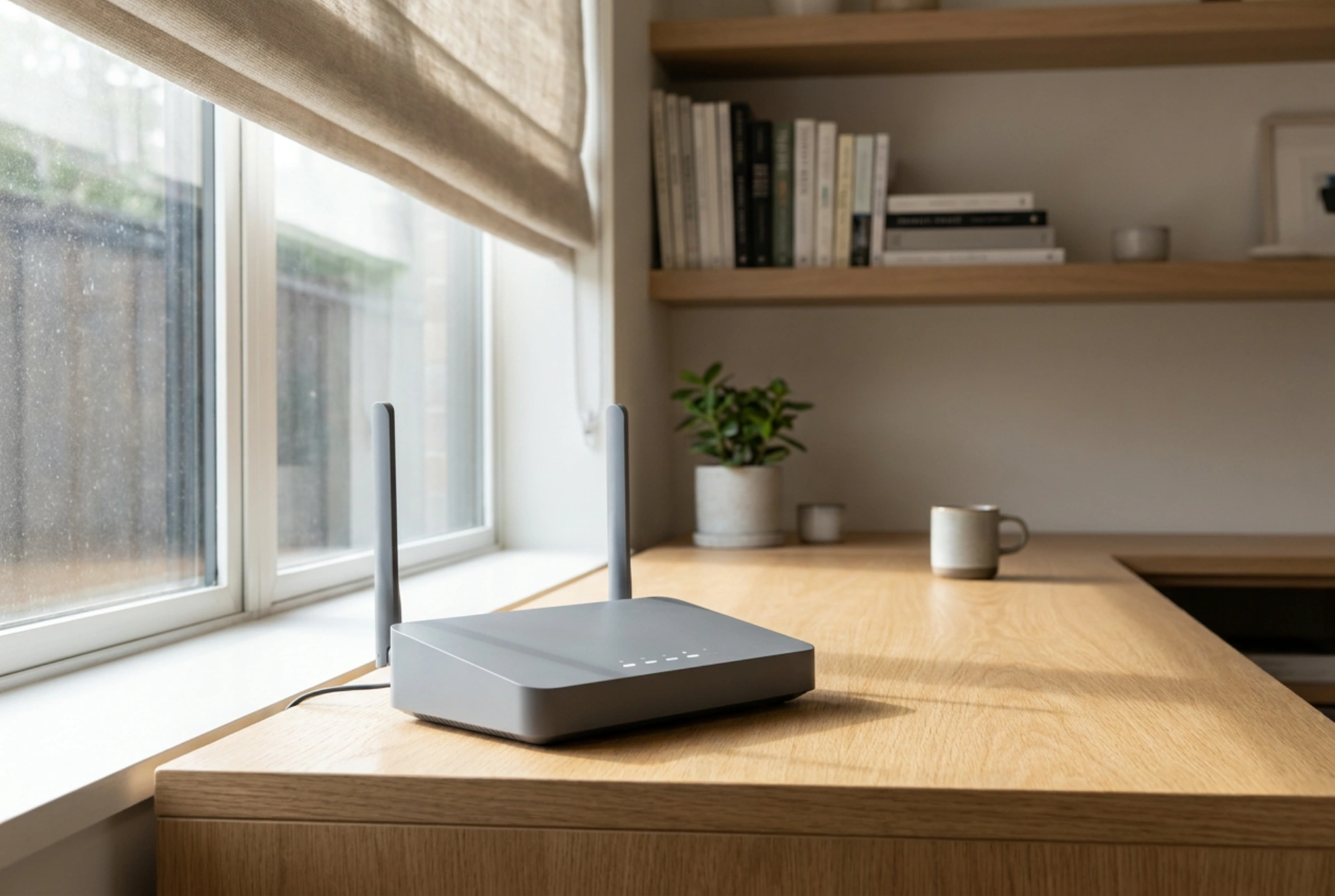


Achieving a stable, high-speed internet connection relies heavily on the physical placement of your router and its external antenna, as electromagnetic waves are highly sensitive to environmental obstacles and distance. Understanding how radio frequencies interact with physical materials and distance allows you to position your hardware for maximum throughput and minimal latency.
The Physics of Signal Obstruction and Window Glazing
Radio frequency (RF) signals operate on electromagnetic spectrum bands that are easily absorbed or reflected by dense materials. When positioning an external antenna, the goal is to establish a clear line of sight to the nearest broadcasting tower or signal source. Standard building materials like reinforced concrete, brick, and solid wood cause significant signal attenuation, absorbing the energy of the waves and reducing their range.
A common mistake is placing an external antenna behind modern double-glazed or triple-glazed windows. Many energy-efficient windows are coated with a microscopic layer of metal oxides (low-emissivity or low-E coatings) designed to reflect heat. Unfortunately, these metallic films act as electromagnetic shields, reflecting RF signals back outside. To prevent this, the external antenna must be mounted physically outside the building envelope, rather than resting on an indoor windowsill behind treated glass.
Understanding Coaxial Cable Attenuation and Loss
The physical connection between your outdoor antenna and the indoor router is a critical point of signal degradation. High-frequency signals traveling through coaxial cables experience attenuation, where energy is lost as heat due to the electrical resistance of the cable conductor and dielectric materials. The longer the cable, the greater the signal loss, measured in decibels (dB).
- Minimise cable length: Keep the coaxial run between the external antenna and the router as short as physically possible to preserve signal integrity.
- Select low-loss cabling: Use thick, high-shielding coaxial cables designed for microwave frequencies to prevent signal leakage and external ingress of electromagnetic interference.
- Avoid sharp bends: Physical kinks or sharp turns in the cable alter its internal geometry, changing the characteristic impedance (typically fifty ohms) and causing signal reflections that degrade performance.
Antenna Polarization and Alignment Techniques
Radio waves are polarized, meaning the electric field vibrates in a specific direction—either horizontally, vertically, or circularly. For optimal signal transfer, the receiving antenna must share the same polarization as the transmitting mast. Most cellular and outdoor wireless networks use cross-polarization (typically at forty-five-degree angles, known as X-pol) to maximize bandwidth and combat atmospheric interference.
When installing a directional external antenna, such as a Yagi or panel antenna, alignment must be precise. Even a few degrees of misalignment can drop the signal-to-noise ratio significantly. Slowly rotate the antenna in small increments, checking the router's administration panel for the Received Signal Received Power (RSRP) and Signal-to-Interference-plus-Noise Ratio (SINR) metrics. A higher RSRP (closer to zero, such as minus seventy dBm being better than minus ninety dBm) and a higher SINR indicate a cleaner, stronger signal.
Optimising Indoor Router Placement
Once the external signal is clean, the indoor router must distribute this connection via Wi-Fi. The router should be elevated on a shelf or mounted on a wall, away from large metal appliances, filing cabinets, and thick walls. Keep the router distant from other electronics that emit electromagnetic noise in the frequency bands, such as microwave ovens, baby monitors, and cordless phones, to maintain a clean local signal sphere.





