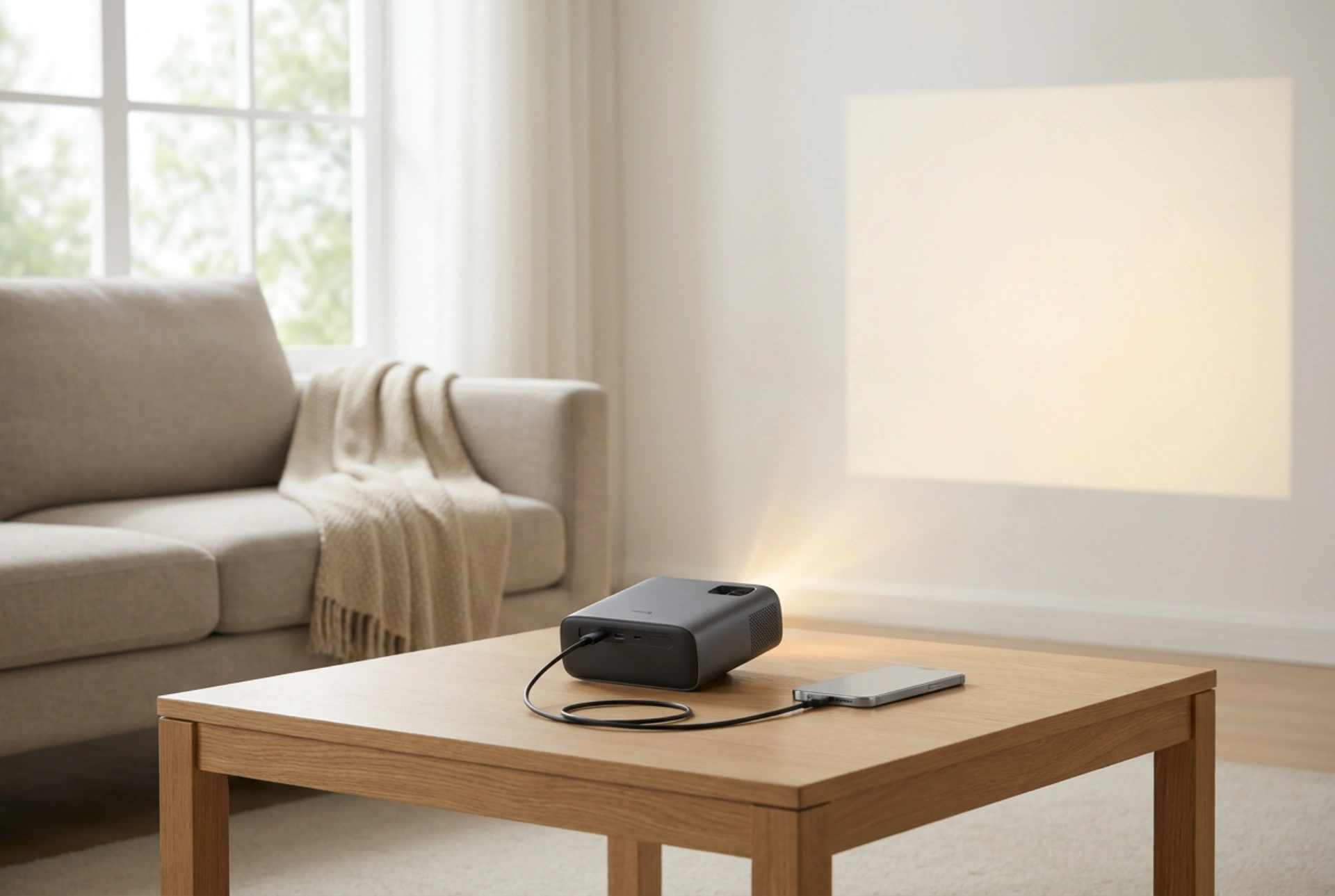


Connecting a mobile device to a portable projector requires aligning data transmission standards and optimising physical optical dynamics to achieve a bright, pixel-perfect display. By understanding the underlying hardware protocols and the physics of light propagation, you can eliminate common issues like signal lag, compression artifacts, and blurry projections.
Physical Wired Connections: Maximising Bandwidth and Reducing Latency
For the most stable and high-definition image, a wired connection is unmatched. Modern smartphones use specific hardware protocols to output video signals. Many devices utilise USB-C ports that support DisplayPort Alternate Mode (DP Alt Mode). This technology allows the native video signal to pass directly through the USB-C interface without translation software, delivering uncompressed data to the projector.
To connect these devices, you need a high-quality cable that transitions from USB-C to the projector's input port (typically HDMI). Within this cable, active or passive converter chips translate the differential signaling used by the phone into the Transition-Minimized Differential Signaling (TMDS) protocol used by HDMI. Using a cable with shielding prevents electromagnetic interference (EMI) from degrading the signal, which can manifest as digital noise or intermittent screen blackouts. For older mobile devices that lack native video output over USB, a specialized adapter with an integrated converter chip is necessary to encode the screen output into a standard video stream.
Wireless Protocols and Signal Management
When physical cables are impractical, wireless casting offers a flexible alternative, though it introduces variables that can impact image clarity. Wireless casting relies on local network protocols to compress, package, and transmit the video frames from your phone to the projector's receiver module. This compression can introduce compression artifacts, making fine text appear muddy.
To optimise wireless performance, the frequency band of your Wi-Fi network is critical. Standard 2.4 GHz bands are highly congested and prone to packet collisions from household electronics, leading to dropped frames and desynchronisation. Operating on a 5 GHz band provides significantly wider channel bandwidth and faster data transfer rates, allowing the compressed video stream to decode smoothly at maximum resolution. Additionally, positioning the router, phone, and projector within a clear line of sight minimises physical attenuation of the radio waves.
Optical Calibration: Lens Alignment and Keystone Dynamics
Once the digital signal is successfully received, the physical properties of the projector's optical engine determine the final image quality. Achieving a sharp focus requires manually adjusting the physical lens assembly. This movement changes the distance between the internal display chip (such as a liquid crystal display or digital micromirror device) and the projection lens, allowing the light rays to converge precisely on your projection surface.
A common mistake is relying heavily on digital keystone correction to align a skewed image. Digital keystone correction works by digitally compressing and resampling the pixel grid to make the image appear rectangular when projected at an angle. This process inherently reduces the native resolution and causes uneven pixel scaling, resulting in blurry regions across the screen. To maintain absolute sharpness, always aim for physical alignment. Place the projector perfectly perpendicular to the projection surface, utilizing physical tilt feet or a tripod, and only use physical (optical) lens shift or minimal manual focus adjustments.
Mastering Light and Surface Reflectivity
The final element in achieving a sharp projection is the interaction between light and the viewing surface. According to the inverse-square law, the intensity of light decreases in proportion to the square of the distance from the source. Placing a mini projector too far from the wall dilutes its limited lumen output, reducing contrast and making the image appear washed out and out of focus.
Furthermore, standard household walls are rarely perfectly flat or optically neutral. Matte paint scatters light unevenly, while gloss paint creates hot spots (blinding reflections). For optimal clarity, project onto a dedicated projection screen with a neutral gain (typically 1.0 to 1.2). These screens are engineered to reflect light evenly back to the audience (Lambertian reflectance) while maintaining color accuracy and maximizing the perceived contrast ratio.





