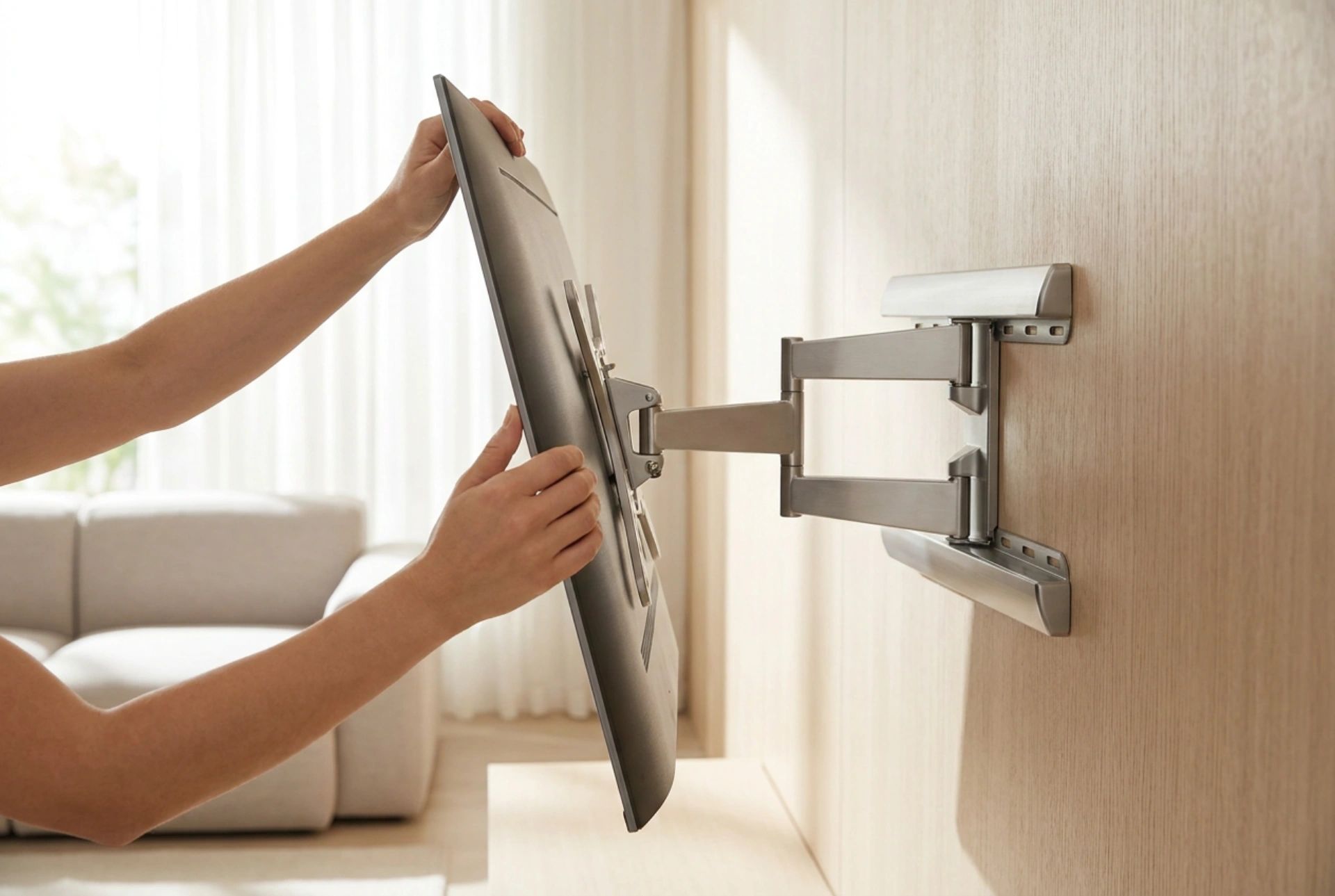


Achieving the perfect television viewing angle relies on understanding human ergonomics and the physics of light reflection. Calibrating an articulating TV mount correctly prevents chronic neck strain and eliminates screen glare, maximizing the visual performance of your display panel.
The Ergonomic Mathematics of Screen Placement
The human musculoskeletal system is optimized for a slightly downward gaze when resting. When sitting in a standard armchair or sofa, your natural line of sight rests approximately 10 to 15 degrees below the horizontal plane. To prevent strain on the cervical spine and the surrounding muscular structure, the center of your television screen should ideally align with this natural eye line.
When a screen must be mounted higher than this physiological sweet spot, mechanical compensation is required. An articulating mount allows you to tilt the screen downward. The mathematical target is to ensure that the perpendicular axis of the screen points directly at your face. If the screen remains flat against a high wall, the viewer must constantly flex their neck upward, leading to muscle fatigue and disc compression over extended viewing sessions. Aim for a maximum upward head tilt of no more than 15 degrees, with 0 degrees (eye level) being the ergonomic benchmark.
Managing Light Physics and Specular Reflection
Screen glare is governed by the optical law of reflection, which dictates that the angle of incidence equals the angle of reflection. Light entering from a window or an overhead fixture strikes the glossy surface of the display panel and bounces directly into the viewer's eyes, washing out contrast and causing eye strain.
To neutralize these reflections without altering your room's lighting, you must alter the physical plane of the screen using your mount's swivel and tilt axes. By tilting the screen downward by just 3 to 5 degrees, you can redirect the reflection of ceiling lights toward the floor. Similarly, swivelling the screen slightly away from lateral windows redirects incoming sunlight away from the viewing area. Utilizing these micro-adjustments allows you to maintain optimal image contrast and deep black levels even in brightly lit rooms.
Calibrating Tension and Mechanical Joints
Articulating wall mounts rely on friction joints to hold the heavy weight of a television in place while still permitting manual adjustment. These joints typically consist of steel plates compressed by tension bolts, interspersed with nylon or Teflon washers that facilitate smooth movement.
To calibrate these joints, you must locate the tension adjustment screws, usually situated at the pivot points of the bracket arms and directly behind the VESA mounting plate. Using a standard hex key or socket wrench, adjust these bolts incrementally. If the bolts are too loose, the TV will suffer from 'drift' or sag under its own weight; if they are too tight, adjusting the angle will require excessive force. The goal is to achieve neutral buoyancy, where the screen moves smoothly under gentle pressure but remains perfectly static once released.
The Safe Adjustment Sequence
When adjusting a mounted television, applying force directly to the glass or plastic bezel of the display panel can damage the sensitive liquid crystal matrix or the organic LED layers underneath. Always execute adjustments using the following structural method:
- Locate the structural frame: Place your hands on the lower and upper outer edges of the metal chassis or grip the mounting arms behind the screen.
- Establish the horizontal plane: Swivel the television left or right until the screen is perpendicular to your primary seating position. If you have multiple seating areas, find the median angle that minimizes off-axis color shifting.
- Set the vertical tilt: Push or pull gently from the top and bottom of the frame to tilt the display downward. Ensure the tilt angle mirrors the elevation of the mount relative to your seated eye height.
- Verify lateral leveling: Many articulating mounts include a small rotational leveling mechanism behind the VESA plate. Use a bubble level resting on the top edge of the TV frame to ensure the horizontal axis is perfectly parallel to the floor.





