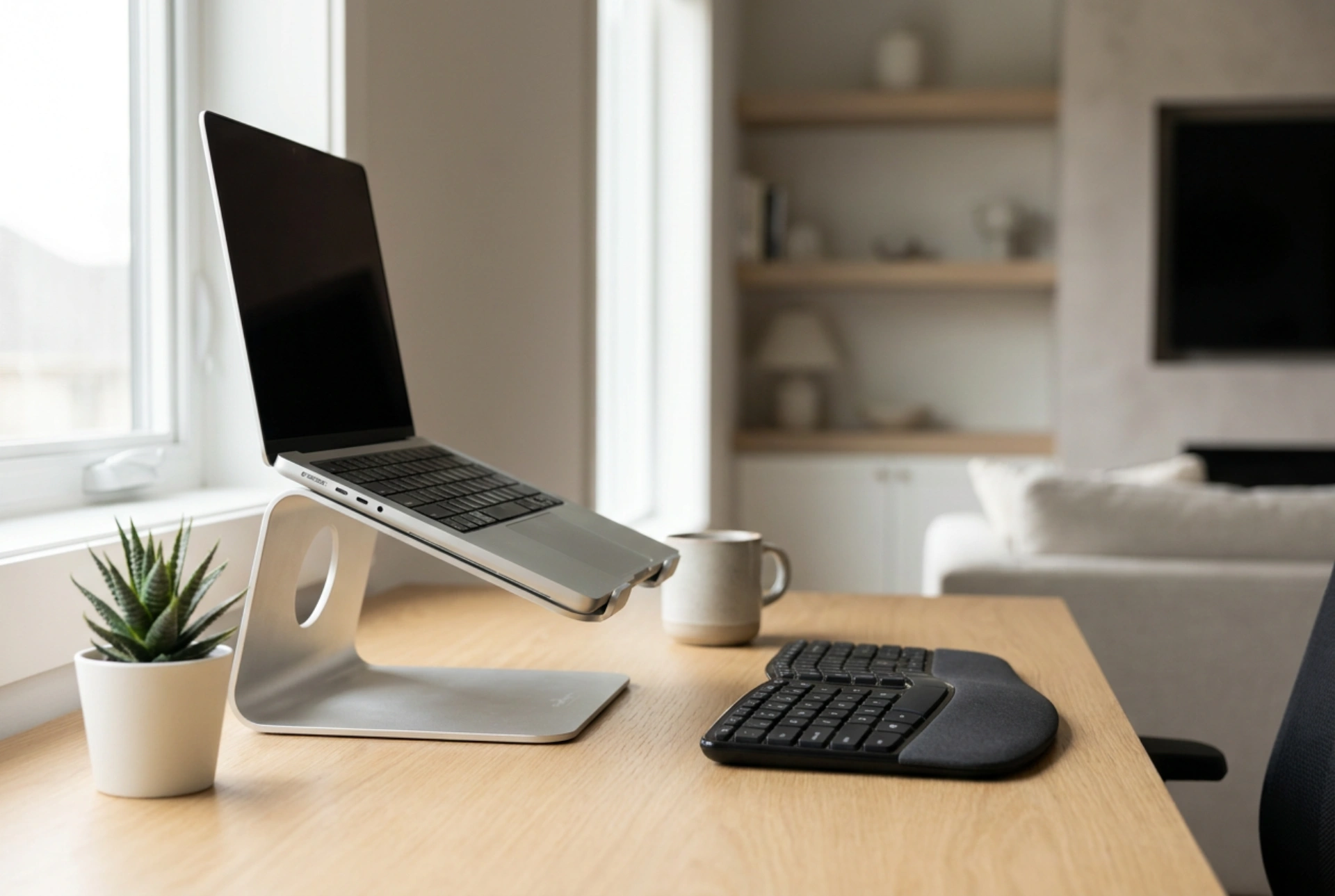


High-performance laptops generate substantial thermal energy within a confined chassis, making active thermal management essential for preventing performance drops and hardware degradation. Implementing an external cooling pad alters the local microclimate of the device, directly impacting heat dissipation efficiency through fluid dynamics and thermodynamics.
The Thermodynamics of Laptop Heat Accumulation
Silicon components, specifically the central processing unit (CPU) and graphics processing unit (GPU), convert electrical energy into heat during intensive operations. In a compact laptop housing, this heat is transferred via copper heat pipes to miniature heatsinks, where internal fans expel it. However, the limited physical volume restricts the surface area available for convective cooling. When internal temperatures exceed safe thresholds (typically around 90 to 100 degrees Celsius), the system initiates thermal throttling—automatically reducing clock speeds to prevent physical damage. This degradation of processing power is a direct consequence of insufficient heat dissipation. By elevating the laptop and introducing targeted airflow, a cooling pad increases the rate of convective heat transfer, drawing thermal energy away from the chassis surface more rapidly than still air can manage.
Active vs. Passive Cooling Mechanisms
Understanding the distinction between active and passive cooling is crucial for optimizing system performance. Passive cooling relies purely on conduction and natural convection. An aluminum riser acts as a secondary heatsink; because aluminum has high thermal conductivity (approximately 205 Watts per meter-kelvin), it absorbs heat from the lower plastic or metal shell of the laptop and radiates it into the surrounding air. Additionally, simply elevating the laptop increases the volume of cool air accessible to the internal intake vents.
Active cooling, on the other hand, employs forced convection using motorized fans. These fans increase the velocity of air moving across the underside of the laptop, which drastically reduces the boundary layer of warm air that naturally clings to the chassis. For active cooling to be effective, the airflow direction must align with the laptop’s internal ventilation design. Most high-performance laptops pull cool air from the bottom and exhaust hot air through the sides or back. An active cooling pad must therefore push cool air upward into the intake vents rather than fighting against the internal airflow direction.
The Role of Material Science in Thermal Management
The materials of both the laptop chassis and the cooling pad dictate the efficiency of heat transfer. Laptops constructed with magnesium-aluminum alloys benefit significantly more from conductive contact with a cooling pad than those encased in ABS plastic. Plastic is a thermal insulator, meaning heat remains trapped inside the chassis, leaving the internal fans to do all the work. Metal casings, however, act as extensions of the internal heatsinks. When a metal laptop sits on an aluminum cooling pad, thermal conductive pads or even simple physical contact can facilitate heat migration out of the device. Consequently, selecting a stand constructed from high-conductivity metal ensures that heat radiating from the bottom plate is rapidly absorbed and dissipated.
Optimising Daily Operation and Ergonomics
To maximize the benefits of a cooling pad, proper operational techniques must be observed daily:
- Surface Placement: Always place the cooling stand on a hard, flat surface. Soft surfaces like beds or carpets block the lower intake of the cooling pad, causing the fans to stall and reversing any thermal benefits.
- Vent Alignment: Align the active fans of the cooling pad directly with the intake grilles on the underside of your laptop. Misaligned fans can create air turbulence, reducing the efficiency of the internal fans.
- Maintenance of Air Pathways: Forced convection accelerates dust accumulation. Clean the laptop's intake grilles and the cooling pad's fan blades monthly using dry compressed air to prevent dust blankets from insulating the heat-generating components.
- Ergonomic Elevation: Utilizing a stand angles the keyboard and raises the screen to eye level. This adjustment reduces cervical spine strain and prevents wrist fatigue, combining physiological health benefits with hardware optimization.





