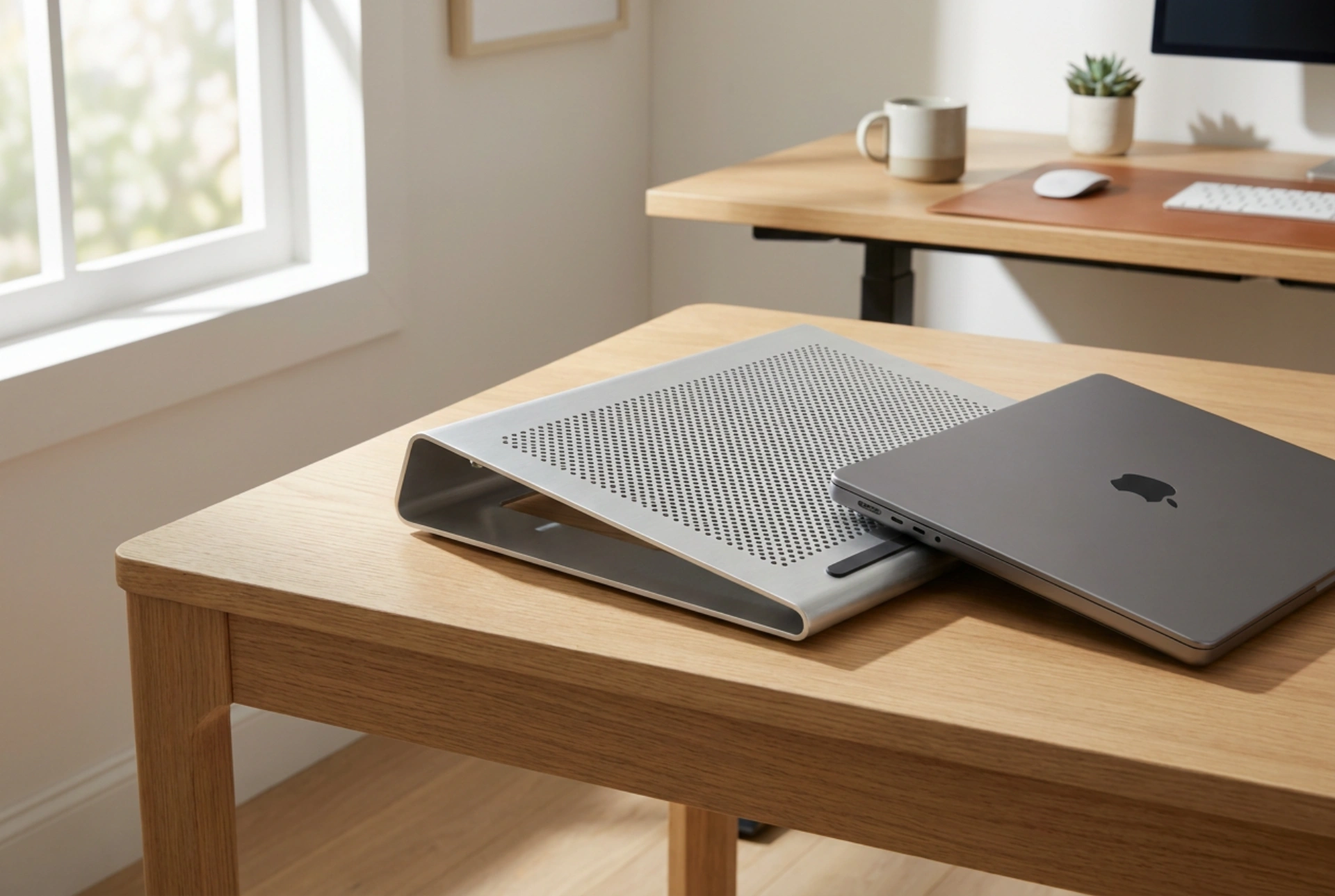


During peak summer heat, gaming laptops often experience thermal throttling as internal temperatures spike, leading to frame drops and sluggish performance. Understanding how external cooling pads interact with your laptop's thermodynamic design is essential to maintaining hardware health and achieving stable frame rates.
The Physics of Laptop Heat Dissipation
Gaming laptops pack high-performance silicon chips—the Central Processing Unit (CPU) and Graphics Processing Unit (GPU)—into extremely confined spaces. These components generate significant thermal energy as electric current passes through their transistors. To manage this, manufacturers use copper heat pipes filled with a phase-changing liquid that absorbs heat, vaporises, transfers the energy to aluminum heatsink fins, and condenses back into liquid. Internal fans then force air through these fins to dissipate the heat into the surrounding environment via convective heat transfer.
The rate of convective heat transfer is directly proportional to the temperature difference between the heatsink and the ambient air. When summer temperatures rise, this temperature gradient shrinks. As a result, the internal cooling system must work significantly harder, often failing to keep up, which triggers thermal throttling—a protective mechanism where the hardware automatically reduces clock speeds to prevent permanent silicon degradation.
How Cooling Pads Alter Airflow Dynamics
Active cooling pads utilise built-in fans to force air against the underside of the laptop, while passive stands simply elevate the chassis. To understand if they work, one must examine the direction of the laptop's internal airflow. Most gaming laptops feature intake vents on the bottom panel and exhaust vents on the sides or rear. An effective cooling pad aligns its airflow with these intake vents, forcing a higher volume of air into the chassis and accelerating the convective cooling cycle.
However, if a cooling pad's fan alignment or direction opposes the laptop's internal design, it can create air turbulence. This turbulence disrupts the laminar flow of incoming air, stalling the internal fans and actually trapping heat inside the chassis. Therefore, a cooling pad is only effective if its fan placement matches the laptop's specific intake configuration.
The Structural Advantage of Elevation
One of the most significant benefits of a cooling pad—often overlooked in favour of the active fans—is physical elevation. When a laptop rests flat on a wooden or laminate desk, the space beneath the intake vents is highly restricted. A boundary layer of stagnant, heated air quickly forms in this narrow gap, forcing the laptop to recirculate its own exhausted heat.
Elevating the device by even a few centimetres breaks this boundary layer, allowing fresh ambient air to flow freely beneath the chassis. Furthermore, many high-quality cooling pads feature perforated metal surfaces, such as aluminum. Metal has a much higher thermal conductivity than plastic or wood, allowing the pad itself to act as a secondary heatsink that absorbs and radiates away some of the heat transferring through the laptop's lower shell.
Limitations in Extreme Heat
It is crucial to understand that cooling pads do not act as air conditioners; they do not actively refrigerate the air. If the ambient room temperature is 35 degrees Celsius, the cooling pad will merely force 35-degree air into the system at a higher velocity. While the increased airflow rate helps maintain the maximum possible heat transfer under those conditions, it cannot lower temperatures below the ambient room level. To maximise efficiency in extreme heat, focus on keeping the laptop out of direct sunlight, ensuring dust does not block the internal heatsink fins, and maintaining clean intake paths.





