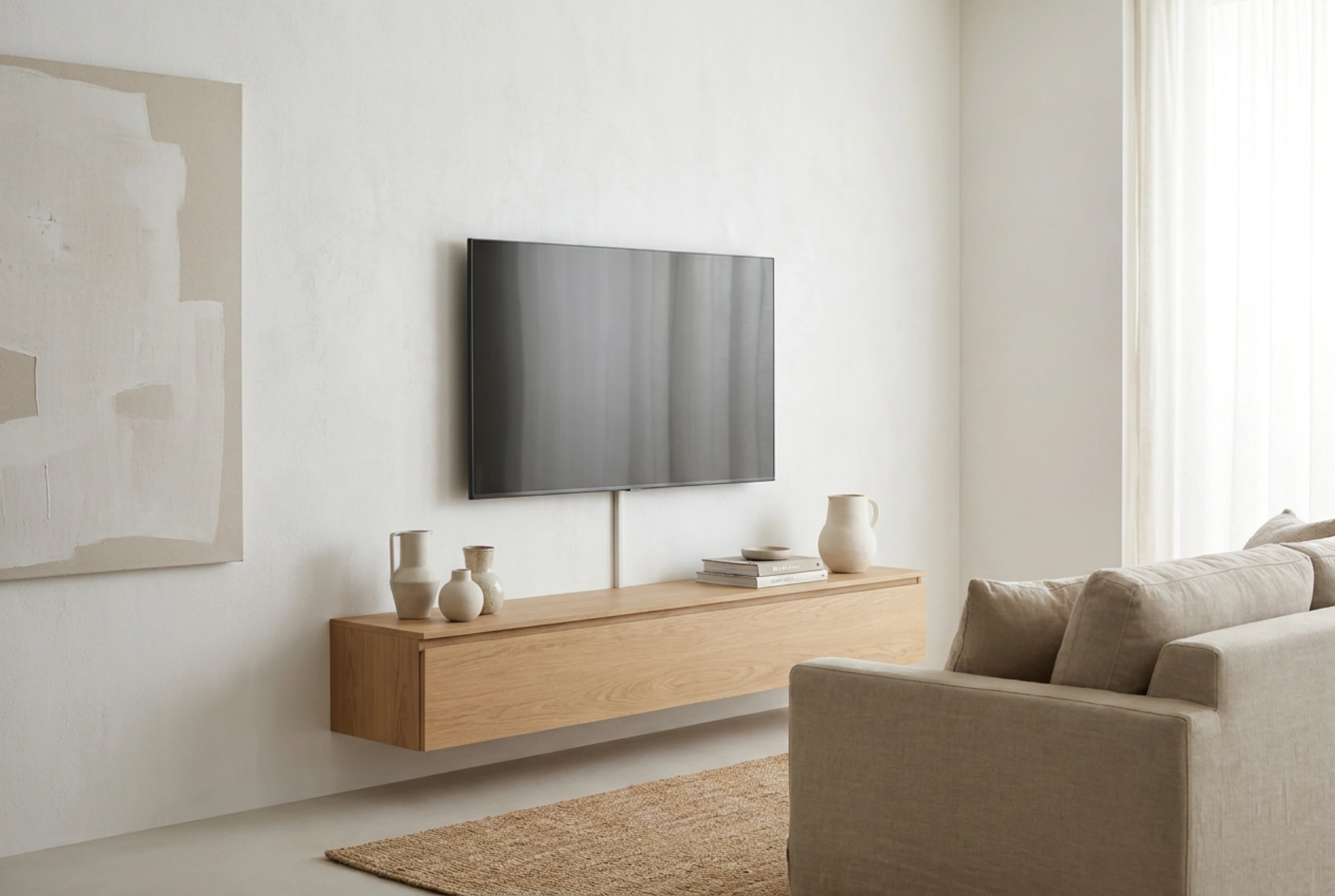


Mounting a flat-screen television to a wall involves more than simply matching the screen diagonal to a bracket size. To ensure structural safety and optimal viewing physics, you must evaluate mechanical torque, weight distribution, and standardized interface dimensions.
The Physics of Wall Mounting: Force and Leverage
When you attach a television to a wall, gravity exerts a downward gravitational force, creating shear stress on the mounting screws. If you select a fixed, low-profile mount, this load is primarily vertical, placing minimal tension on the top wall anchors. However, as the screen diagonal increases, so does the potential for rotational torque, especially when using articulating or full-motion brackets.
An articulating arm extends the television away from the wall, shifting its center of gravity forward. This extension acts as a lever arm. According to physical principles, torque is the product of the force (the television's weight) and the distance from the pivot point (the wall). A larger screen on an extended arm multiplies the tension force pulling the top anchors out of the wall. Therefore, when choosing a mount for large diagonals, you must match the mount's load rating to this dynamic leverage, rather than just the static weight of the television.
Understanding the VESA Standard
The core of television mounting chemistry and mechanics is the VESA (Video Electronics Standards Association) interface standard. This defines the pattern of threaded mounting holes on the back of your television. Before selecting a mount, you must measure the horizontal and vertical distance between these holes in millimeters (for example, 200x200 mm, 400x400 mm, or 600x400 mm).
- Small screens (up to 32 inches) typically use VESA 75x75 mm or 100x100 mm.
- Medium screens (32 to 55 inches) usually require VESA 200x200 mm or 400x400 mm.
- Large screens (over 55 inches) often utilize VESA 400x400 mm, 600x400 mm, or larger formats.
A wall mount must explicitly support the specific VESA pattern of your television. Attempting to force an incompatible bracket onto a screen using custom adaptors can alter the load path, introducing unexpected mechanical stress and risking structural failure of the television casing.
How Screen Diagonal Limits Mount Movement
The physical diagonal of your television directly dictates the functional range of motion of your mount. While a full-motion mount allows for horizontal panning (swiveling), the maximum angle of rotation is limited by half the width of the television screen. If the screen width exceeds the maximum extension length of the articulating arm, the edge of the television will strike the wall before reaching its maximum engineered swivel angle. For large-diagonal screens, you require a mount with a longer dual-arm configuration to achieve significant rotation without structural interference.
Substrates and Weight Distribution
The material of your wall determines how forces are absorbed and distributed. Solid concrete, brick, or stone walls offer high shear and tensile strength, allowing for the use of expansion wall anchors. These anchors expand radially against the inner walls of the drilled hole, relying on friction to resist pull-out forces.
In contrast, drywall or plasterboard walls mounted on wooden or metal studs have very low structural capacity. You must never mount a television, especially one with a large diagonal, solely to drywall. The mounting plate must span across at least two vertical studs, securing the bracket directly into the wooden framework using heavy-duty lag bolts. This transfers the shear and tensile loads directly to the building's load-bearing structure, mitigating the risk of drywall tearing or collapsing under sustained stress.
Operational Selection Checklist
To choose the correct mount systematically, follow this engineering protocol:
- Weigh the television without its table stand to determine the exact mass to be supported.
- Locate and measure the VESA pattern on the rear panel of the screen.
- Select a mount category (fixed, tilting, or articulating) based on your room layout and potential glare issues.
- Cross-reference the mount's specified maximum diagonal and weight capacities against your television's specifications.
- Verify that the mounting plate's width is compatible with the spacing of your wall studs.





