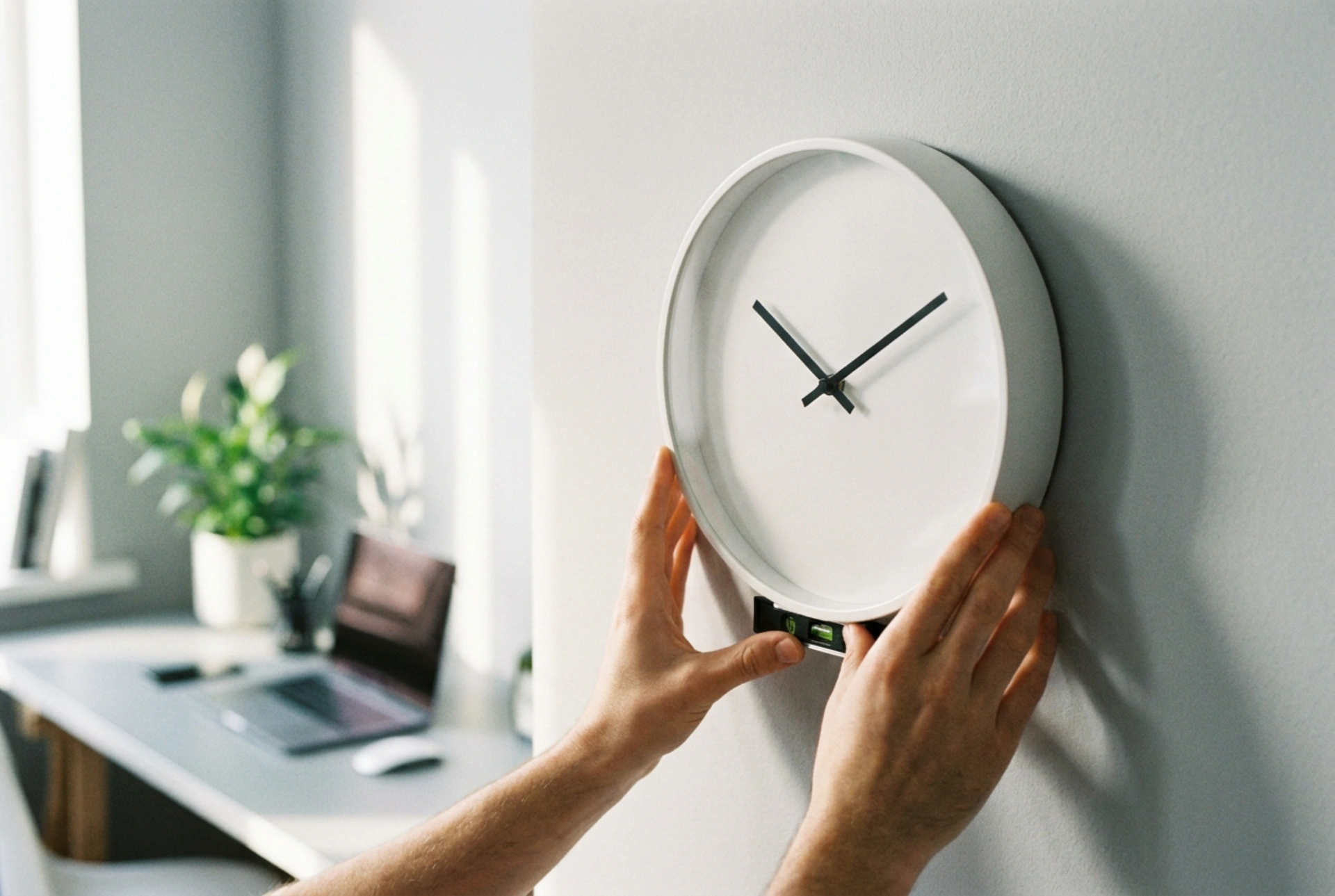


Positioning an office wall clock requires more than just driving a nail into the wall; it demands an understanding of human ergonomics, viewing angles, and ambient light physics. Achieving optimal readability ensures that employees and clients can register the time instantly, without eye strain or physical discomfort.
Ergonomics and the Correct Eye-Level Height
To determine the perfect height, you must calculate the average seated and standing eye levels within the workspace. Placing a clock too high forces neck extension, while placing it too low renders it obstructed by monitors and office partitions. The standard rule for office environments is to align the center of the clock dial at a height of 1.8 to 2.1 meters from the floor. This elevation sits slightly above the average standing eye level and provides an unobstructed line of sight for seated personnel at a distance.
If the office features high ceilings, mounting the clock slightly higher is acceptable, provided the diameter of the clock face is scaled up proportionally to prevent parallax errors. Parallax occurs when a clock is viewed from an acute angle, causing the hands to appear aligned with the wrong tick marks. To minimize this effect:
- Ensure the viewing angle from any desk does not exceed 45 degrees relative to the clock's flat surface.
- Choose a clock with raised or deeply contrasting hands that sit close to the dial face.
- Scale the clock diameter: use a 30 cm dial for distances up to 10 meters, and a 40 cm dial for distances up to 15 meters.
Managing Light, Glare, and Contrast
Readability is heavily influenced by how light interacts with the clock's protective cover. Standard glass or polished plastic covers act as mirrors when exposed to direct light sources, such as windows or overhead fluorescent tubes. To combat reflection, analyze the light paths in your office. Avoid placing the clock directly opposite large windows where morning or afternoon sun will wash out the face. Instead, utilize walls perpendicular to primary light sources.
Contrast is another critical physical parameter. The human brain processes high-contrast symbols much faster. A stark white dial with black hands and crisp sans-serif numerals provides the highest level of legibility. Avoid low-contrast color schemes, such as gray on silver, and steer clear of decorative, thin hands that blend into the background under indirect lighting. Matte finishes on both the frame and the protective lens are highly recommended to diffuse incoming light rays rather than reflecting them directly into the viewer's eyes.
Analyzing Wall Substrates and Securing the Mount
A falling clock is a safety hazard and represents a failure of mechanical mounting. Choosing the correct hardware requires identifying the wall material. For drywall, never rely on a simple nail driven directly into the gypsum core, as the material lacks shear strength and will degrade over time under tension. Use self-drilling plastic drywall anchors or toggle bolts for heavier frames. The anchor expands behind the plasterboard, distributing the load over a wider surface area.
For solid masonry or concrete walls, use a rotary hammer drill to create a precise pilot hole, then insert an expansion plug made of nylon. These plugs expand radially against the inner walls of the borehole when the screw is tightened, creating high friction that resists downward pulling forces. Ensure the screw head protrudes slightly, allowing the clock’s rear keyhole slot to slide securely onto the shank without lateral wobble.
Spatial Positioning for Cognitive Flow
The clock must be integrated into the natural visual pathways of the workspace. Placing a clock directly behind a presenter's podium or next to a primary projection screen causes visual competition and cognitive distraction during meetings. Instead, mount the clock near transition zones, such as above exit doors, or on side walls that align with the natural peripheral vision of employees. In open-plan layouts, a single central pillar or a highly visible common wall is ideal, provided there are no physical obstructions like hanging plants or high storage units blocking the line of sight.





