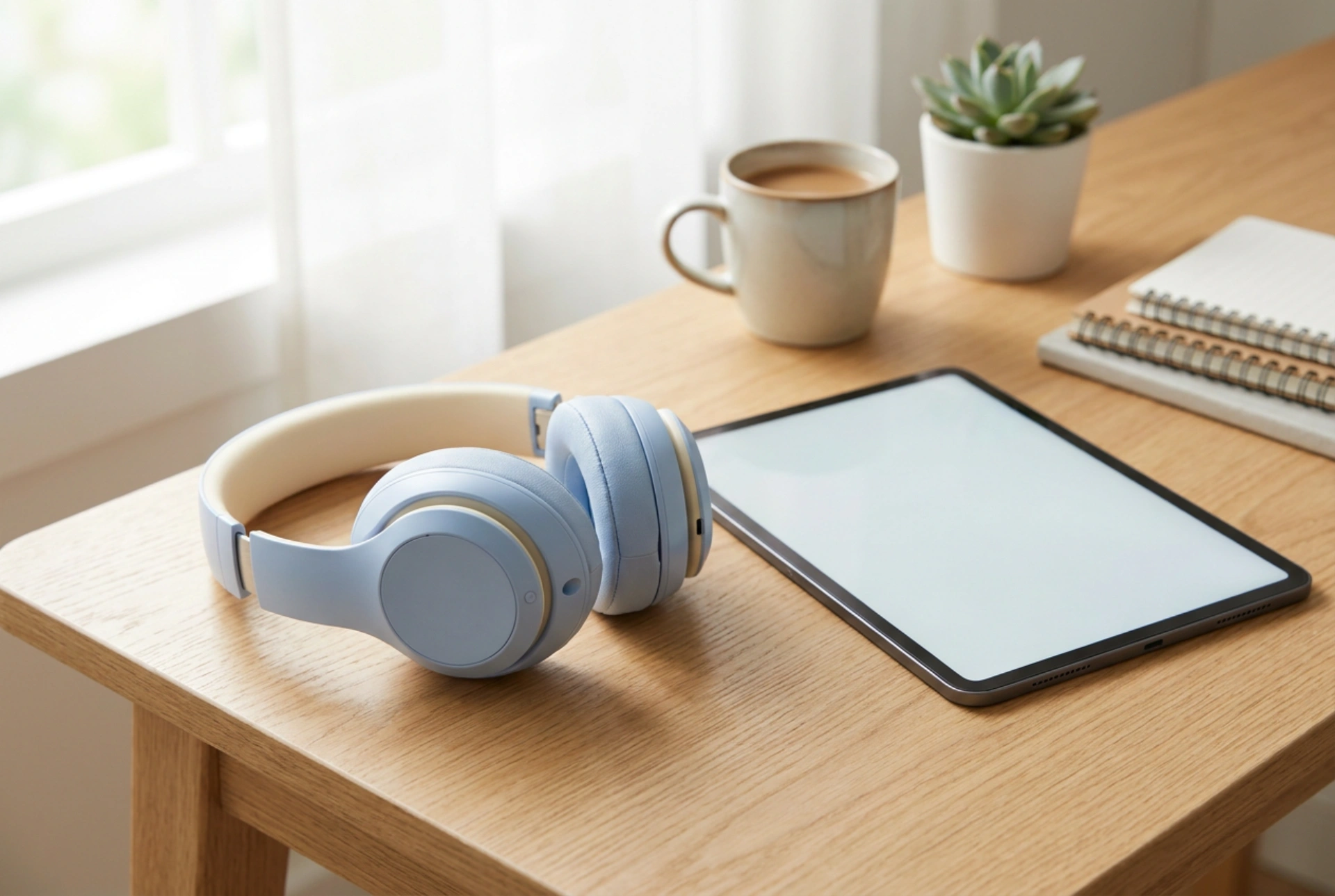


Configuring wireless headphones for children involves more than just pairing a Bluetooth device; it requires a precise understanding of acoustic physics and operating system limits to protect developing auditory systems.
The Acoustics of the Developing Ear Canal
Children's ear canals are physically shorter and narrower than those of adults. This anatomical difference has a significant impact on sound wave resonance. In a smaller acoustic cavity, a sound wave of the same physical energy produces higher sound pressure levels (SPL)—sometimes up to 9 decibels higher than in an adult ear. Consequently, a volume level that feels comfortable to an adult can quickly reach damaging thresholds for a child. The World Health Organisation recommends a strict upper limit of 85 decibels (dB) for safe listening. To maintain this threshold, we must configure both the source transmitter and the receiver hardware to prevent accidental exposure to high-pressure acoustic transients.
Implementing Hardware and Software Volume Caps
Relying solely on headphones marketed as "child-safe" is a common error. Many of these devices rely on passive resistor circuits to damp the audio signal, which can easily be bypassed by high-output source devices, or they lack robust calibration. The most reliable method is to establish a software-level volume ceiling on the transmitting device (such as a tablet, smartphone, or laptop).
- For iOS/iPadOS devices: Navigate to the system settings under sound safety. Enable the option to reduce loud sounds and manually adjust the decibel slider to exactly 85 dB. This applies a real-time compressor-limiter to the audio output stream, ensuring that sudden spikes in media files are flattened before transmission.
- For Android devices: Access the volume settings via the system menu. Utilise the "Media Volume Limiter" function, which allows you to set a custom PIN-protected limit. This prevents the child from manually overriding the safety threshold during unsupervised use.
- For Windows and macOS: Use third-party system-wide audio equalisers or built-in accessibility settings to lock the maximum gain output of the primary audio driver to approximately 60% of its total scale.
Optimising Bluetooth Settings and Preventing Signal Distortion
Wireless headphones rely on radio frequency (RF) transmission in the 2.4 GHz ISM band. Signal interference or poor range can cause packet loss, which the audio codec tries to compensate for. In poorly configured setups, this compensation can manifest as sudden bursts of white noise, static, or digital clipping. These high-frequency transients are highly destructive to the delicate hair cells in the cochlea.
To prevent this, ensure that the playback device uses a modern, stable audio codec such as AAC or aptX, which feature robust error-correction algorithms. Always pair the headphones in close proximity to the source device and clear the active pairing cache of any redundant devices nearby to prevent signal hunting and connection dropping. Additionally, disable any artificial "3D audio" or "spatial virtualization" filters on the source device, as these algorithms often boost high-frequency and low-frequency ranges artificially to create depth, distorting the intended safe frequency curve.
Physical Configuration and Ergonomic Hygiene
The physical fit of wireless headphones directly influences how sound is perceived. Over-ear (circumaural) designs are significantly safer than on-ear (supra-aural) or in-ear models. Over-ear cups provide passive noise isolation, blocking out ambient environmental sounds. When external noise is blocked naturally, the child feels less compulsion to raise the volume to drown out background sounds.
Adjust the headband so that the cups sit squarely over the ears without applying excessive lateral pressure to the temporal bones. The cushions should seal completely around the pinna. Because children's skin is highly sensitive, regular maintenance of the synthetic leather or foam pads is crucial. Clean the ear pads weekly using a microfiber cloth lightly dampened with a 70% isopropyl alcohol solution diluted with distilled water. This neutralises sweat, skin lipids, and bacterial buildup without degrading the adhesive bonding of the speaker grille fabric.





