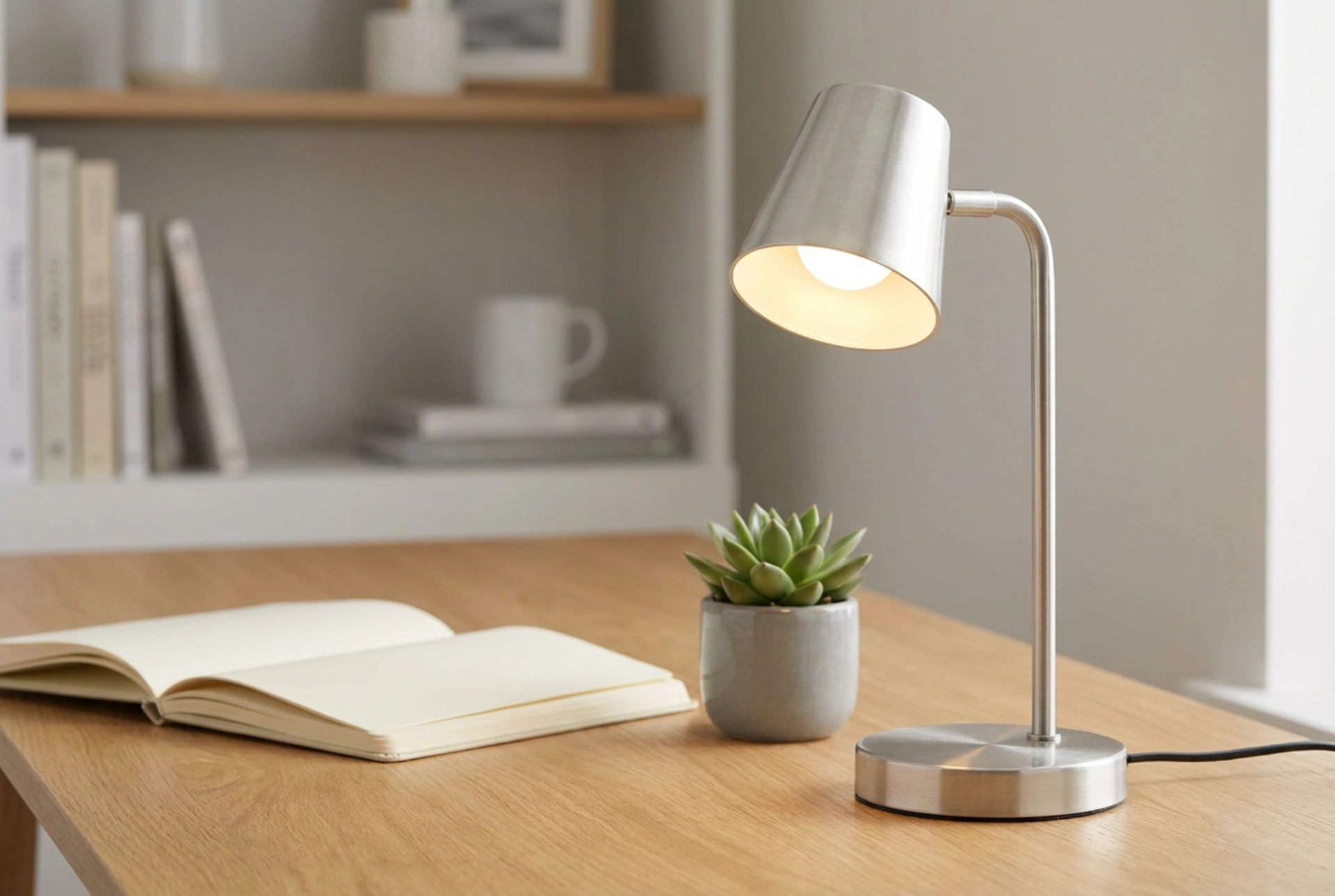


Positioning your desk LED lamp correctly is crucial to eliminate glare, reduce contrast fatigue, and prevent eye strain during long working hours. By understanding the physics of light distribution, color temperature, and the angle of incidence, you can transform your workspace into an ergonomic environment that supports focus and eye health.
The Physics of Light Placement: Eliminating Shadow and Glare
To avoid casting shadows across your reading or writing materials, the general rule of thumb is to place the task light on the opposite side of your dominant hand. If you are right-handed, place the lamp on the left side of your desk; if you are left-handed, position it on the right. This simple arrangement ensures that your hand does not block the light path when you write or type.
Furthermore, you must account for the angle of reflection. When light hits a flat, shiny surface—such as a glossy book page, a polished desk surface, or a computer screen—it bounces off at the same angle it arrived (the law of reflection). If your lamp is positioned directly in front of you, pointing straight down, this reflected light will bounce directly into your eyes, causing veiling glare. To prevent this, tilt the lamp head at an angle of roughly 30 to 45 degrees, directing the light across your work surface rather than straight down onto it, and position it to the side of your monitor rather than directly above or behind it.
Height, Distance, and the Inverse-Square Law
The intensity of light decreases rapidly the further it travels from the source, a physical phenomenon described by the inverse-square law. If you place your lamp too close to your desk, you create a harsh hot spot of high-intensity light that forces your pupils to constrict excessively. If it is too far, the light becomes too dim, causing you to squint.
The optimal height for a desk lamp is typically between 35 and 50 centimetres above the desk surface. At this height, the light spreads evenly across your work area. Crucially, the physical light source—the LED panel or bulb itself—must remain below your eye level or be thoroughly shielded by a solid shade. If you can see the bare LED diodes from your sitting position, the direct glare will cause rapid retinal fatigue. Choose a lamp with an adjustable neck or arm so you can fine-tune this height based on your specific posture.
Optimising Color Temperature and Luminance
Light is not merely about brightness; its spectral composition profoundly affects human physiology. Color temperature is measured in Kelvins (K). For active, cognitive work during daylight hours, a neutral to cool light of 4000K to 5000K is ideal. This spectrum mimics natural daylight, suppressing melatonin production and enhancing alertness. However, for late-evening work, you should transition to a warm white light of 2700K to 3000K to avoid disrupting your circadian rhythm.
In terms of brightness, the task area should be illuminated to approximately 500 lux. Many modern LED lamps feature dimming capabilities, which should be adjusted in relation to your computer screen. Your monitor should never be the brightest object in the room, nor should your desk lamp overpower the screen. The luminance of your monitor and the surrounding desk should feel balanced to the eye.
Managing Contrast Ratios in the Workspace
A common mistake is working in a dark room with only a single, bright desk lamp illuminated. This creates an environment of excessive contrast. When your eyes move from the bright document under the lamp to the dark room beyond, your pupils must constantly dilate and constrict. This continuous muscular adaptation leads to physical eye strain and headaches.
To prevent this, maintain a balanced contrast ratio of no more than 3:1 between your task area and the immediate surroundings. You can achieve this by:
- Keeping a soft, ambient overhead light turned on at a low level.
- Utilising a gentle bias light (such as a low-intensity LED strip) behind your computer monitor to wash the back wall with soft, indirect light.
- Choosing a desk lamp with a translucent shade or a secondary upward-facing light source to diffuse light throughout the room.





