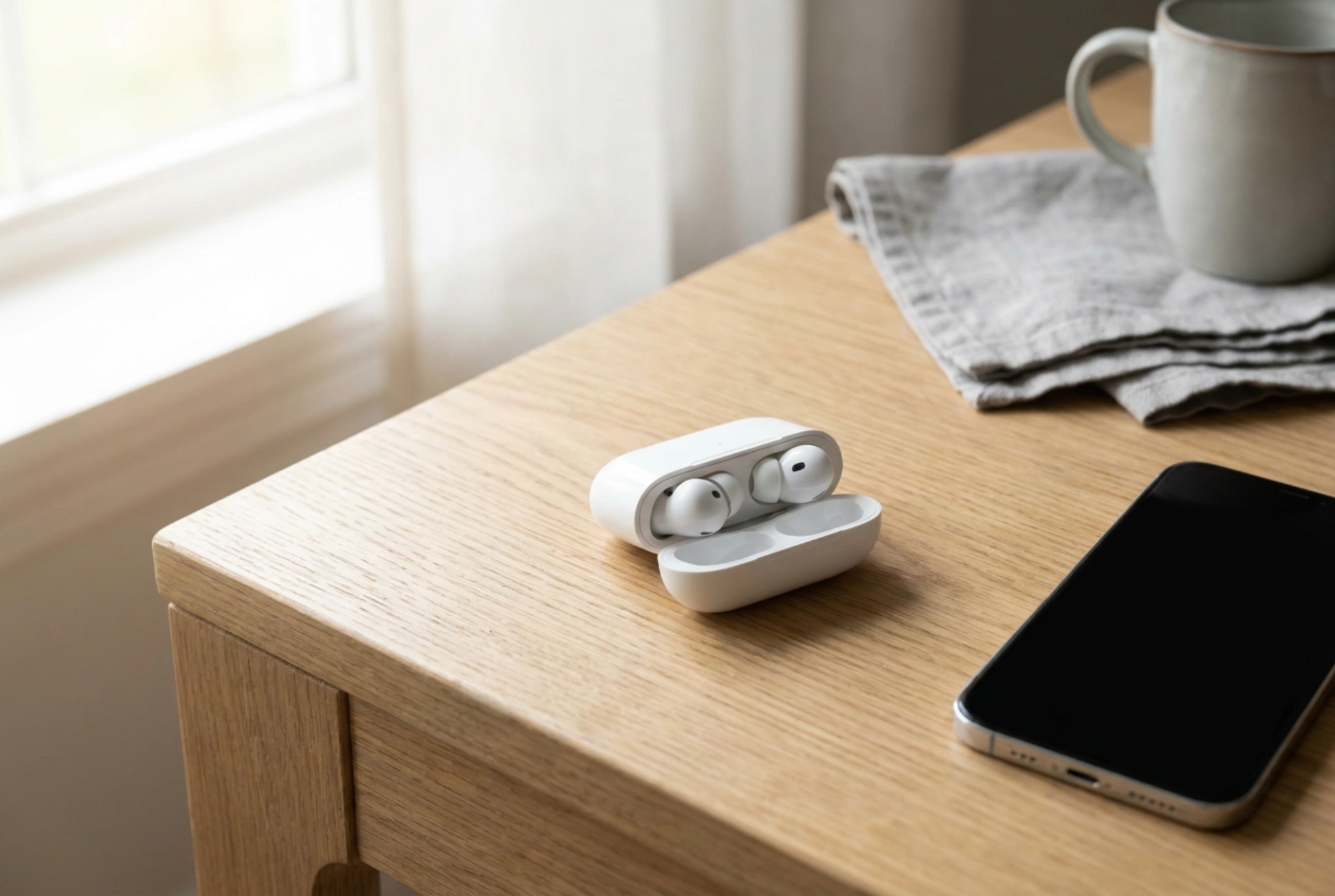


Pairing wireless earphones with a smartphone relies on short-range radio frequency communication, which can frequently fail due to signal interference, protocol mismatches, or exhausted software caches. Understanding the underlying Bluetooth connection states and following a precise execution order prevents typical handshake errors and ensures a stable, high-fidelity audio stream.
The Physics of Bluetooth Pairing and the Handshake
Bluetooth technology operates in the 2.4 GHz Industrial, Scientific, and Medical (ISM) radio band. To prevent interference from other devices sharing this spectrum, it uses Frequency-Hopping Spread Spectrum (FHSS), switching frequencies up to 1,600 times per second. When you pair two devices, they undergo a multi-stage protocol known as the "handshake".
During the initialization phase, the earphones enter an "advertising" state, broadcasting packets that contain their unique Media Access Control (MAC) address and supported profiles, such as Advanced Audio Distribution Profile (A2DP) for stereo sound or Hands-Free Profile (HFP) for voice calls. The smartphone, acting as the scanner, detects these packets. Once selected, the devices negotiate cryptographic keys to establish a secure, encrypted bond. If this handshake is interrupted by physical obstacles or electromagnetic noise, the key exchange fails, resulting in pairing errors or immediate disconnection.
A Systematic Protocol for Flawless Initial Pairing
Establishing a flawless connection requires a clean slate and strict adherence to the sequence of operations. Skipping steps or pairing in a cluttered RF environment often leads to corrupted profile states.
- Clear existing profiles: Before initiating a new connection, navigate to your phone’s wireless settings and remove any unused or historical audio devices. A congested paired-device list can cause timing delays during the scanning phase.
- Activate pairing mode explicitly: Do not rely on automatic reconnection routines. Hold the physical button on the earphones or their charging case for the duration specified by the manufacturer (usually three to five seconds) until the indicator light pulses. This forces the transmitter into the active advertising state.
- Optimize physical distance: Maintain a distance of roughly half a meter to one meter during pairing. Due to the inverse-square law of radio propagation, placing the devices too close can saturate the receiver front-end, while placing them too far reduces the signal-to-noise ratio, both of which corrupt the initial exchange of cryptographic keys.
- Initiate the scan: Enable Bluetooth on the smartphone only after the earphones are in advertising mode. Select the correct device name immediately to prevent the pairing window from timing out.
Troubleshooting Codec and Cache Mismatches
When earphones pair but fail to output sound, or disconnect randomly, the root cause is usually a software cache conflict or a codec renegotiation failure. Smartphones and wireless receivers negotiate audio codecs based on mutual compatibility. If a high-definition codec fails to initialize, the connection may drop.
Clearing the System Bluetooth Cache
Over time, the operating system's wireless stack accumulates temporary data and corrupted pairing descriptors. Clearing this cache forces the system to rebuild its hardware routing table. To do this, access the system application settings on your smartphone, enable the display of system processes, locate the Bluetooth controller application, and clear both its cache and storage data. Restart the phone immediately afterward to reinitialize the wireless driver.
Mitigating 2.4 GHz RF Interference
Because the 2.4 GHz band is highly saturated, physical environment dynamics play a major role in connection stability. Microwave ovens, dual-band Wi-Fi routers operating on 2.4 GHz, and even unshielded USB 3.0 cables emit electromagnetic radiation that overlaps with Bluetooth channels. To resolve persistent pairing failures, move away from active household appliances and routers. Additionally, remember that human tissue, which is composed primarily of water, highly attenuates 2.4 GHz radio waves. Placing your phone in a back pocket while wearing earphones can create a physical barrier that absorbs the signal, causing micro-stuttering or drops.





