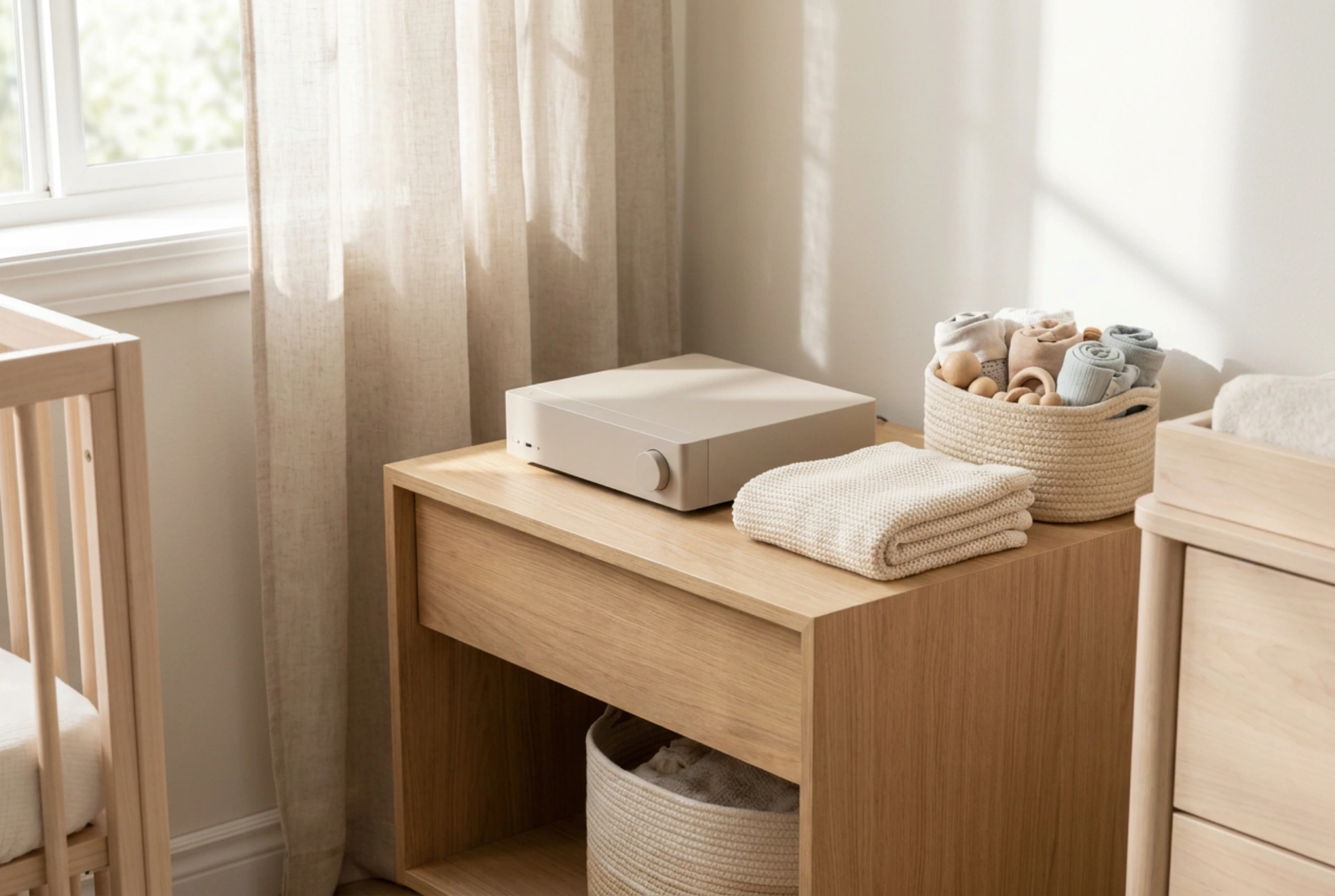


Setting up an audio player in a child’s room or playroom requires a careful balance of physical safety, accessibility, and electrical precaution. By understanding the principles of stability, thermal dynamics, and mechanical vibration, you can create an engaging listening environment that protects both your child and the equipment.
Gravity and Structural Stability
The primary hazard associated with any tabletop electronic device is the risk of it being pulled down or knocked over. When choosing a surface for the CD player, select a heavy, low-center-of-gravity furniture piece, such as a sturdy chest of drawers or a dedicated low shelving unit. Ensure the furniture itself is anchored securely to the wall using L-brackets or anti-tip straps to prevent tipping if a child attempts to climb it.
The placement of the player on the shelf surface is equally critical. Position the device well back from the edge—ideally at least 15 to 20 centimetres. To prevent the player from sliding when buttons are pressed, apply self-adhesive silicone or high-friction rubber feet to the base of the unit. This simple application increases lateral resistance and dampens the force of sudden nudges, keeping the device firmly in place. Furthermore, avoid placing tempting items like toys or picture books directly behind or on top of the player, as this reduces the likelihood of children reaching over the device and pulling it down.
Cable Management and Tensile Hazards
Electrical cords present major risks: strangulation hazards and tripping hazards that can pull the appliance from its resting place. To mitigate these risks, all power cables must be kept completely out of sight and reach of young children. Never let a cable dangle freely from a table or shelf.
Route the power cord directly behind the furniture piece. Use rigid plastic cable trunking or self-adhesive cable clips to secure the cord firmly along the back legs or rear panel of the furniture. This keeps the cable taut and immoveable. If the cord is excessively long, bundle the excess length neatly using hook-and-loop fasteners and encase it within a dedicated plastic cable management box. Ensure the power outlet is situated directly behind the anchored furniture, making the plug itself inaccessible to curious hands. Never run cords under rugs or carpets, as the friction from footsteps can degrade the insulation over time, creating a silent fire hazard.
Thermodynamics and Ventilation
All electronic devices, including CD players, generate internal heat during operation. The laser diode, spindle motor, and internal power transformer convert electrical energy into thermal energy. If this heat cannot escape, it degrades the delicate optical components and shortens the lifespan of the device.
When positioning the CD player, ensure there is a clearance of at least 5 centimetres around the top, sides, and rear of the unit to facilitate natural convective cooling. Avoid placing the device inside tight, enclosed cubby holes or placing plush toys, blankets, or decorative fabrics on or immediately next to it. These materials act as thermal insulators, trapping heat and raising the internal temperature of the chassis. Additionally, keep the player out of direct sunlight, as UV radiation and solar gain can warp plastic housings, bleach the exterior, and overheat the internal circuitry.
Vibration Isolation and Optical Precision
A CD player operates by focusing a microscopic laser beam onto the microscopic pits of a spinning polycarbonate disc. Mechanical vibrations from footsteps, slamming doors, or even the device's own speakers can disrupt this optical tracking, causing audio skipping or read errors. To achieve reliable playback, place the device on a solid, non-resonant surface. Avoid thin wood-veneer tables or hollow-core shelves that vibrate easily. Placing a high-density felt pad or a thick neoprene mat underneath the player can absorb low-frequency vibrations from the floor, preserving both the hardware and the listening experience.





