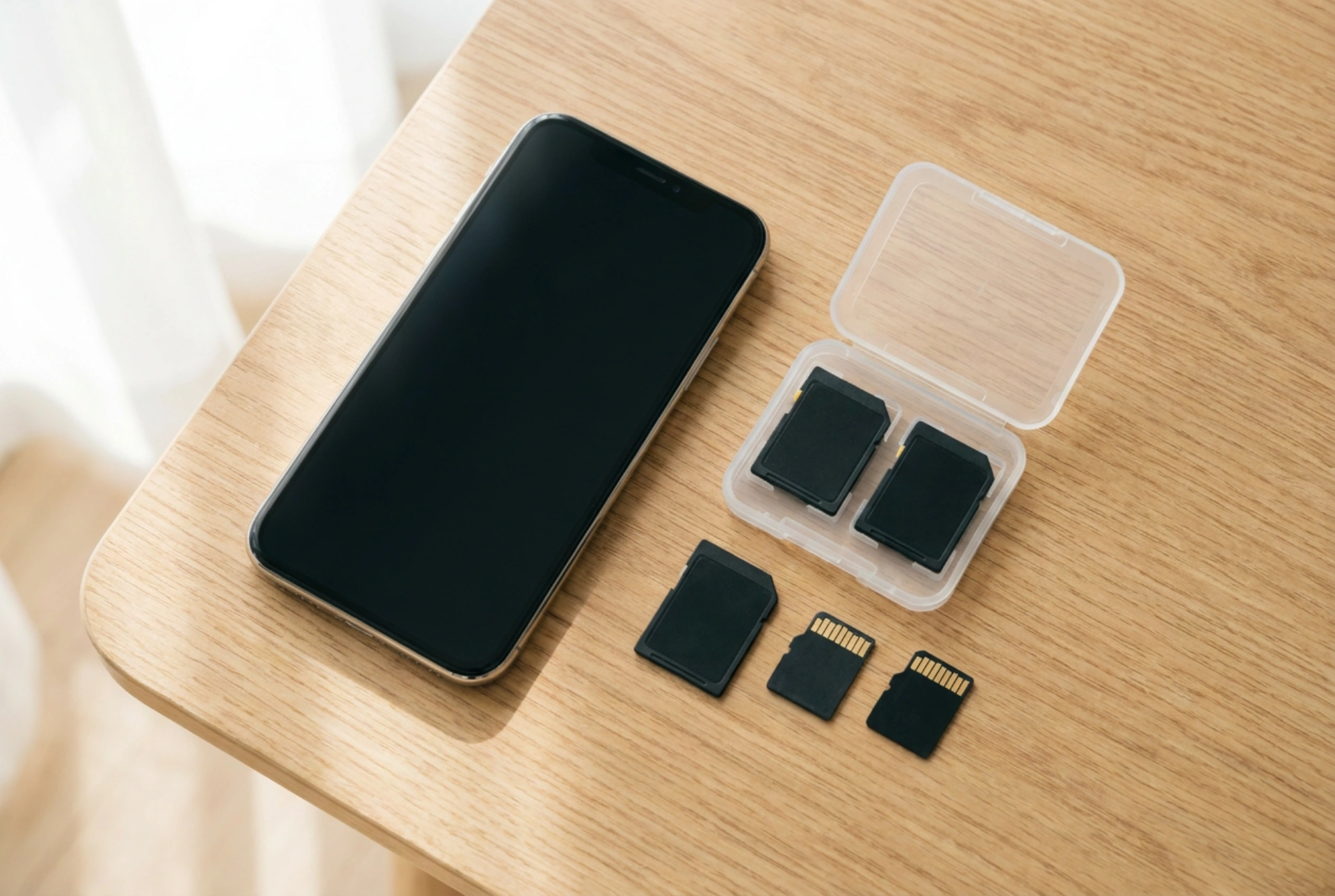


Choosing the right microSD card for your smartphone requires understanding speed classes, bus interfaces, and flash memory architecture to prevent data corruption and system lag. Selecting an incompatible or low-grade card can bottleneck your device’s operating system, especially when storing app data or high-resolution video streams directly to the external storage.
Deciphering Speed Classes and Application Ratings
To ensure system stability, you must decode the symbols printed on the card’s surface. The standard Speed Class (indicated by a number inside a 'C'), UHS Speed Class (a number inside a 'U'), and Video Speed Class (preceded by a 'V') dictate minimum sequential write speeds. For modern smartphones, a minimum rating of Class 10, U3, or V30 (representing a minimum sequential write speed of 30 MB/s) is essential for recording high-definition video without frame drops.
However, sequential speed is only half the story. Smartphones constantly read and write tiny, scattered files such as app cache, database indexes, and system logs. This is where the Application Performance Class (A1 or A2) becomes critical:
- A1 Rating: Guarantees a minimum random read of 1500 IOPS (Input/Output Operations Per Second) and random write of 500 IOPS.
- A2 Rating: Raises the bar to 4000 read IOPS and 2000 write IOPS, utilizing command queuing and write caching to manage simultaneous data requests.
If you intend to run applications directly from the card, prioritizing an A2-rated card is vital for maintaining a responsive user interface.
Bus Interfaces and Hardware Compatibility
MicroSD cards use different physical and electrical interfaces to communicate with the phone’s host controller. The most common are UHS-I (Ultra High Speed Phase I) and UHS-II. While UHS-II cards offer superior transfer rates by utilizing a second row of physical pins, very few smartphones feature the hardware pins necessary to exploit this standard. Inserting a UHS-II card into a UHS-I phone will result in the card falling back to slower UHS-I speeds, rendering the premium price of the card pointless.
Furthermore, addressable storage capacity determines the file system structure. Cards up to 32 GB use the SDHC (Secure Digital High Capacity) standard, which is natively formatted in FAT32. Cards 64 GB and larger use SDXC (Secure Digital Extended Capacity), formatted in exFAT. Before purchasing, verify your phone's maximum supported capacity; inserting a 512 GB SDXC card into an older device designed only for SDHC can lead to mounting failures or immediate data loss.
NAND Flash Architecture: TLC vs. QLC
The internal architecture of the silicon determines the card’s lifespan and thermal stability. MicroSD cards use NAND flash memory, which stores data in floating-gate or charge-trap transistors. The density of this storage falls into different categories:
- Triple-Level Cell (TLC): Stores three bits of data per cell. It offers a balanced ratio of endurance, read/write speed, and heat dissipation.
- QLC (Quad-Level Cell): Stores four bits of data per cell. While cheaper to manufacture at high capacities, QLC cells degrade significantly faster under heavy write cycles and suffer from slower write speeds once the internal cache is saturated.
For high-duty cycle usage, such as continuous camera recording or acting as adopted internal storage, selecting a card built on TLC or "high-endurance" specs prevents premature cell wear-out and read-only lockups.
How to Format and Maintain Your Card for Longevity
To integrate the card stably, follow a strict order of operations during setup:
First, always format the card using the phone’s native storage manager rather than a computer. This ensures the partition alignment matches the sector size of your phone’s flash controller, reducing write amplification. Second, decide between portable storage and adopted storage. Adopted storage encrypts the card and merges it with the internal partition, making it unreadable on other devices. If you choose this path, any degradation in the card’s performance will directly slow down the entire phone, making a high-quality A2 card non-negotiable. Finally, avoid filling the card past 80% of its capacity to allow the controller sufficient blocks for wear leveling and garbage collection algorithms.





