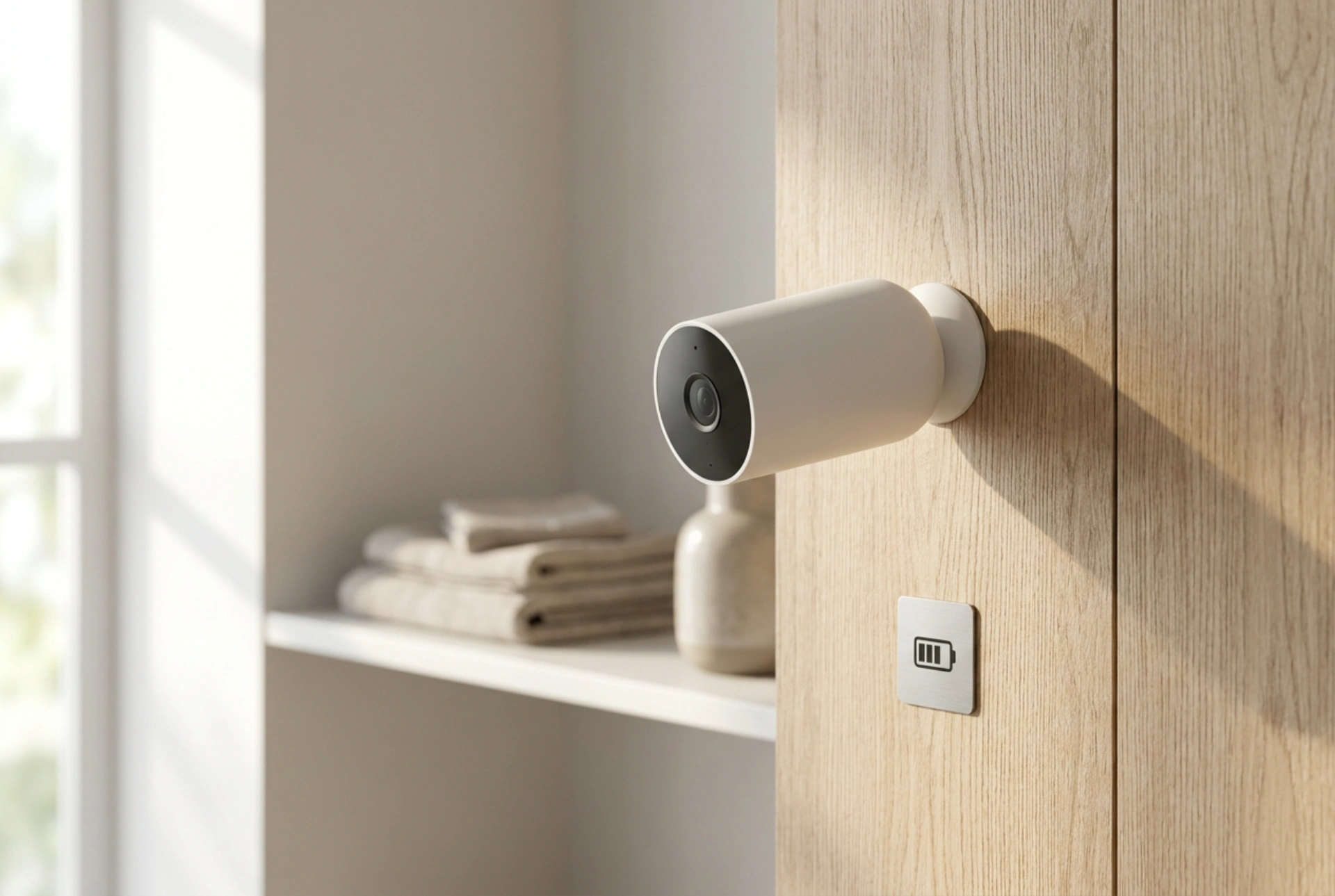


Maximising the battery life of wireless security cameras requires understanding passive infrared (PIR) sensors, signal attenuation, and thermal dynamics. By positioning and configuring your device scientifically, you can significantly reduce energy consumption while maintaining reliable home security.
The Physics of Motion Detection: Optimising PIR Sensor Angles
Most battery-powered security cameras rely on Passive Infrared (PIR) sensors rather than continuous video analysis to detect movement. PIR sensors detect changes in the ambient infrared radiation (heat signatures) within their field of view. When a warm body moves across the sensor's zones, it triggers the camera to wake up from its low-power sleep state and begin recording.
To exploit this mechanism efficiently, the direction of motion is critical. PIR sensors are highly sensitive to lateral movement (tangential to the camera) and significantly less sensitive to movement directly towards or away from the lens (radial movement). If a camera is pointed straight down a pathway, a target must get very close to trigger the sensor, forcing the camera to remain awake longer trying to calibrate, or missing the event entirely. Positioning the camera at an angle of 30 to 45 degrees relative to the expected path of motion ensures rapid, precise triggering. This immediate detection allows the camera to record the necessary footage and return to sleep mode instantly, preventing prolonged active cycles that drain the battery.
Wi-Fi Signal Strength and Transmitter Power Consumption
The wireless transceiver is one of the most energy-intensive components inside a battery-powered camera. Wireless communication standards use dynamic power control to maintain a stable link with the home router. If the Wi-Fi signal is weak or obstructed, the camera must increase its radio transmission power (measured in milliwatts) to overcome packet loss and retransmit data.
Physical barriers cause signal attenuation. Concrete, solid brick, metal foil insulation, and double-glazed glass absorb or reflect electromagnetic waves in the 2.4 GHz and 5 GHz bands. A camera operating with only one or two bars of signal strength will deplete its battery up to five times faster than a camera with a direct, unobstructed line of sight to an access point. To conserve energy, always measure the RSSI (Received Signal Strength Indicator) at the mounting location before drilling. If the signal is weak, relocate the router, install a dedicated wireless access point closer to the exterior wall, or adjust the camera's position to minimise the density of the physical obstacles the signal must penetrate.
Thermal Dynamics and Lithium-Ion Battery Chemistry
Most modern wireless cameras use rechargeable lithium-ion or lithium-polymer batteries. The capacity of these batteries depends heavily on temperature-sensitive chemical reactions. When temperatures drop below freezing, the internal resistance of the battery increases, and the chemical reactions that generate electrical current slow down. This does not necessarily destroy the battery, but it severely reduces the usable capacity, causing the voltage to drop rapidly under load.
To protect the battery from extreme temperature fluctuations, avoid mounting the camera in spots exposed to direct, freezing winds or intense, direct afternoon sunlight, which can overheat the cells and degrade their long-term chemistry. Installing the camera under an eave, soffit, or protective housing acts as a thermal shield, keeping the unit dry and mitigating the cooling effect of wind. Additionally, scheduling charging cycles during milder daytime temperatures ensures the lithium ions intercalate correctly within the electrodes, preserving maximum charge capacity.
Software Calibration: Activity Zones and Cooldown Intervals
Optimising physical placement must be paired with precise digital settings to prevent unnecessary wake-up cycles. Every time a leaf blows in the wind or a shadow shifts across the driveway, the camera wakes up, powering up its image sensor, processor, and transmitter.
- Define Activity Zones: Restrict the motion detection area to critical zones, such as doorways or pathways, ignoring high-traffic public pavements or swaying tree branches.
- Adjust Sensitivity: Lower the PIR sensitivity threshold during high-wind conditions to prevent micro-fluctuations in ambient heat from triggering recordings.
- Configure Cooldown Periods: Set a dwell time or cooldown interval (e.g., 30 to 60 seconds) between triggered events. This prevents the camera from repeatedly cycling on and off during a single continuous event.





