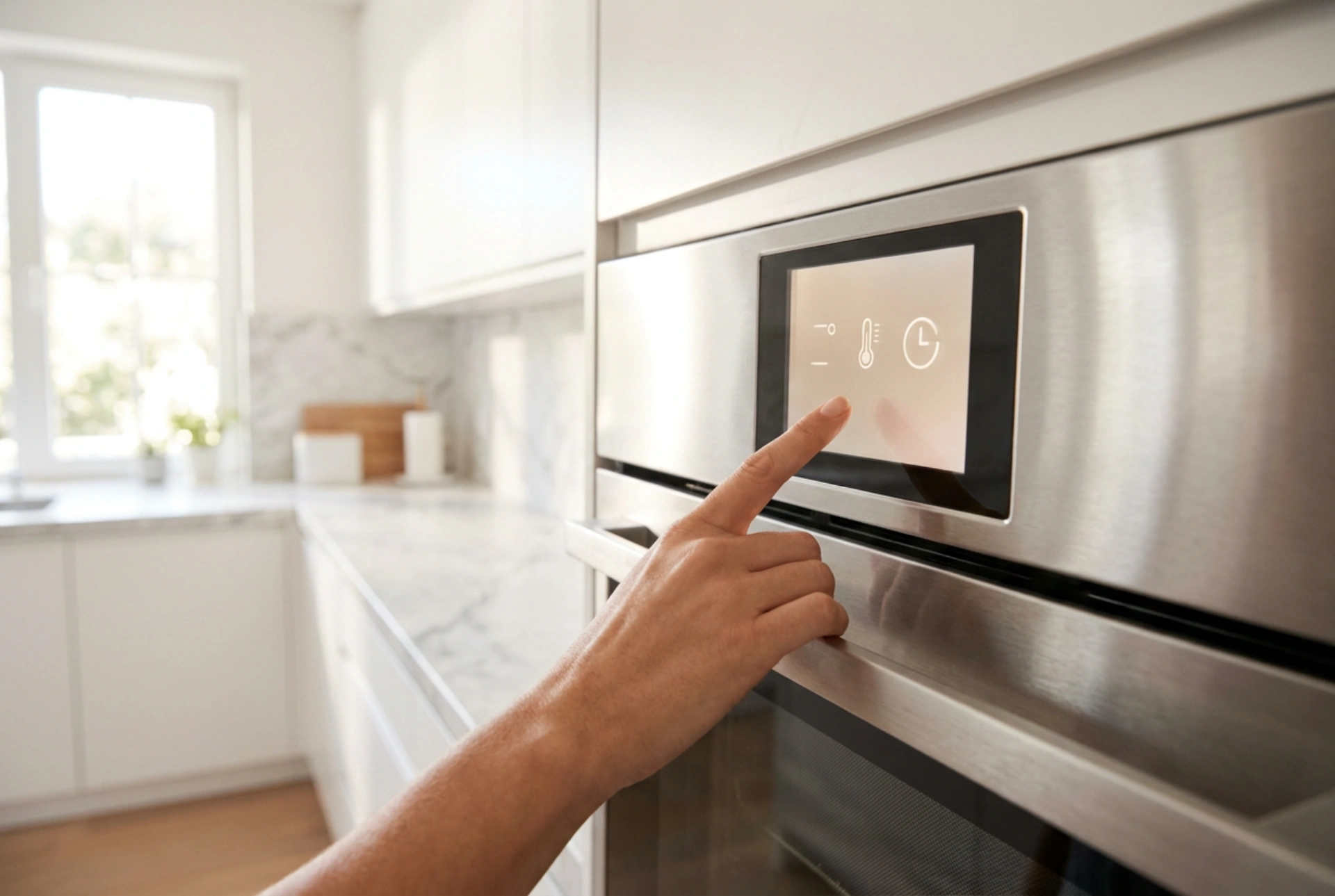


Modern kitchen and laundry appliances rely on capacitive touch interfaces that can easily lock you out, threatening to ruin a cooking or washing cycle if you cut the power. Understanding the electronic mechanisms of control panel lockouts allows you to safely restore input control without erasing active memory states or cycle progress.
The Electronics of Capacitive Touch Panels and Software Locks
Most contemporary appliances utilise capacitive touch technology rather than mechanical switches. These glass or plastic control surfaces operate by generating a minor electrostatic field. When your finger makes contact with the panel, it draws a tiny electrical charge to the point of contact, creating a measurable drop in capacitance. The appliance microcontroller detects this localized change and registers a button press.
The child lock or control panel lock is a software state programmed directly into the microchip. When activated, the software ignores all capacitive sensor inputs except for a designated "unlock" signal sequence. This ensures that accidental wipes, pets, or stray moisture do not interrupt the operation of an oven, dishwasher, or washing machine. However, because the lock is managed by firmware, executing the wrong sequence or cutting power can trigger a hard reset of the active cycle.
Why Pulling the Plug Can Wipe Your Appliance Memory
A common mistake when faced with a locked control panel is disconnecting the appliance from the mains power. While this will shut down the control board, it often destroys active cycle data. Appliance control boards employ two types of digital memory: Volatile Random Access Memory (RAM) and Non-Volatile Read-Only Memory (EEPROM or Flash).
Volatile RAM holds the real-time progress of your current cycle, such as the exact minute of a wash, the current water temperature, or the elapsed baking time in an oven. This memory requires continuous electrical current to maintain its state. When you pull the plug or flip the consumer unit breaker, this volatile data is instantly lost. When power returns, the microcontroller boots from its non-volatile memory, which only contains factory settings and default configurations, forcing you to restart your cycle from the beginning. To preserve your settings, you must bypass the lock while the control board remains continuously powered.
Standard Microprocessor Overrides
To deactivate the lock state without interrupting the power supply, you must feed the microcontroller its programmed unlock sequence. Manufacturers use universal firmware logic patterns that can be cracked using systematic techniques:
- The Constant-Current Hold: The most common mechanism requires holding a single key, often marked with a padlock symbol, for precisely three to five seconds. The firmware requires a continuous, uninterrupted capacitance drop on that specific terminal to confirm intentional operation, filtering out short static bursts.
- Simultaneous Multi-Key Input: Some systems require two non-adjacent buttons to be pressed at the exact same millisecond. This bridges two separate input lines on the control board bus, signaling the microprocessor to release the lock state.
- Sequential Key Patterns: In rare cases, especially on high-end ovens, a specific sequence must be tapped (e.g., left to right) within a tight time window to prevent kids from unlocking the system.
Clearing Physical Interference from Touch Sensors
If the correct key combination fails to disengage the lock, the physical state of the panel is likely blocking the signal. Because capacitive sensors rely on electrical conductivity, any foreign substance on the glass can mimic a continuous finger press. The microcontroller interprets this constant signal as a stuck button and enters a protective safety halt, ignoring further touch inputs.
To fix this, do not use water, which increases conductivity and worsens the lock. Instead, lightly spray a microfiber cloth with isopropyl alcohol. Isopropyl alcohol dissolves grease and oils without leaving a conductive residue. Wipe the panel dry with a secondary clean cloth to remove all moisture. Once the surface is dry and free of conductive films, the capacitive grid will recalibrate, allowing the unlock button combination to register correctly.





