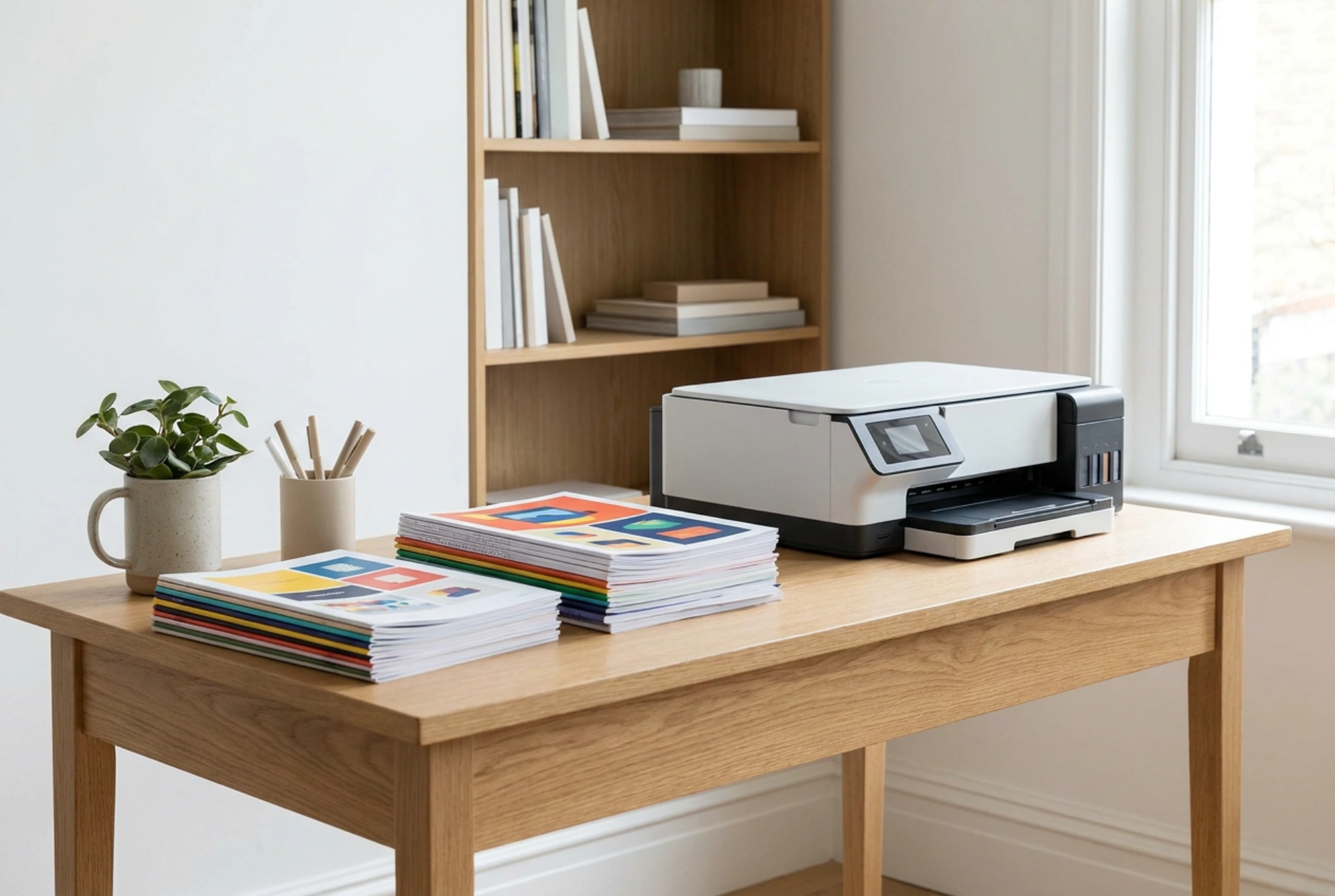


Color laser printers offer unmatched speed and text sharpness, but achieving professional-grade graphics and home documents requires understanding the relationship between electrostatic toner transfer, heat fusing, and paper substrate chemistry.
The Electrostatic and Thermal Mechanics of Laser Printing
Unlike inkjet technology that relies on liquid capillary action, laser printing is a dry, electrostatic, and thermal process. The core mechanism involves a photosensitive drum, a laser diode, and dry toner particles composed of plastic resins (usually styrene-acrylic copolymer or polyester) and color pigments (Cyan, Magenta, Yellow, and Black). The printer first applies a uniform negative charge to the drum using a primary charge roller. The laser then writes the image by discharging specific areas, creating a latent electrostatic image with a lower negative charge. Positively charged toner—or negatively charged toner in write-black systems—is attracted to the discharged areas of the drum due to triboelectric charging principles. The toner is then transferred to the paper via a high-voltage transfer roller that pulls the particles onto the substrate.
The final, crucial step is fusing. The paper passes through a fuser assembly consisting of a heated roller (operating between 150°C and 200°C) and a pressure roller. The heat melts the polymer resin in the toner, while the pressure forces the liquefied plastic into the microscopic fibers of the paper. This thermo-mechanical bond explains why laser prints are immediately dry, highly resistant to water degradation, and structurally stable over time, making them superior for archival documents but highly dependent on the heat tolerance of the printing substrate.
Text Versus Graphics: How Resolution and Halftoning Differ
The visual quality of text and graphics relies on different digital-to-physical conversion processes. Text is rendered using vector paths. Because the laser can turn on and off with microsecond precision, it can define incredibly sharp borders. Monochromatic black text requires only a single, thin layer of carbon-black toner, resulting in crisp, high-contrast edges even at minuscule font sizes, as there is minimal toner spreading during the fusing phase.
In contrast, rendering color graphics, gradients, and photographic elements requires halftoning or dithering. Because a printer cannot physically mix colored dry toners before they reach the page, it deposits microscopic dots of the four primary CMYK colors close to one another in specific angular patterns. The human eye blends these distinct dots into continuous tones. When printing dense graphics, multiple layers of toner must be fused onto the same area. This increase in toner thickness requires precise temperature control; insufficient heat leads to poor adhesion and flaking, while excess heat can cause the paper to warp or the toner to blister. Furthermore, the physical thickness of layered toner creates a slightly raised, semi-gloss surface texture, which alters the light-reflective properties of the final document depending on the angle of view.
Substrate Selection: Matching Paper to Thermal Demand
The choice of paper is the most critical variable in determining print quality. Standard multi-purpose paper designed for inkjets often contains higher moisture content and a rougher surface texture. When subjected to the high temperatures of a laser fuser, this internal moisture instantly vaporizes, leading to paper curling, micro-creasing, or poor toner adhesion due to uneven contact with the fuser rollers.
- Calendered Paper: For high-density color graphics, calendered paper—which has been compressed by heavy steel rollers during manufacturing to create a smooth, dense surface—is essential. The smoothness ensures uniform electrostatic contact, allowing even transfer of fine toner particles without voids.
- Paper Weight and Thermal Mass: Thicker papers (above 120 gsm) act as thermal heat sinks. They absorb heat from the fuser more rapidly than thin sheets. If the printer firmware is not configured for heavy media, the fuser will not supply enough thermal energy to completely melt the toner, resulting in prints that easily smudge or rub off under friction. Selecting the correct media weight in the printer settings adjusts the fusing speed (slowing it down to increase dwell time) and temperature.
- Coated Papers: Specialty coated papers designed for laser printers use heat-stable clay or polymer coatings. Avoid using papers coated for inkjet printers, as their coatings are formulated to absorb water and will melt or blister under the intense heat of the laser fuser, potentially damaging the delicate silicone coating on the machine's fuser rollers.
Optimising Home Document Workflows
To maintain consistent print output, environmental conditions must be managed. High relative humidity increases paper moisture, which lowers paper electrical resistance, leading to poor electrostatic transfer and frequent paper jams. Store paper in its original, moisture-resistant packaging until use. Additionally, physical maintenance of the paper path is vital. Over time, microscopic paper dust and residual toner accumulate on the pick-up rollers and transfer belt. Cleaning these dry surfaces with a lint-free microfibre cloth prevents feeding errors and ghosting—a phenomenon where faint, repeated images appear down the page due to residual electrostatic charge or physical debris on the drum.





