

Selecting the right gaming console requires evaluating hardware architecture, user ergonomics, and spatial physics to perfectly match the user's developmental stage and gaming habits. By understanding the mechanical, thermal, and electronic principles behind these entertainment systems, you can choose a setup that maximises performance, longevity, and physical comfort.
1. Hardware Architecture: Stationary vs. Hybrid Systems
Modern gaming systems generally fall into two architectural categories: high-performance stationary consoles and portable hybrid devices. Stationary consoles utilise powerful Accelerated Processing Units (APUs) that combine central processing and graphics processing on a single silicon die. These units operate at high Thermal Design Power (TDP) levels, requiring robust active cooling systems with heat pipes and large fans. They are designed to output high resolutions, such as 4K, and maintain stable frame rates of 60 to 120 frames per second (fps). High frame rates are not just for visual fluidity; they significantly reduce input latency and optical fatigue, making them ideal for fast-paced, competitive play styles in dedicated living spaces.
In contrast, hybrid handheld consoles operate on a much lower TDP, relying on energy-efficient mobile processors. While they cannot match the raw pixel-pushing power of stationary units, their architecture is optimised for thermal efficiency and battery preservation. The integration of liquid crystal displays (LCD) or organic light-emitting diode (OLED) screens directly into the chassis allows for a self-contained gaming ecosystem. This makes hybrid systems exceptionally suited for younger users or players who value spatial flexibility over high-fidelity graphical rendering.
2. Ergonomics and Developmental Suitability
Physical interaction with a console is governed by controller ergonomics, which must align with the user's musculoskeletal development. Standard controllers for stationary consoles are engineered for adult hands, featuring a specific grip angle and span that can cause repetitive strain or muscle fatigue in children under ten. For younger players, the physical weight of the controller and the tension of the analogue sticks are critical factors. High-tension springs and deep-travel triggers require fine motor control and hand strength that younger users are still developing.
Portable hybrid systems solve some physical size issues but introduce unique posture challenges. Holding a screen at chest or lap level forces the neck into flexion, increasing the mechanical load on the cervical spine. To mitigate this, players should opt for configurations that allow the screen to be detached and placed at eye level, utilizing smaller, lightweight wireless controllers. Additionally, modern controllers utilise electromagnetic or resistive haptic feedback. While these actuators enhance immersion by simulating physical textures and resistance, they can be disabled or adjusted in system settings to prevent hand fatigue during extended sessions.
3. Storage Media: Physical Drives vs. Digital Storage
When choosing a console, the storage medium dictates both user experience and long-term utility. Consoles are available in digital-only formats or with integrated optical disc drives. Solid-state drives (SSDs) utilizing the Non-Volatile Memory Express (NVMe) protocol have replaced traditional hard disk drives (HDDs) across all modern platforms. These SSDs dramatically reduce data load times by transferring several gigabytes of data per second directly to the system memory. For households with high-speed internet connections, digital-only consoles offer silent operation and eliminate the risk of mechanical drive failure.
Optical drives, however, provide a mechanical backup and allow for the physical exchange of games. From a materials perspective, optical discs are highly durable if stored correctly, though the optical laser assembly inside the console is a moving part subject to wear over time. For younger users, physical media can teach organization and responsibility, while for older collectors, it represents a permanent archive independent of digital server availability.
4. Thermal Management and Spatial Integration
A gaming console is a high-performance computer that generates substantial thermal energy. The longevity of the internal silicon components depends directly on efficient heat dissipation. Stationary consoles require adequate clearance—ideally at least ten centimetres of unobstructed space around all intake and exhaust vents. Placing a high-TDP console inside a closed media cabinet creates a thermal trap, forcing the cooling fan to spin at maximum velocity, which increases acoustic noise and accelerates dust accumulation on the internal heatsinks.
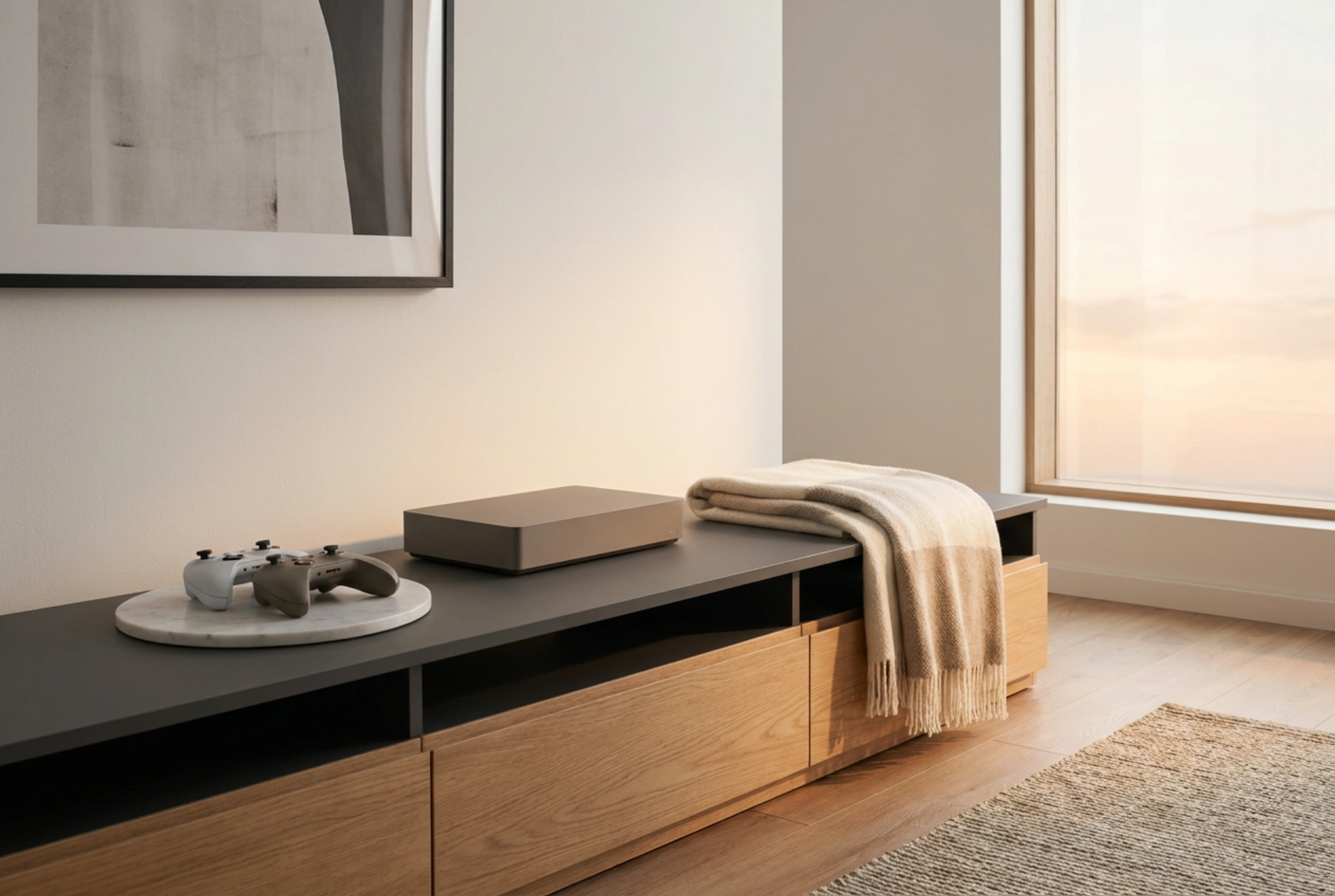
When integrating a console into your home, consider the airflow dynamics of the room. Cool air is drawn from the bottom or sides and expelled as hot air from the top or rear. Positioning the unit on a hard, level surface—such as wood or metal—prevents the obstruction of lower intake vents, which frequently occurs when consoles are placed on carpets or soft fabrics. Regular maintenance, such as gently vacuuming the external dust traps, ensures the thermal interface materials inside the console remain functional for years.





