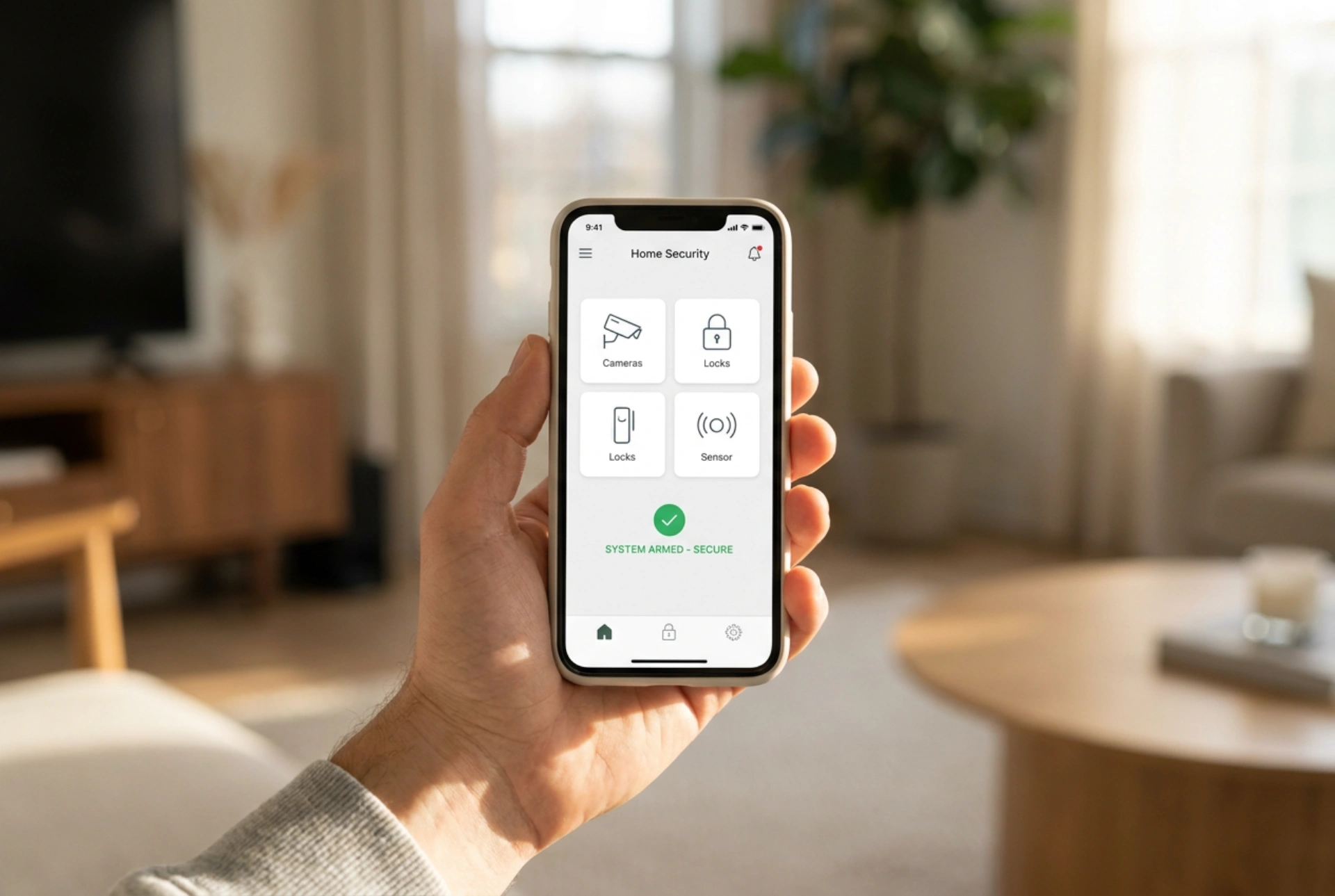


Evaluating a home security system goes beyond technical specifications; the true test lies in how seamlessly it integrates into your daily routines. Choosing a system based on its physical interface, response times, and zoning logic ensures robust protection without the friction of frequent false alarms or cumbersome controls.
The Control Interface: Tactile Keypads versus Digital App Dashboards
The daily interaction with a security system typically occurs through a wall-mounted keypad or a smartphone application. When comparing systems, the physical feedback and speed of these interfaces are critical. Mechanical keypads offer distinct physical feedback, allowing for blind operation through muscle memory—a crucial factor during a dark exit or an emergency. Look for buttons with rubberized or mechanical domes that resist wear and offer clear tactile resistance.
Conversely, smartphone applications rely on cloud latency and local network speeds. When evaluating digital dashboards, prioritize systems that use local-first communication protocols. If an app requires a round-trip to an external server to disarm a system, a delay of even three seconds can trigger an entry alarm before the command registers. Furthermore, physical authentication tokens, such as RFID fobs or NFC tags, provide a reliable middle ground. Swiping a tag over a reader bypasses the need to type PIN codes, making the system accessible to children or elderly family members without compromising security protocols.
Zone Partitioning and Night-Mode Logic
A high-quality security system must distinguish between an empty house and an occupied one. This is achieved through zoning and partitioning. When comparing systems, analyze how easily you can configure partial or perimeter-only arming. A well-designed system allows you to arm magnetic contacts on external doors and windows while leaving interior Passive Infrared (PIR) motion sensors inactive, permitting free movement inside during the night.
The logic of entry and exit delays is equally vital. The exit delay must allow enough time to leave the premises without rushing, while the entry delay must be short enough to prevent an intruder from disabling the control panel before the siren activates. Look for systems that allow independent delay settings for specific entry routes. For instance, a garage door sensor might require a forty-five-second delay to allow for parking, whereas a side window should trigger an instantaneous alarm. Dynamic zoning prevents the system from becoming a daily nuisance, which frequently leads users to leave their systems completely disarmed.
Signal Verification and False Alarm Mitigation
Daily usability is heavily impacted by how the system handles potential false alarms. High-quality systems employ dual-technology sensors to verify environmental changes before triggering an alert. For example, a motion detector that combines optical PIR technology with microwave sensors requires both heat movement and physical displacement to trigger, drastically reducing false alarms caused by drafty windows or heating vents.
Additionally, evaluate how the system communicates status updates. Rather than inundating your phone with generic notifications, a functional system prioritizes alerts: critical breaches should trigger distinctive, high-priority audio alerts that bypass do-not-disturb settings, while routine events like arming logs or low-battery warnings should remain silent and accessible via an activity feed. Clear diagnostic feedback on the control panel—such as identifying exactly which window is open before arming—saves time and prevents system bypass errors.
A Practical Checklist for Daily Usability
- User Management: Can you easily create temporary, restricted PIN codes for guests or maintenance workers without sharing your master code?
- Backup Resilience: Does the system feature a local backup battery (lead-acid or lithium-ion) that keeps the user interface operational during a power outage?
- Visual Indicators: Does the physical hub or keypad have clear, low-glow LEDs indicating the armed status at a glance from across the room?
- System Diagnostics: Does the interface clearly pinpoint which specific sensor has a low battery or a tamper error, or does it merely show a generic system fault?





