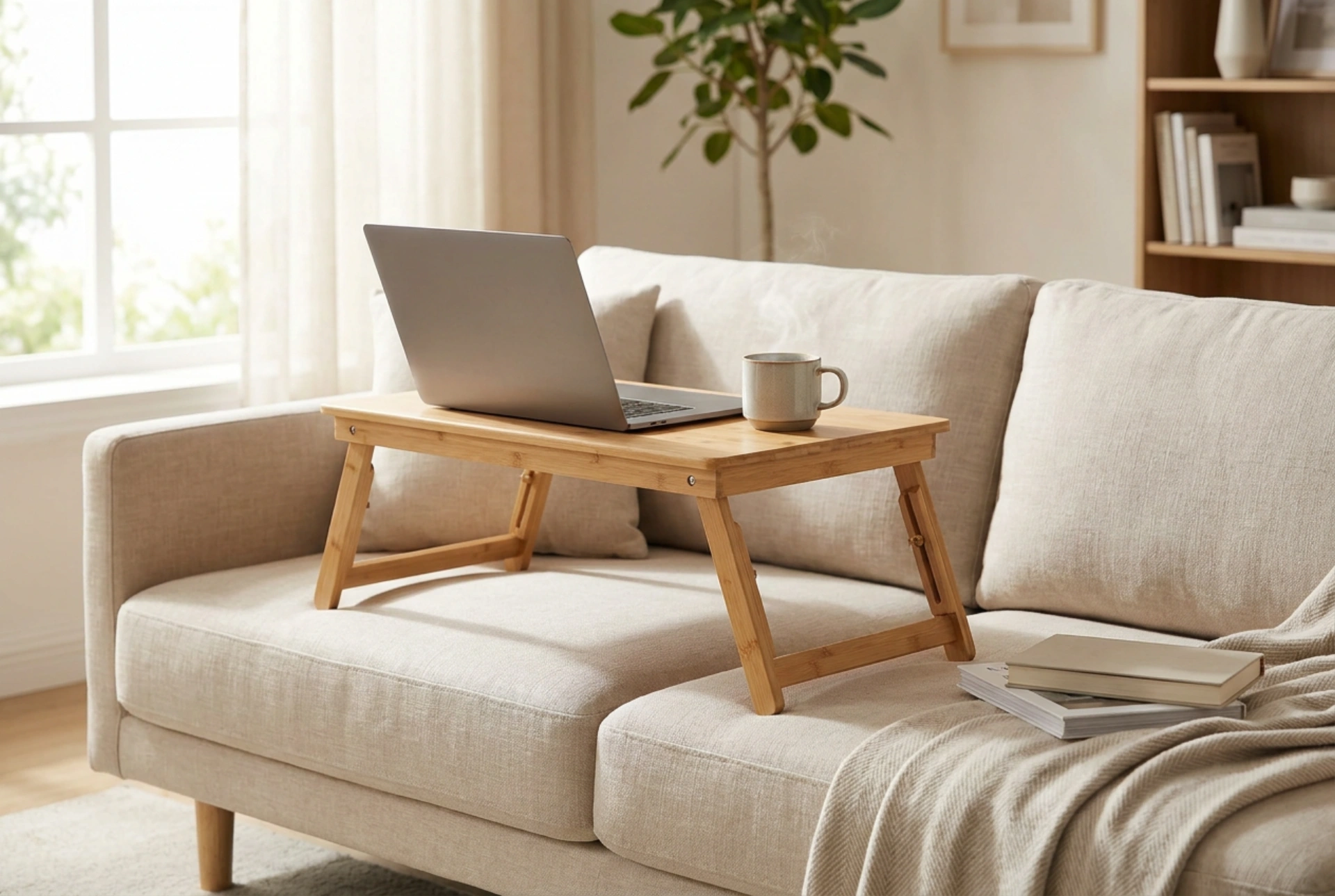


Working with a laptop directly on your lap can lead to rapid heat build-up and poor physical posture. Using a dedicated laptop lap desk resolves these issues by creating a stable, ventilated barrier that optimizes device performance and protects your body.
The Thermodynamics of Laptop Heat Dissipation
Laptops are dense computational devices that generate significant thermal energy. Most portable computers rely on active or passive cooling systems that draw cool air from bottom vents and expel hot air through side or rear exhausts. Placing a laptop directly on soft surfaces, such as clothing, blankets, or directly on your skin, obstructs these intake vents. This obstruction impairs convective heat transfer, leading to rapid internal temperature spikes.
When airflow is restricted, the internal components—primarily the CPU and GPU—quickly reach their thermal limits, triggering thermal throttling to prevent hardware damage. This decreases processing speed. Furthermore, prolonged exposure to high temperatures accelerates the degradation of the lithium-ion battery. A rigid, flat laptop desk creates a physical gap that maintains the integrity of the ventilation pathways, allowing air to circulate freely beneath the chassis and keeping the operating temperature within safe limits.
Ergonomics and the Physics of Body Strain
Operating a laptop without support forces the body into an unnatural posture characterized by a forward head tilt and rounded shoulders. The human head weighs approximately five kilograms in a neutral vertical position. However, bending the neck forward at a 60-degree angle to look down at a lap-level screen increases the effective load on the cervical spine to nearly twenty-seven kilograms. This physical stress strains the upper trapezius and splenius capitis muscles, leading to tension headaches and long-term postural issues.
A lap desk elevates the laptop screen, which reduces the required downward viewing angle. By raising the screen even slightly and tilting the keyboard, you reduce the flexion angle of the neck. Additionally, a stable platform supports the wrists, keeping them in a more neutral extension. This minimizes pressure on the median nerve in the carpal tunnel and reduces static muscle loading in the forearms.
Material Selection and Heat Shielding
The efficacy of a lap desk depends heavily on the physics of its materials. Wood and bamboo are excellent natural choices; they have low thermal conductivity, meaning they do not easily transfer the heat generated by the laptop to your legs. Bamboo also offers a high strength-to-weight ratio, providing structural rigidity without adding unnecessary weight to your lap.
Conversely, plastic models are lightweight and often feature integrated ventilation grilles, but they lack the premium density of natural fibers. The underside of many lap desks features a soft cushion. For optimal comfort and heat management, this cushion should be filled with high-density foam or micro-beads wrapped in breathable natural textiles like linen or cotton. This configuration distributes the weight of the laptop evenly across the thighs, preventing localized pressure points while allowing body heat to dissipate rather than build up under the cushion.
Establishing an Ergonomic Workflow
To maximize the benefits of a laptop stand on your lap, pay close attention to your sitting posture. Sit back fully into your chair or sofa so that your lower back is supported. Your thighs should be parallel to the ground or angled slightly downward, with your feet flat on the floor or on a footrest. Avoid hunching forward; let the elevated lap desk bring the workspace up to your hands.
Ensure that the laptop desk is wide enough to accommodate your device with a small margin on either side. This balance prevents the assembly from tipping sideways during active typing. Periodically check your wrist alignment: your hands should float slightly above the keyboard rather than resting heavily on the hard edges of the laptop, maintaining a fluid, low-impact typing motion.





