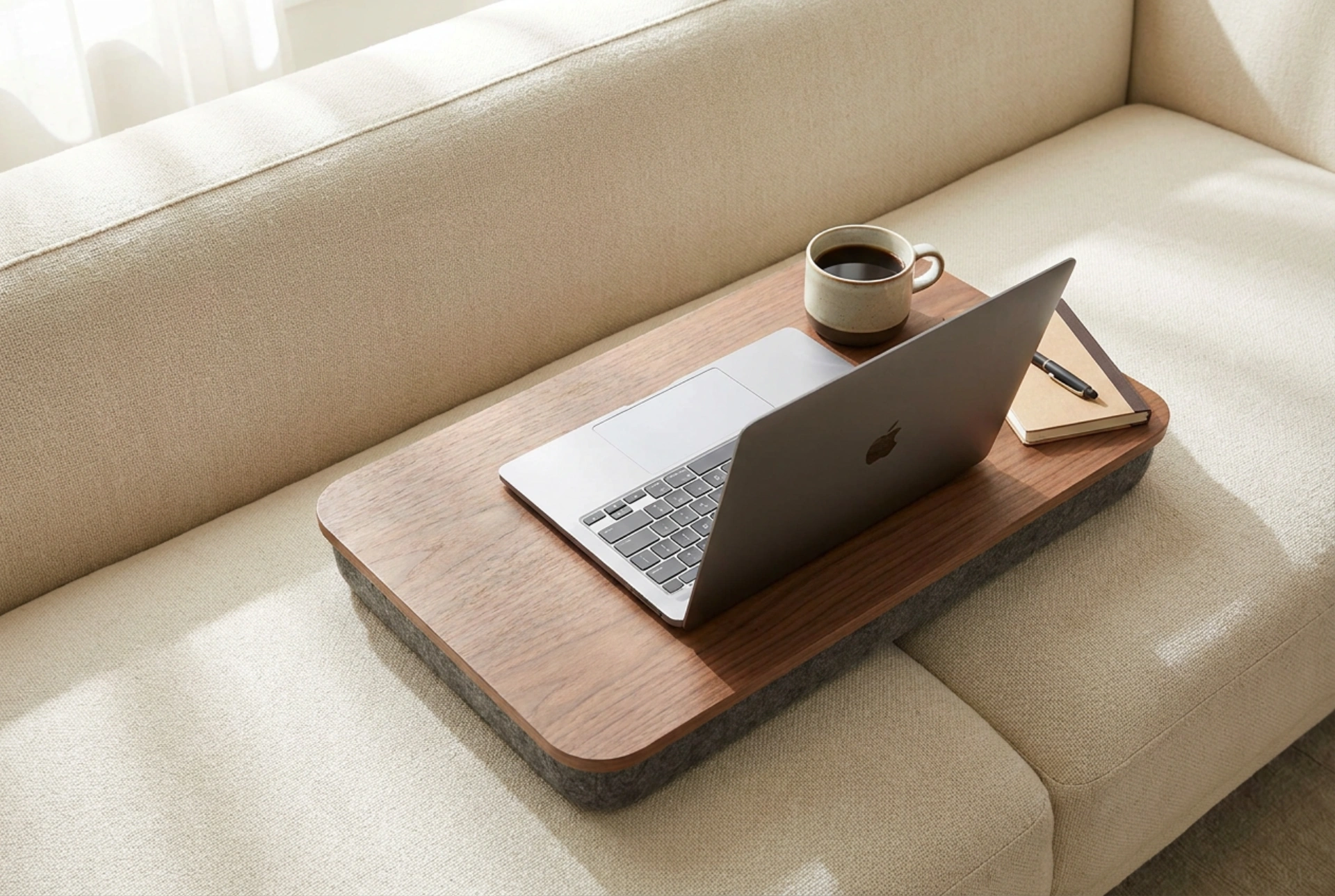


Using a laptop directly on your lap introduces structural challenges, including poor ergonomic alignment, restricted device airflow, and direct heat transfer to your skin. Integrating a dedicated lap desk solves these issues by establishing an insulated, flat platform that improves both posture and hardware efficiency.
The Thermodynamics of Laptop Cooling and Heat Transfer
Laptops rely heavily on convective cooling to regulate the temperature of internal components like the central processing unit (CPU) and graphics card. Most portable computers feature air intake vents on their underside. When a laptop is placed directly on soft, malleable surfaces such as your trousers, blankets, or directly on your skin, these vents become obstructed. This restriction forces the internal fans to work harder, accelerating dust accumulation and causing the device to reach high temperatures, which triggers thermal throttling to prevent hardware damage.
A lap desk acts as a rigid thermal barrier. By providing a flat, unyielding surface, it maintains the clearance gap created by the laptop's rubber feet. This gap allows air to circulate freely beneath the chassis, maintaining steady convective currents. Furthermore, quality lap desks utilise materials with low thermal conductivity, such as wood, bamboo, or high-density polymers. These materials slow the transfer of heat from the laptop chassis to your lap, preventing localized skin irritation and keeping your lower limbs comfortably cool during long working sessions.
Biomechanics and Ergonomic Alignment on the Sofa or Bed
Working from a sofa, armchair, or bed inherently encourages a slouched posture, which puts excessive strain on the cervical spine and the lower back. Placing a laptop directly on your lap forces your head to tilt downward at an acute angle, drastically increasing the effective weight of your head on your neck muscles. A lap desk mitigates this by raising the device by several centimetres, thereby reducing the angle of cervical flexion.
To optimise your biomechanical setup when using a lap desk, follow these rules of positioning:
- Thigh Angle: Sit with your hips pushed fully back into the seat cushion. Your thighs should ideally be parallel to the floor, or slightly angled down, to create a stable, flat foundation for the lap desk. Use a small lumbar cushion behind your lower back to maintain your spine's natural curve.
- Wrist Alignment: Your wrists should remain in a neutral, straight position rather than bent upward or downward. Look for a lap desk with a built-in wrist rest filled with firm foam. This prevents your wrists from resting against the hard, square edge of the laptop chassis, reducing pressure on the carpal tunnel.
- Elbow Position: Keep your elbows bent at an angle between 90 and 110 degrees, resting relaxed at your sides. If the lap desk is too high, it will force your shoulders to shrug, causing tension in the trapezius muscles.
Material Selection: Matching Physics to Function
The performance of a lap desk depends heavily on its material composition. The top surface must provide sufficient friction to prevent the laptop from sliding, especially when you shift your seating position. Matte micro-textured plastics, treated wood veneers, or surfaces with integrated silicone grip pads are ideal. Avoid perfectly smooth, high-gloss finishes, which offer low friction and require you to constantly tense your leg muscles to keep the desk level.
The underside of the lap desk—the portion in direct contact with your body—should distribute weight evenly to avoid pressure points. Double-bolster cushions filled with high-density foam or micro-beads are highly effective. A double-bolster design features two parallel cushions with a channel running between them. This channel serves a dual purpose: it conforms to the natural curve of your thighs for maximum stability, and it creates a ventilation path that prevents heat from trapping against your legs, ensuring long-term thermal comfort.
Techniques for Safe and Stable Operation
Maintaining stability is crucial when working on a non-fixed surface. When setting up, always sit fully back before placing the lap desk over your thighs. Avoid placing unsecured liquid containers on the lap desk unless it features a deep, recessed cup holder that lowers the container's centre of gravity. If you use an external mouse, ensure the lap desk is wide enough to accommodate it on the same horizontal plane as the keyboard; operating a mouse on a separate, lower surface forces asymmetrical shoulder rotation, leading to muscle fatigue over time.
Quick Setup Checklist for Ergonomic Safety
- Angle: Keep the lap desk level or tilted slightly toward you at a maximum of 15 degrees.
- Screen Height: Tuck your chin slightly to gaze downward at the screen, rather than bending your entire neck forward.
- Break Interval: Change your position every 30 to 45 minutes to encourage blood circulation in your legs and lower back.
- Vent Clearance: Periodically check that no soft blankets have crept up to block the gaps between the lap desk and the laptop chassis.





