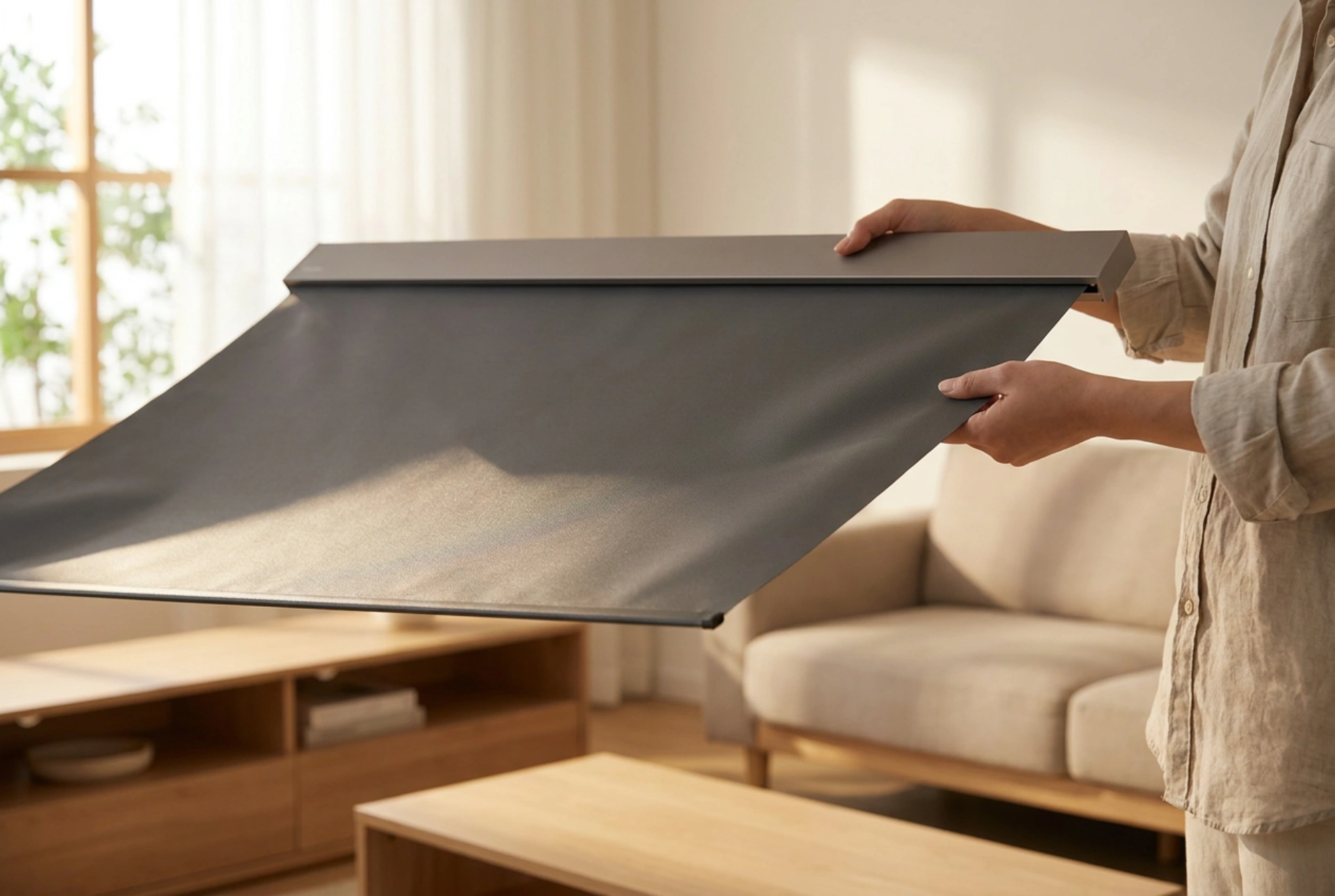


A portable projector screen relies on a delicate balance of material tension and surface uniformity to deliver a clear, undistorted image. Incorrect transport or improper setup techniques can stretch the vinyl fabric, damage reflective coatings, or introduce micro-creases that permanently disrupt light diffusion.
The Material Science of Projector Fabrics
Most portable projector screens are made from multi-layered polyvinyl chloride (PVC) or vinyl-infused fabrics, often coated with microscopic glass beads or reflective metal-oxide compounds. These materials are chosen for their high elasticity and diffusive properties, which distribute light evenly across a wide viewing angle. However, PVC possesses thermal memory. When exposed to cold temperatures during transport, the polymer chains stiffen, making the material brittle and prone to cracking or permanent creasing. Conversely, excessive heat relaxes the polymers too much, leading to sagging under tension. Understanding this thermal behaviour is crucial: always allow a cold screen to reach ambient room temperature (around 20 degrees Celsius) before attempting to unroll or tension it. Unrolling a stiff, cold screen forces the outer layers to stretch faster than the frozen inner layers, causing microscopic tears in the reflective coating.
Safe Transport: Preventing Shear Stress and Pressure Points
When transporting a portable screen—whether it is a tripod, pull-up, or folding frame model—the primary goal is to prevent structural bending and localised pressure points. Never place heavy objects on top of a cased screen. Even within a protective metal or plastic housing, localized pressure can bend the internal roller bar, creating a permanent warp that will cause V-shaped waves in the fabric during future deployments. Always secure the screen horizontally across a flat surface, or vertically if strapped to a stable support. Avoid rapid temperature fluctuations inside vehicles; the metallic housing (usually aluminium or steel) and the PVC fabric have different thermal expansion coefficients. If the housing expands or contracts at a different rate than the fabric rolled inside it, internal friction can cause the edges of the screen to curl, a phenomenon known as edge curl.
The Step-by-Step Setup Protocol
Setting up a portable screen requires a specific sequence of movements to distribute tension evenly across the frame. Follow this precise order of operations to prevent structural damage and ensure a perfectly flat projection surface:
- Establish a Stable Base: Deploy the tripod legs or base feet fully on a level surface. A slight tilt in the base introduces torsional strain on the support bar, leading to uneven tension across the top edge of the screen.
- Orient the Housing: Position the screen housing perpendicular to the intended projection axis. Use a small spirit level to ensure the casing is horizontal; this prevents gravity from pulling the fabric to one side as it is raised.
- Deploy with Uniform Force: When pulling the screen upward or outward, apply force strictly to the centre handle. Pulling from one side introduces shear stress, which can misalign the internal spring-tension roller or tear the black borders.
- Locking the Tension: Secure the screen at the designated height using the integrated locking mechanism. The tension should be firm but not stretched to its absolute limit, as over-tensioning permanently deforms the elastic polymer matrix of the fabric.
Correcting Creases and Eliminating Waves
If minor ripples or creases are visible after setup, do not attempt to smooth them out by hand, as oils from your skin can degrade the reflective coating. Instead, rely on the material's natural elastic memory. Keep the screen fully tensioned in a warm room (21 to 23 degrees Celsius) for several hours; the polymer chains will gradually realign themselves, pulling the surface flat. For stubborn wrinkles, indirect heat can be used. Position a warm-air blower, such as a hairdryer on its lowest heat setting, at least 50 centimetres away from the back of the screen. Gently warm the affected area from the rear while the screen is under tension. The heat will increase polymer mobility, allowing the tension to pull the crease flat. Never apply heat directly to the front reflective surface, as this can melt the microscopic beads or alter the light gain properties.
The Mechanics of Rolling Up the Screen
When packing down, the rolling process must be slow and controlled. Allow the internal spring-tension mechanism to retract the fabric slowly; letting the screen snap back violently can damage the roller springs and cause the fabric to roll up unevenly. Ensure the screen is completely dry and free of dust before rolling. Trapped moisture will foster mildew growth, which chemically breaks down the PVC binder, while dust particles will act as abrasives, scratching the delicate reflective surface each time the screen is rolled and unrolled. Clean the surface only with a dry, anti-static microfiber cloth using light, vertical strokes.





