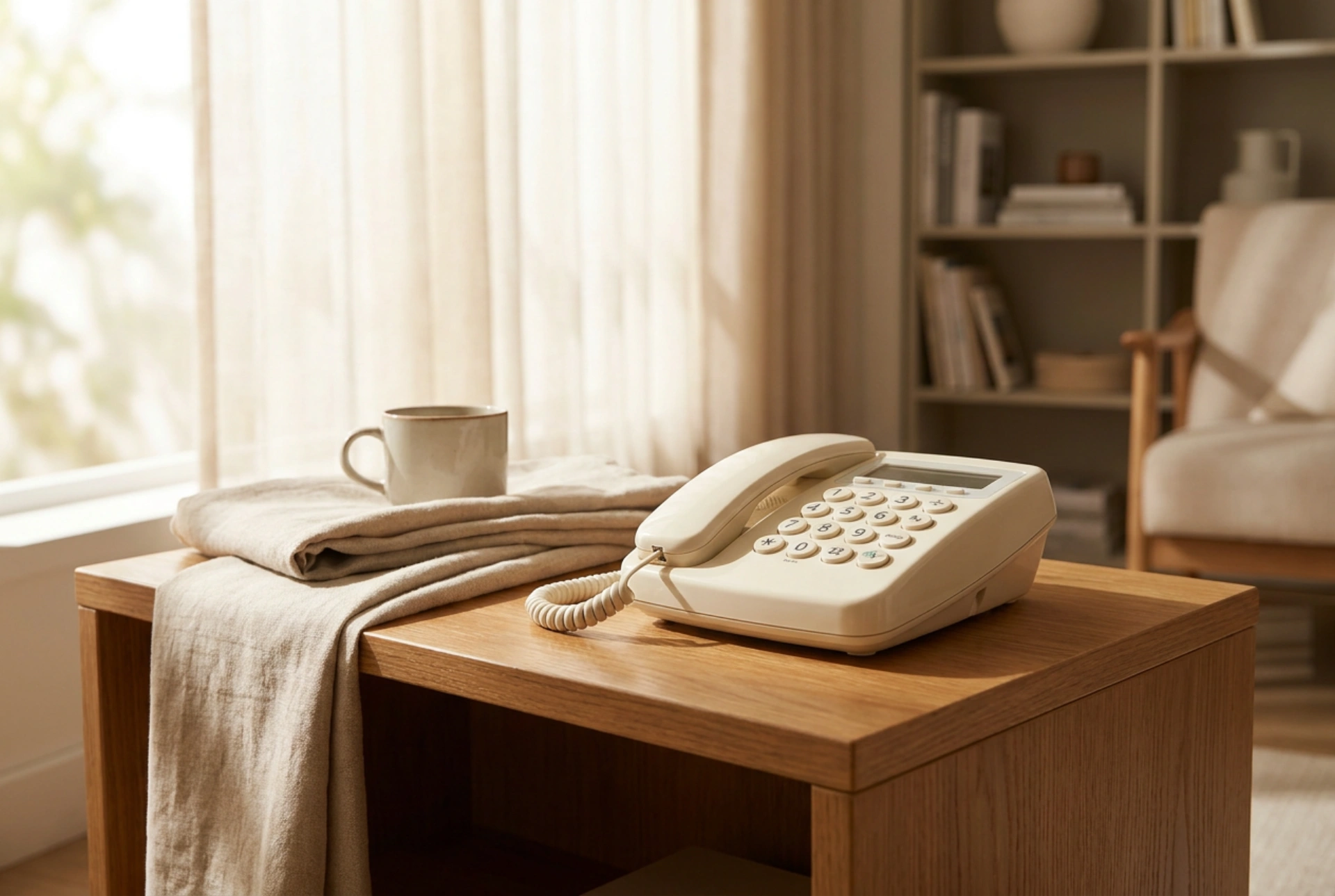


Setting up a landline telephone for an elderly family member requires careful consideration of ergonomics, acoustics, and visual clarity to ensure reliable communication. By addressing physical placement, acoustic calibration, and interface accessibility, you can create a highly functional communication hub that minimises physical strain and cognitive load.
Ergonomic Placement and Stability
The physical positioning of the telephone base unit is critical to preventing slips, drops, and physical strain. A landline phone should be placed on a stable, flat surface at elbow height when the user is seated—typically between 70 and 75 centimetres from the floor. This height minimises shoulder elevation and wrist flexion when reaching for the handset.
To prevent the base unit from sliding during dialling or when pulling a coiled handset cord, increase the coefficient of friction between the device and the tabletop. Applying self-adhesive silicone or rubber feet to the underside of the base is highly effective. Alternatively, placing the unit on a non-slip silicone mesh mat ensures it remains stationary under lateral tension. If the phone uses a coiled cord, ensure the cord has sufficient elasticity without being too tight; a stiff cord can easily pull the entire base off the table, creating a fall hazard.
Cable management is equally vital. Route all telephone and power cables behind furniture, securing them along baseboards using plastic cable clips. Never run cables under rugs or across walkways, as this creates a significant trip hazard and can damage the internal copper wiring over time through repetitive compression.
Acoustic Calibration and Auditory Accessibility
Age-related hearing loss, or presbyacusis, typically affects high-frequency sounds first, making consonant sounds like "s", "f", and "t" difficult to distinguish. Adjusting the telephone’s acoustic settings can dramatically improve speech intelligibility.
- Ringer Frequency and Volume: Set the ringer to a lower-frequency tone (around 500 to 800 Hz) rather than a high-pitched beep. Lower frequencies propagate better through domestic spaces and are easier for aging ears to detect. Set the volume to a level that is audible from adjacent rooms but not so loud that it startles the user, which can cause sudden movement and balance loss.
- Handset Volume and Tone Control: If the telephone features an adjustable equaliser, boost the lower and mid-range frequencies while slightly dampening the extreme highs to reduce background hiss. Ensure the handset is compatible with hearing aids utilising the "T" (telecoil) setting, which uses an electromagnetic field to send sound directly to the hearing aid, bypassing ambient room noise.
- Reducing Ambient Noise: Position the telephone station away from constant noise sources such as television sets, refrigerator compressors, or busy street-facing windows. Minimising background decibels directly improves the signal-to-noise ratio during conversations.
Visual Contrast and Tactile Enhancement
Declining visual acuity and contrast sensitivity make standard telephone keypads difficult to navigate. You can enhance the user interface using basic principles of light reflectance and tactile feedback.
The contrast ratio between the keypad numbers and the button background should be as high as possible—ideally black text on a matte white or yellow background. Avoid glossy surfaces that reflect overhead lighting, as glare can completely obscure the numbers. If the phone has a liquid crystal display (LCD), adjust the contrast level to its maximum setting and position the phone away from direct sunlight to prevent screen washout.
Tactile cues allow users to navigate the keypad by touch alone. Most standard keypads feature a small raised dot or bar on the "5" key. Ensure this indicator is clean and distinct. If the user has peripheral neuropathy or reduced tactile sensitivity, you can apply small, self-adhesive polyurethane bumpers to key buttons (such as the "5" key or the green "call" button) to provide unmistakable physical landmarks.
Streamlining Dialling and Emergency Protocols
Simplifying the process of initiating a call reduces cognitive load and ensures rapid contact during emergencies. Rather than relying on multi-step digital menus, configure physical speed-dial keys.
Program the direct-dial memory keys (often labelled M1, M2, M3) with the most critical contact numbers, such as immediate family members or medical services. Next to the telephone, place a highly legible, physical directory sheet. Write the names in large, bold, sans-serif lettering using a black, non-smudge pigment pen on heavy-duty white cardstock. Avoid cursive script, which is harder for the aging eye to process quickly. For ultimate reliability, place this sheet inside a clear, non-glare plastic sleeve and tape it securely to the table surface next to the phone base, ensuring it cannot be misplaced or covered by other household items.





