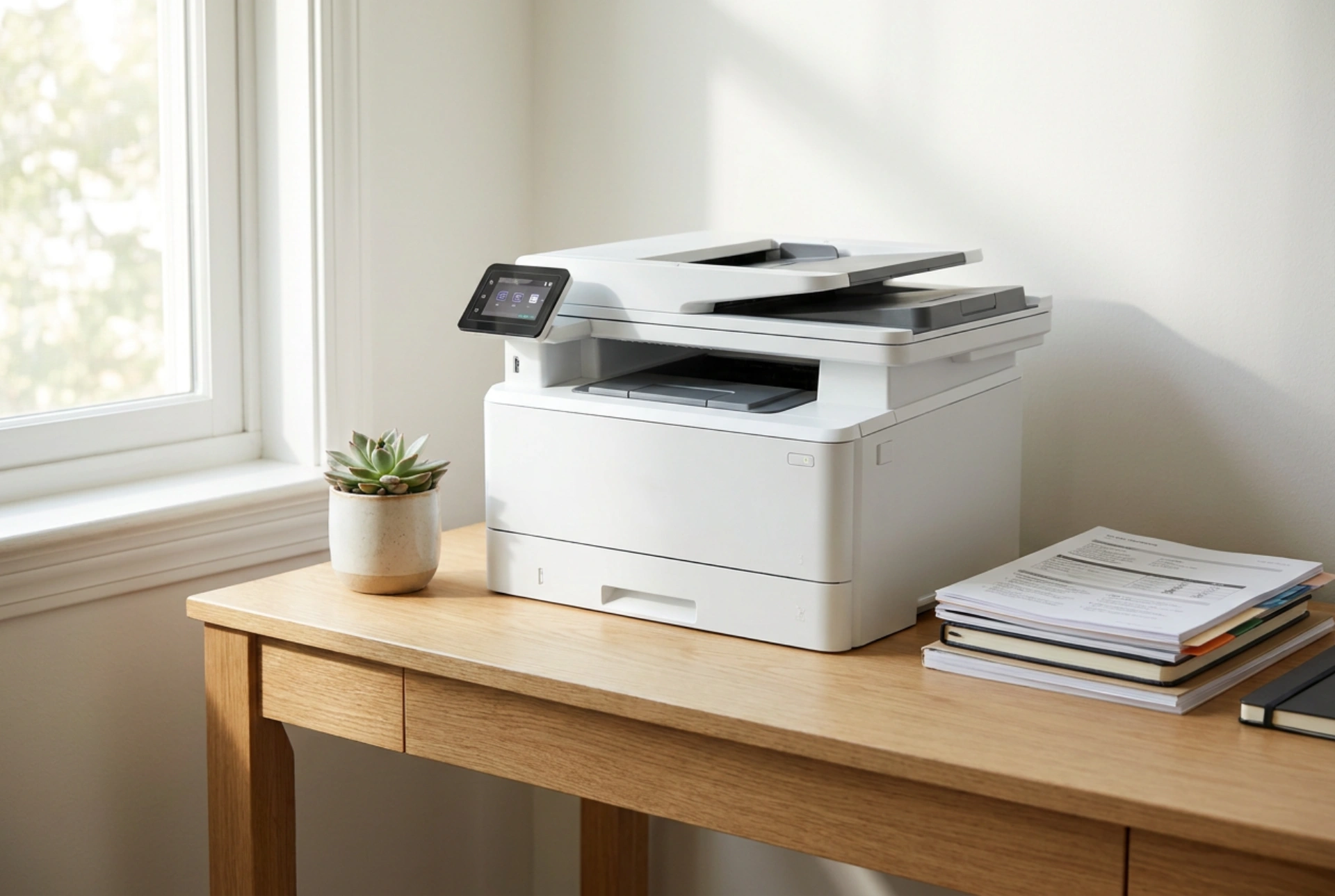


Working from a compact desk requires meticulous space management, where every square centimetre must balance operational functionality with physical comfort. Integrating a compact multifunction printer into a restricted workspace requires a strategic approach to ergonomics, device kinematics, and cable routing to maintain productivity without clutter.
The Ergonomics of Desk Zones: Footprint and Placement
A functional home office relies on dividing the desk into active, secondary, and tertiary reach zones. The active zone—the area directly in front of you—must be reserved solely for your keyboard, mouse, and screen to support a neutral spine and natural wrist alignment. Placing a bulky device within this radius forces unnatural reaching angles, leading to shoulder fatigue and repetitive strain.
A compact multifunction printer should occupy the tertiary zone, typically at the rear corners of the desk. To achieve this, analyze the physical footprint of the device. A standard compact printer requires approximately 40 by 35 centimetres of flat surface. However, the static footprint is only half the equation; you must also account for the dynamic footprint, which includes extended paper trays, open scanning lids, and emerging printed sheets.
Paper Path Mechanics: Front-Loading vs. Rear-Feed
The internal mechanism of how paper travels through the printer dictates its suitability for small desks. Devices with rear-feed paper trays require significant vertical and rear clearance. The paper sits at an angle, increasing the effective height and depth of the unit, which prevents you from pushing the printer flush against a wall or placing it under a low shelf.
For tight workspaces, a front-loading paper cassette is highly superior. The paper is stored completely within the body of the machine, keeping the exterior profile clean. The paper path typically follows a U-bend design, drawing paper from the bottom drawer, looping it internally over the imaging drum or printhead, and ejecting it through a front output tray directly above the input cassette. This design minimises physical disruption, allowing the device to fit neatly into tight cubby holes or low-clearance shelving systems.
Scanning Mechanics: Choosing Between Flatbed and Feeders
Integrating a scanner introduces unique mechanical challenges. Standard flatbed scanners require a hinged lid that opens upward. If your desk is positioned beneath floating shelves, you must calculate the vertical clearance required to open the scanner lid fully (usually an additional 25 to 30 centimetres of height). Attempting to use a flatbed in a confined vertical space leads to awkward hand movements and potential damage to the scanner glass.
If vertical clearance is highly restricted, consider an automatic document feeder style scanner integrated into the printer. While these feeders add some height to the static unit, they eliminate the need to lift a heavy lid. Instead, documents are fed horizontally or semi-vertically through a roller system. This mechanism relies on high-friction rubber rollers that pull individual sheets across a stationary scanning sensor, requiring minimal physical space to operate.
Thermal Management and Cable Routing in Confined Spaces
Printers are thermal devices. Laser engines rely on a fuser unit that heats up to 200 degrees Celsius to melt toner onto the paper fibres, while inkjet systems use precise electrical pulses that generate heat. Adequate airflow is vital. Placing a compact printer flush against a wall or stuffed tightly inside a closed cabinet restricts convective heat dissipation. Always maintain a minimum clearance of 5 to 10 centimetres around the cooling vents to prevent internal temperature spikes, which can warp plastic gears or dry out printheads.
Cable management is another critical factor. Standard power and USB cords protrude straight out of the rear of the printer, requiring an extra 5 to 8 centimetres of clearance. Using right-angled power cables and right-angled USB connectors allows the device to sit significantly closer to the wall, reclaiming precious desk depth. Furthermore, leveraging wireless connectivity eliminates data cables entirely, leaving only the power source to manage.





