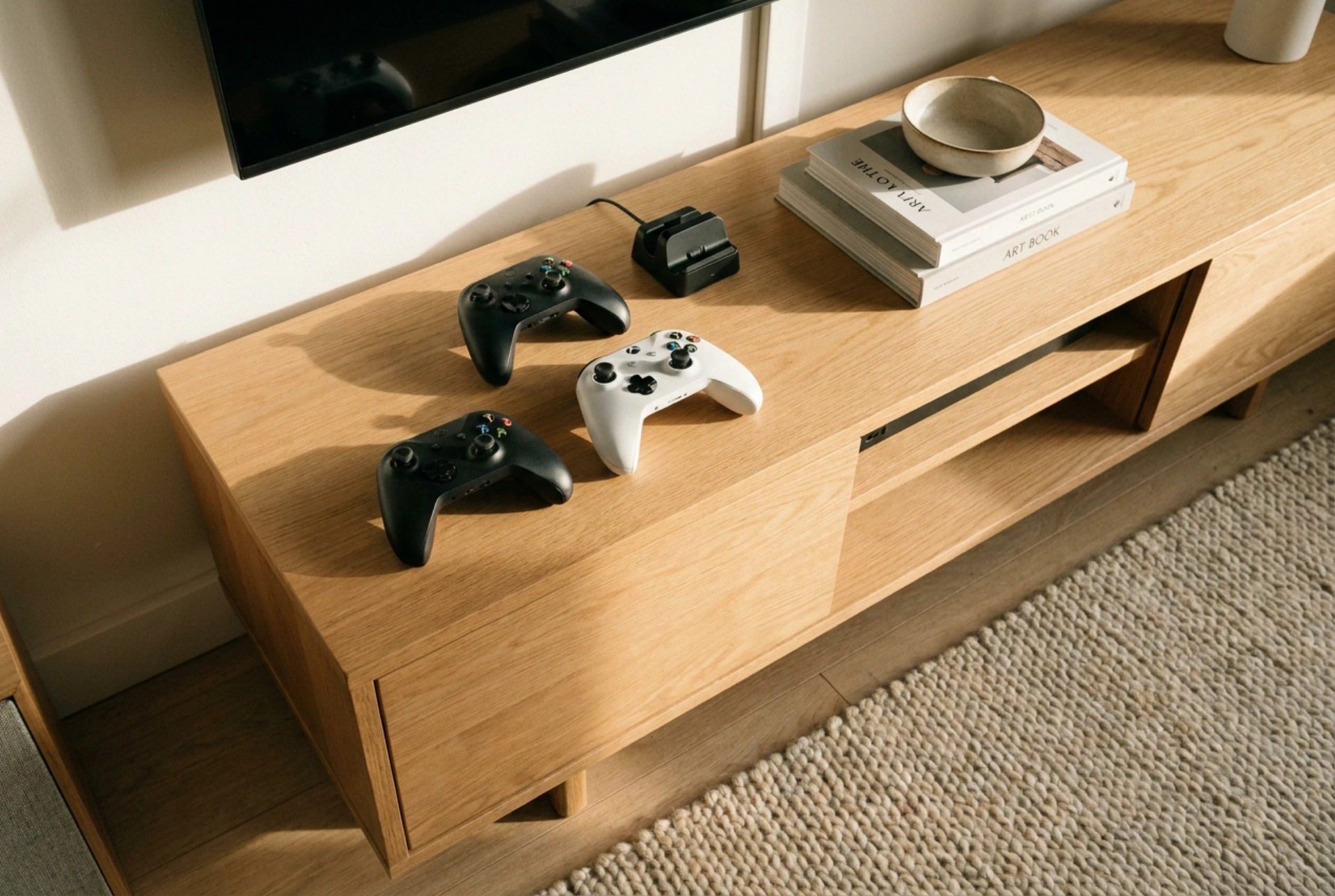


Selecting a video game console for children requires evaluating structural durability, physical ergonomics, and robust digital boundaries to ensure a safe and age-appropriate environment. Understanding the mechanical and software specifications helps create a balanced gaming space that supports cognitive development without compromising physical health.
Ergonomics and Hand-to-Controller Mechanics
Children possess different biomechanical proportions than adults. Their hands are smaller, their grip strength is lower, and their fine motor skills are still developing. Standard gaming controllers designed for adults often lead to repetitive strain injury (RSI) or tendonitis in younger users due to excessive thumb stretching and hand fatigue.
When evaluating a console system, prioritize controllers with a compact layout and tactile feedback. A child-friendly controller should feature a reduced distance between the analogue sticks and the primary action buttons. Lightweight designs—ideally under 200 grams—prevent wrist fatigue during active gameplay. Furthermore, textured, non-slip surfaces on the underside of the controller improve grip stability, reducing accidental drops and muscle strain.
Material Science and Impact Resistance
In a household with children, hardware is inevitably subjected to high kinetic impacts, drops, and spills. The longevity of a console depends heavily on the materials used in its chassis and peripherals. High-grade Acrylonitrile Butadiene Styrene (ABS) is the industry standard for durable consumer electronics. ABS plastic offers high impact resistance, tensile strength, and rigidity, allowing the device casing to absorb kinetic energy without cracking.
For hybrid or handheld consoles, screen material is another critical vulnerability. Chemically strengthened glass or high-durability polycarbonate screens resist scratches and direct impacts far better than standard plastics. Additionally, look for consoles that utilize internal shock-absorption frames. These internal silicone or rubber dampeners cradle the sensitive electronic components—such as the motherboard and storage drives—minimising the transfer of destructive vibrations when the unit hits a hard surface like hardwood flooring.
Software-Level Access Controls and Digital Boundaries
Physical safety must be paired with digital safety. A child-friendly console must feature a robust, integrated parental control operating system. These software boundaries allow guardians to regulate exposure to online interactions, limit total screen time, and filter content based on international age rating systems.
Effective parental control systems operate at the kernel level of the console's operating system, ensuring they cannot be bypassed by simple reboots. Look for features that allow granular control: the ability to restrict local multiplayer communication, disable in-game microtransactions, and set automatic shutoff timers based on real-time scheduling. Implementing these restrictions at the system level prevents friction and establishes clear, automated boundaries for daily screen consumption.
Thermal Management and Decibel Levels
High-performance computing generates substantial thermal energy. In a family living space or child’s bedroom, thermal dissipation and acoustic output are vital safety considerations. Consoles with poorly designed cooling paths can reach external surface temperatures that pose minor burn risks or emit high-frequency fan noise that disrupts concentration and sleep patterns.
Opt for systems that employ passive cooling paths or high-diameter, low-RPM active fans. A well-ventilated console utilizes large heatsinks and copper heat pipes to draw thermal energy away from the central processing unit (CPU). This keeps the outer plastic shell cool to the touch (ideally under 40 degrees Celsius) and maintains operational noise below 35 decibels. Placing the console on a elevated, hard surface—rather than directly on a carpet—further optimizes airflow and prevents dust accumulation inside the cooling vents.





