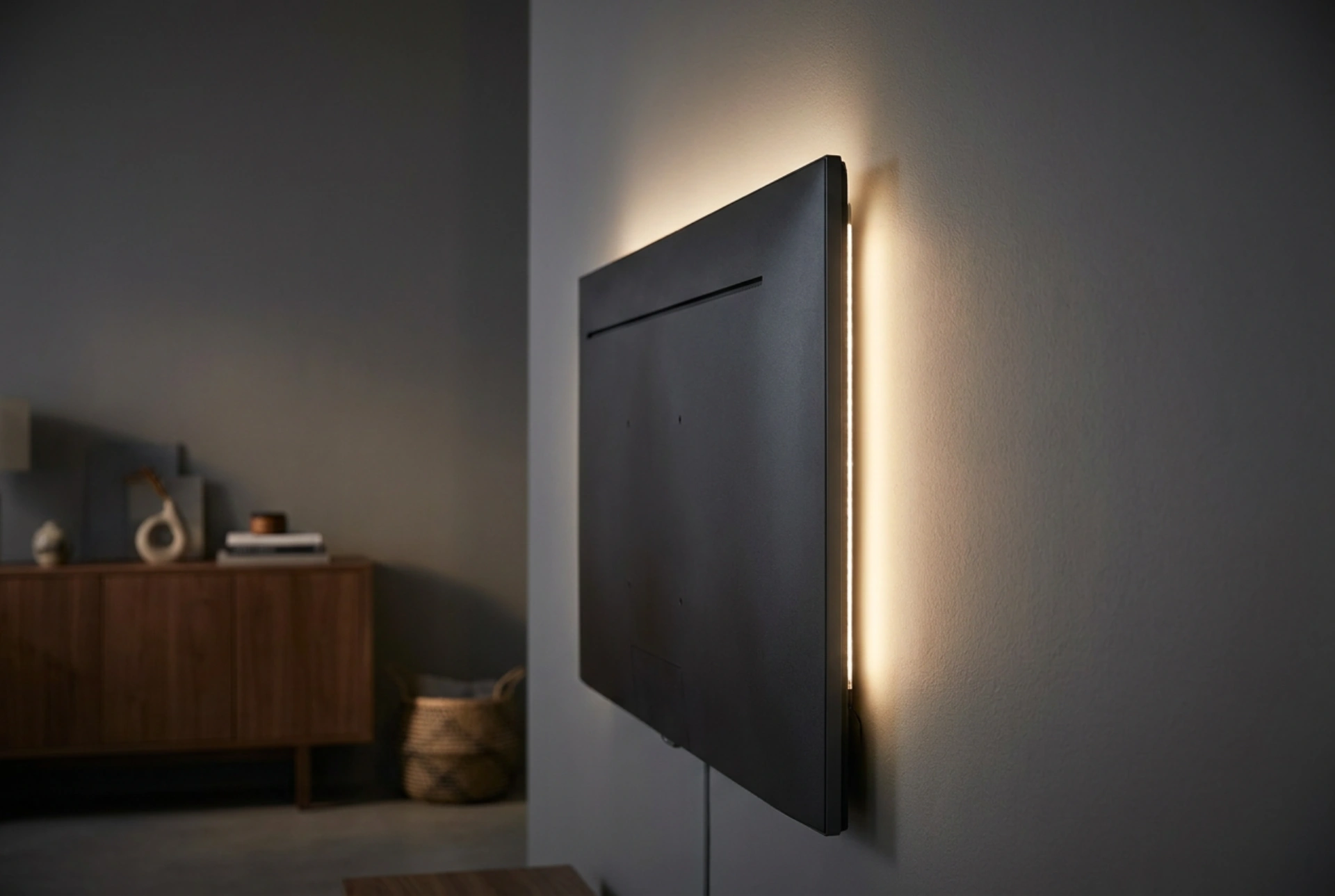


Achieving the perfect home cinema experience depends as much on how you manage the ambient light surrounding your television as it does on the display technology itself. Integrating a bias light—a dedicated light source positioned behind the screen—drastically improves perceived contrast and reduces eye fatigue by stabilising the pupillary reflex.
The Biophysics of Bias Lighting
To understand why backlighting enhances your viewing experience, you must look at how the human eye processes light. The iris behaves like a camera aperture, dilating in darkness to let in more light and contracting in bright environments to limit light intake. When you watch a bright screen in a pitch-black room, your eyes are forced to constantly adjust between the intense luminance of the display and the surrounding darkness. This rapid, repetitive contraction of the iris muscles causes severe ocular fatigue, dry eyes, and headaches.
By introducing a soft glow behind the television, you establish a baseline level of ambient luminance. This prevents your pupils from dilating fully during dark scenes or contracting excessively during bright highlights. Additionally, this ambient light exploits a visual phenomenon known as the simultaneous contrast illusion: when the area surrounding a screen is slightly illuminated, the black levels on the display appear significantly deeper and richer to the human eye, artificially boosting the perceived dynamic range of your screen without altering its hardware settings.
The D65 Standard: Getting the Colour Temperature Right
Not all light sources are suitable for bias lighting. To maintain the chromatic accuracy of your television's display, the backlight must emit light at a colour temperature of 6500 Kelvin, commonly known as the D65 standard. This specific wavelength corresponds to natural daylight on a slightly overcast day and serves as the universal calibration standard for the global television and film industry.
If you use a backlight that is too warm (under 3000 Kelvin, typical of standard incandescent bulbs), your brain will compensate for the yellow-orange bias in your peripheral vision, making the colours on your screen appear artificially cool or bluish. Conversely, using a light that is too cool or bluish (above 7000 Kelvin) will make the onscreen image look overly warm, introducing an unwanted yellowish or reddish tint to skin tones and natural landscapes. For the most accurate colour reproduction, ensure your backlight has a High Colour Rendering Index (CRI) of 90 or above, which ensures the light contains a full, balanced spectrum of wavelengths.
Calibrating Brightness and Diffuse Reflection
Proper calibration of the backlight’s brightness is essential to prevent washed-out colours or insufficient eye-strain relief. The industry standard suggests that the luminance of the wall behind the television should be approximately 10% of the peak white output of the television display.
To calibrate this manually without professional light meters, display a solid grey test pattern or a black-and-white film scene on your television. Adjust the intensity of your backlight until the wall behind the screen matches the brightness of the grey tones on the display. The light must be diffused evenly; visible hot spots (areas of intense, concentrated light) will distract the eye and ruin the illusion of enhanced contrast. To achieve a soft, uniform halo, position the light strip at least 10 to 15 centimetres away from the wall surface. This allows the light rays to spread and scatter naturally across the wall before reaching your eyes.
Wall Surface Materials and Spatial Positioning
The material properties of the wall behind your television play a crucial role in how the bias light is distributed. A flat, matte paint finish is ideal because it scatters the light uniformly in all directions (diffuse reflection). In contrast, glossy or satin paints create specular reflections, resulting in harsh, visible glare and distracting reflections of the individual light-emitting diodes.
The colour of the wall also matters. For optimal results, the wall should be a neutral tone, preferably white, light grey, or medium grey. Coloured walls will absorb certain wavelengths and reflect others, altering the colour temperature of the backlight. For example, a red wall will reflect red light, shifting the D65 light towards a warm hue and skewing your colour perception of the television picture. If your wall is painted a vibrant colour, you can mitigate this effect by keeping the backlight brightness slightly lower or by mounting a neutral grey backplate behind the television to serve as a dedicated projection surface.





