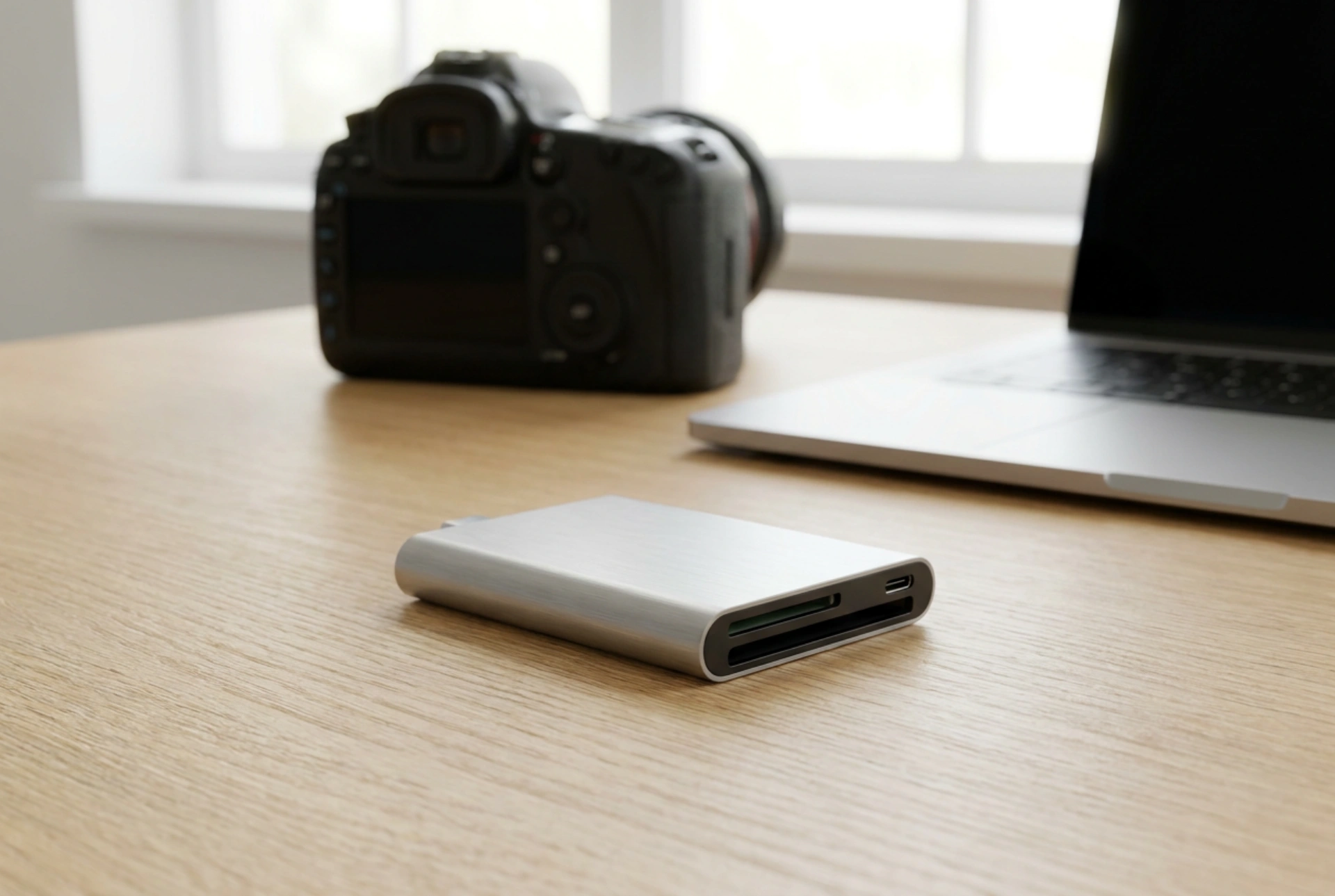


While both laptop and camera SD card readers serve the fundamental purpose of accessing flash storage, they operate on vastly different electronic architectures, bus protocols, and thermal tolerances. Understanding these engineering differences explains why a card that records fluid ultra-high-definition video in a camera might struggle with data transfer speeds when connected to a computer hub.
Physical Contact Architecture: The UHS-I and UHS-II Divide
The primary physical differentiator in memory card readers is the pin configuration designed to interface with the card’s contact pads. Standard Ultra High Speed I (UHS-I) readers utilise a single row of nine physical pins to transmit power, ground, clock signals, and data. These interfaces operate on a single-ended signalling system, limited by physical bus constraints to a theoretical maximum transfer rate of 104 megabytes per second.
In contrast, high-performance camera readers and advanced laptop interfaces feature UHS-II compatibility, which introduces a second row of eight additional pins directly below the first. This second row enables Low-Voltage Differential Signalling (LVDS), which uses two complementary signals to transmit a single piece of information. By measuring the difference between these two signals rather than the voltage relative to a shared ground, LVDS significantly reduces electromagnetic interference and power consumption, allowing write and read speeds to exceed 300 megabytes per second. If a laptop reader lacks this secondary row of physical pins, any UHS-II card inserted will fallback to UHS-I speeds, regardless of the card's premium rating.
Protocol Translation: Hardware Pipelines vs. USB Bridges
Inside a digital camera, the card reader is not an external peripheral but an integrated sub-system directly connected to the image signal processor (ISP) via a dedicated high-speed bus. This direct hardware pipeline minimises latency and allows the camera to write raw sensor data directly to the flash storage with minimal protocol overhead. The camera's internal controller is optimised specifically for continuous, high-volume sequential writes.
Laptop card readers, whether integrated into the motherboard or connected externally, rely on a bridge controller. This integrated circuit acts as an interpreter, translating the native Secure Digital (SD) commands into USB protocol packets (such as USB 3.0 or USB-C). This translation layer introduces latency and protocol overhead. Modern laptop readers overcome some of this bottleneck by utilising USB Attached SCSI Protocol (UASP) instead of the older Bulk-Only Transport (BOT). UASP allows for parallel command queuing and multi-tasking, significantly accelerating file transfers of large batches of photographs.
Thermal Management and Power Delivery Dynamics
Operating a high-speed memory card reader generates significant thermal energy due to high-frequency data switching and resistance in the copper contacts. Camera systems are engineered with passive thermal dissipation pathways, often sinking heat away from the card slot into the larger metallic magnesium-alloy chassis of the camera body to prevent the flash memory controller from thermal throttling during intensive recording.
Laptop readers, particularly compact USB dongles, face severe space constraints. To prevent heat buildup, premium external laptop readers utilise anodised aluminium housings which act as direct heatsinks. Furthermore, power delivery differs: a camera reader operates on a highly regulated internal voltage regulator module that switches dynamically between 3.3 volts (for standard compatibility) and 1.8 volts (required for UHS-II high-speed operation). Laptop readers must negotiate this power delivery through the USB host controller, where voltage fluctuations in low-grade hubs can lead to read-write errors or silent data corruption.
Mechanical Tolerances and Wear Resistance
The physical slot design also varies based on the expected usage cycle. Camera card slots feature robust spring-loaded push-push mechanisms designed for thousands of insertion cycles, with tight physical tolerances to ensure continuous contact even under heavy physical vibration. Laptop readers, particularly multi-format hubs, often use cost-effective push-pull slots that rely purely on friction, which can wear down over time and lead to intermittent connection dropouts during critical file transfers.





